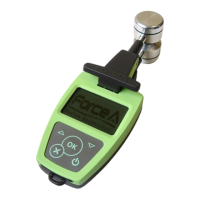
DUALEX SCIENTIFIC+
TM
FORCE-A User’s manual v.3.1
Date & hours, Contrast, Stand-by mode, Language and About.
The navigation among the menus is made by using buttons up and down on the
keyboard.
The selected sub-menu is marked by (> <). Use the button to select the sub-menu.
II.4. Sub menu ‘measurement’
To initialize a measurement sequence, select the sub-menu ‘Measurement’ and press button.
II.4.a. Calibration
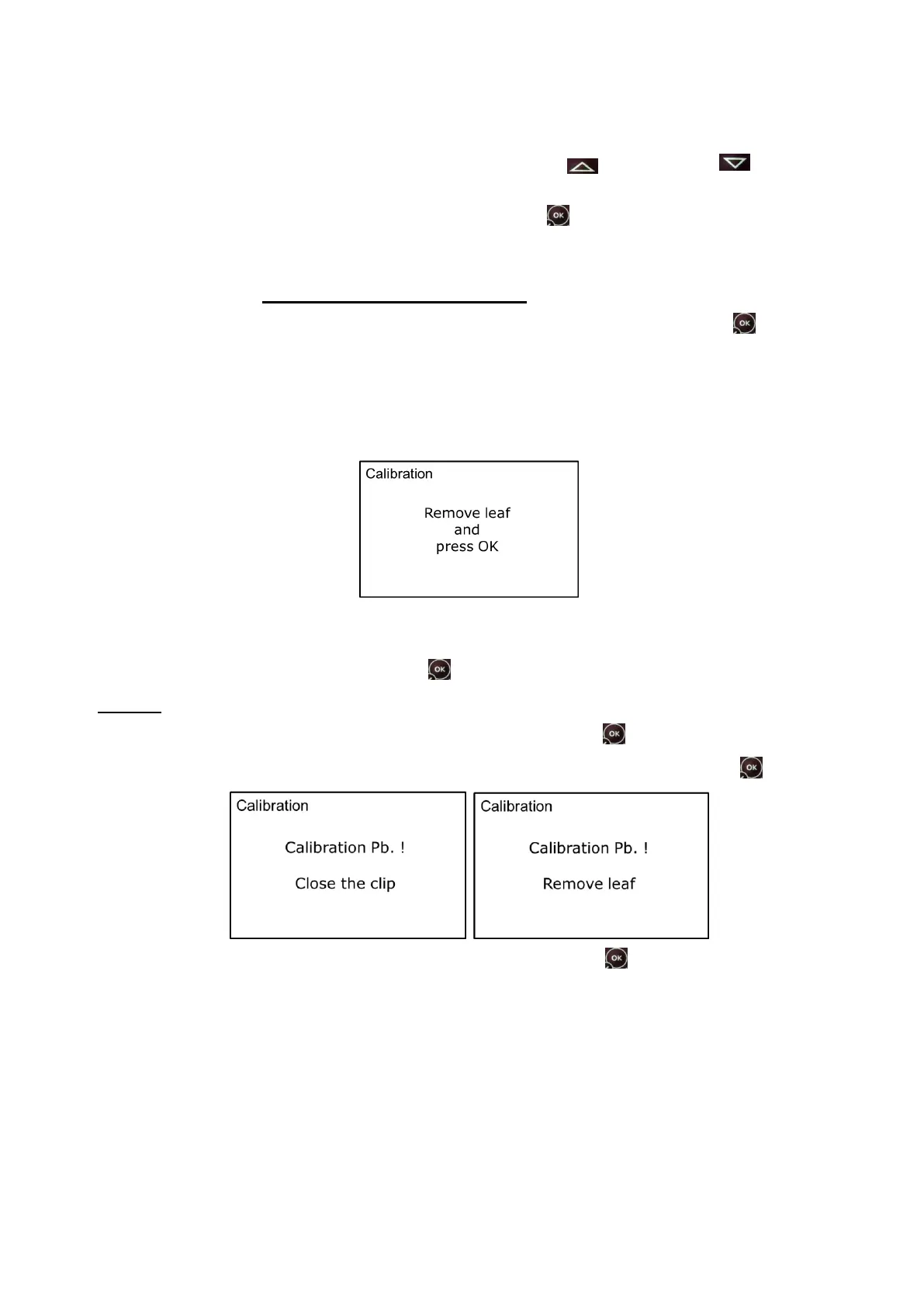
When the measurement sub-menu is selected and before any measurement, the DUALEX
SCIENTIFIC+™ unit will ask for a short self-calibration. The following screen will appear:
Be careful during calibration process that there is nothing between the optical heads and that the
clip is well closed.
To start self-calibration, press on the button .
Warning: You can face three potential problems during the calibration:
- The clip is opened: close it and press on the button .
- There is a leaf between both heads: remove it and press on the button .
- Heads are dirty, clean them and press on the button .
II.4.b. Measurement
Once calibration succeeded, the DUALEX SCIENTIFIC+™ unit is ready to measure and displays
the following screen:


 To Next Page