12
Operating Procedures
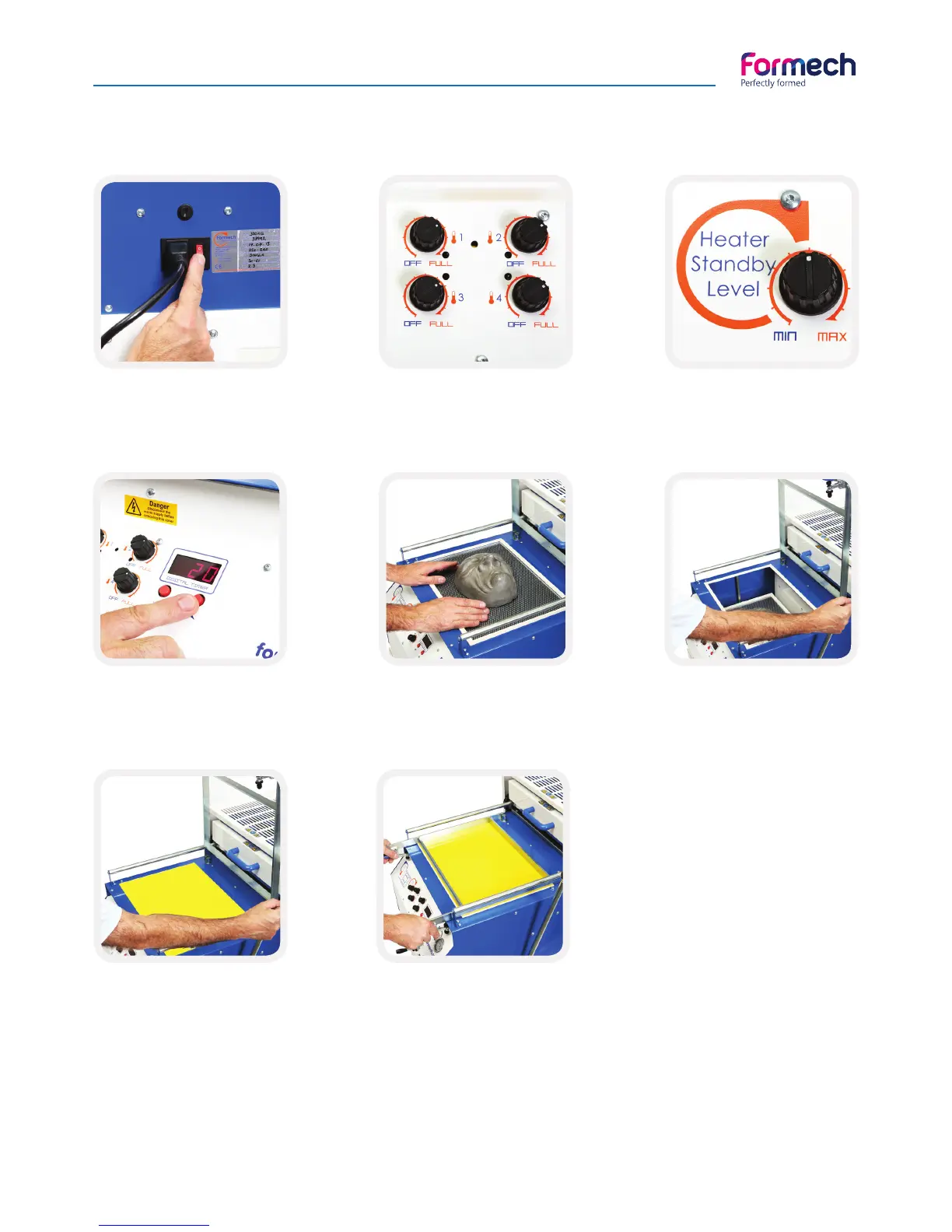
Turn the power switch to ON.
The digital timer in the front
panel will illuminate.
Set the zone controls as below:
- Zone 1 at 60%,
- Zones 2, 3 & 4 at about 75% (1)
Set the heater standby level
to about 30%.
Set the timer to zero using
‘DOWN’ button.
(2)
With the heater fully back
and the mould table in the
up position place your mould
onto it. (3)
Place the table into the lower
position by pushing the table
lever away from you.
Position a sheet of plastic
over the aperture. The plastic
should completely cover
the white seals around the
aperture.
Pull the clamp frame down
and close the material
clamps.
Basic Operation
(1) Each line in the heating zone corresponds to 10% power.
(2) When set to zero the timer will count up. This will help you establish the time for the heating cycle.
(3)A wire mesh is supplied with your machine to be placed under the mould to assist with vacuum airflow.



 To Next Page