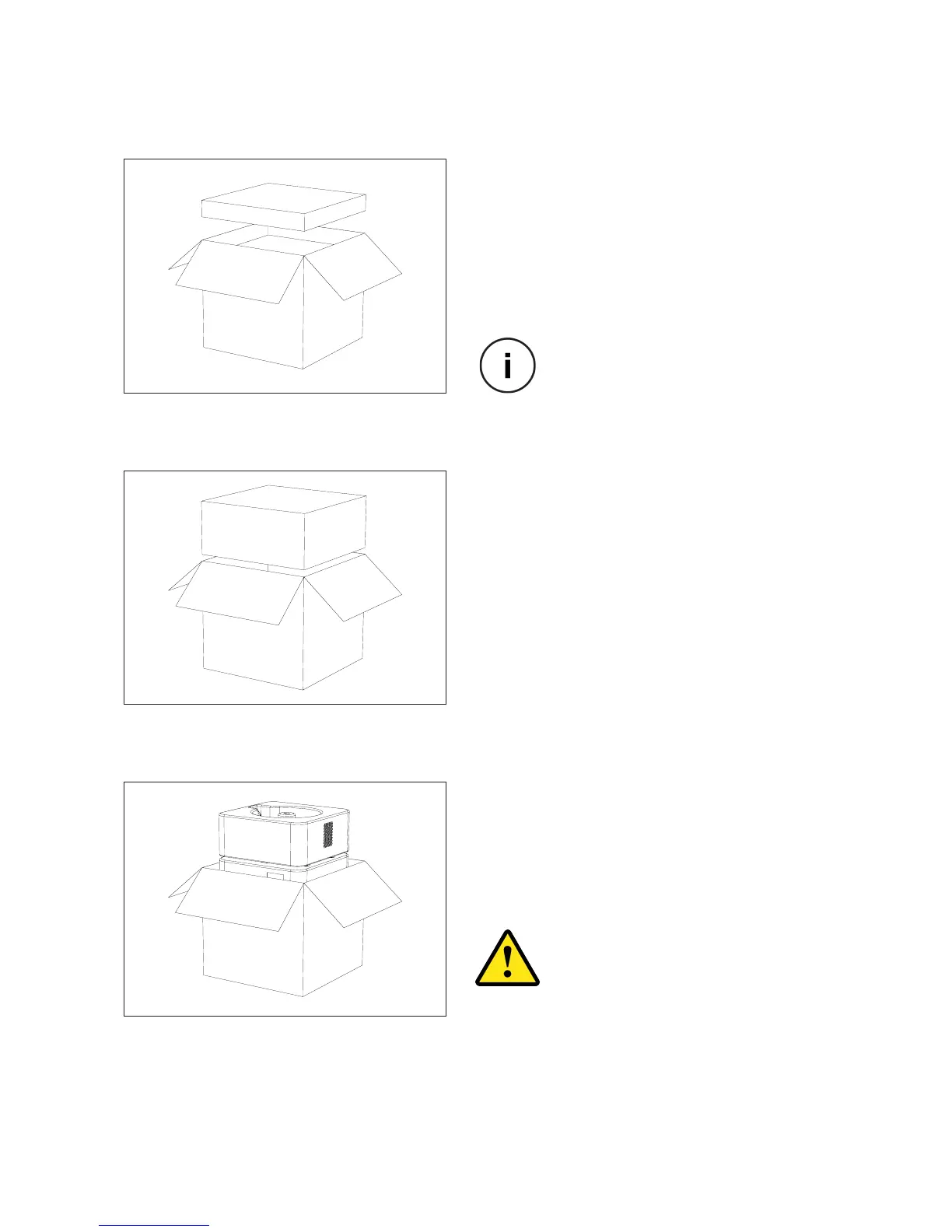
1. Remove the Accessory Box
accessory box containing all the set up kit.
2. Remove the foam protection
After you have removed the set up kit box,
pull the protective foam upwards and take
it out of the box.
3. Remove Formon Core
Now pull the printer carefully and slowly,
using the belt handle on top of it. Place it
pulling belt.
UNPACKING
Check the next page for the
accessory items list.
Be very careful while pulling the
printer out. Any drop may cause
damage that is not covered by the
products warranty.
SETTING UP | 13



 To Next Page