PREPARING FOR A PRINT
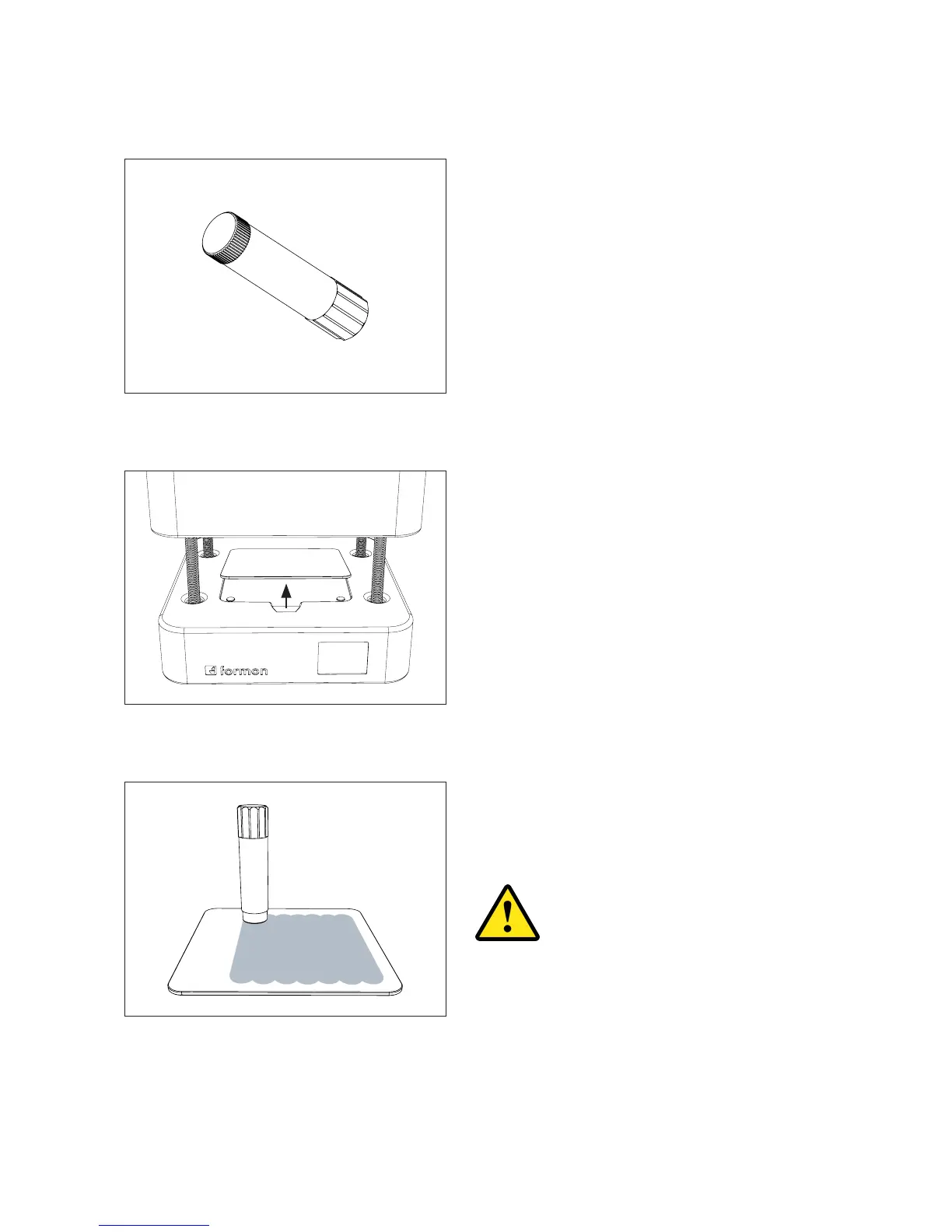
1. Take the Glue Stick from the accessory
box.
2. Take the Print Plate out of the printer.
3. Apply a thin, even layer of glue before
each new print on the the Print Plate on
put back the Print Plate in the printer.
If you don’t apply the glue properly
to the surface on which the rst
layer of the print will be extruded,
your object will not stick to the
Print Plate and you might end up
with a failed and messy print.
STARTING A PRINT | 22



 To Next Page