GET FORMON SCOPE
called Formon Scope.
1. Go to formon3d.com/software.
2. Choose the appropriate operating system and download Formon Scope.
installer. Follow the installation instructions.
HOW IT WORKS
and prepare them for print. You can choose the print settings to modify your prints.
CONNECTING FORMON CORE TO PRINT
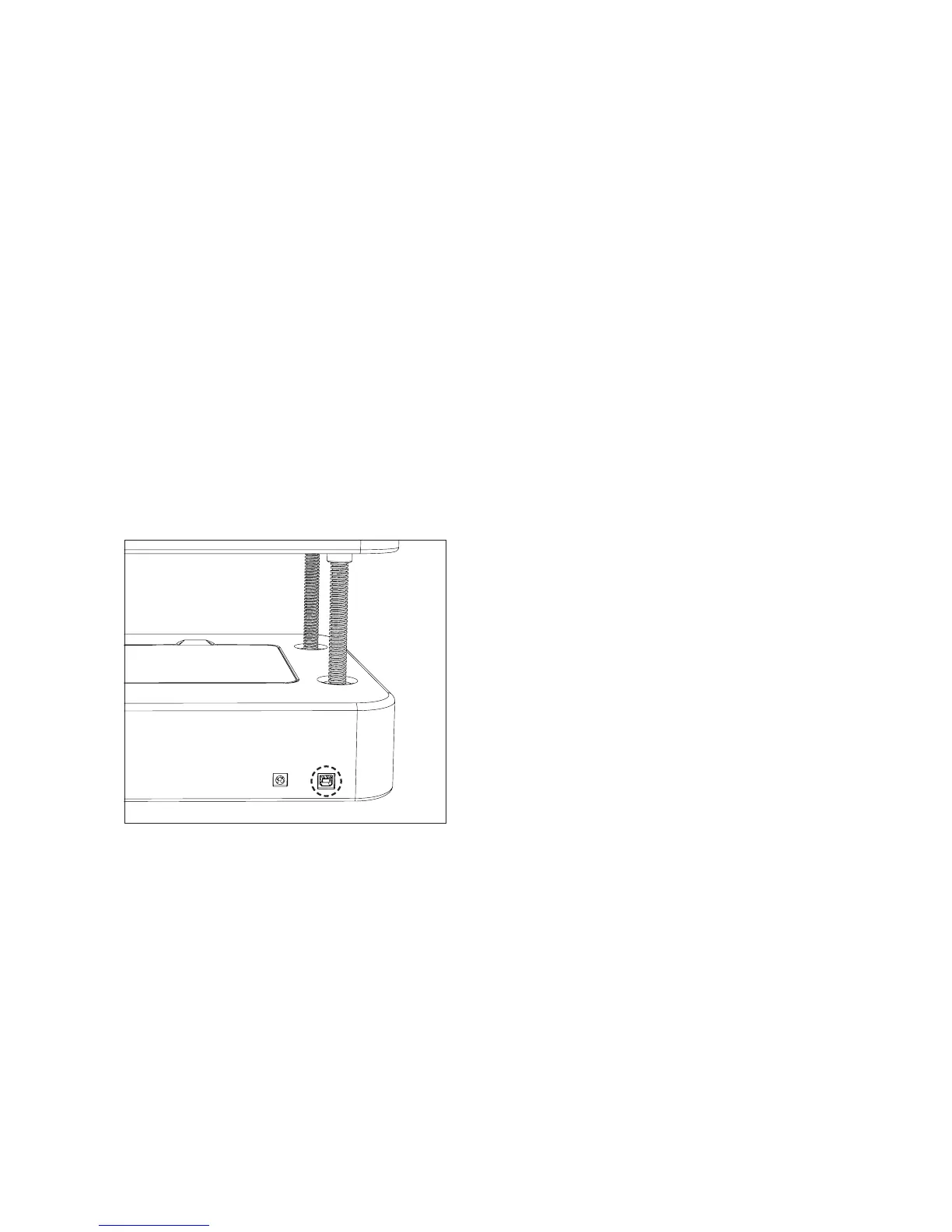
To CONNECT VIA USB CABLE, insert the
USB cable in the printer, next to the power
input port on the back of the printer.
Formon Scope will automatically detect
your printer and you are ready to print.
To CONNECT VIA WIFI, make sure that
the printer is connected to your computer
through the USB cable, and follow the
instructions on the next page about WI-FI
CONFIGURATION.



 To Next Page