SETTING UP FORMON CORE
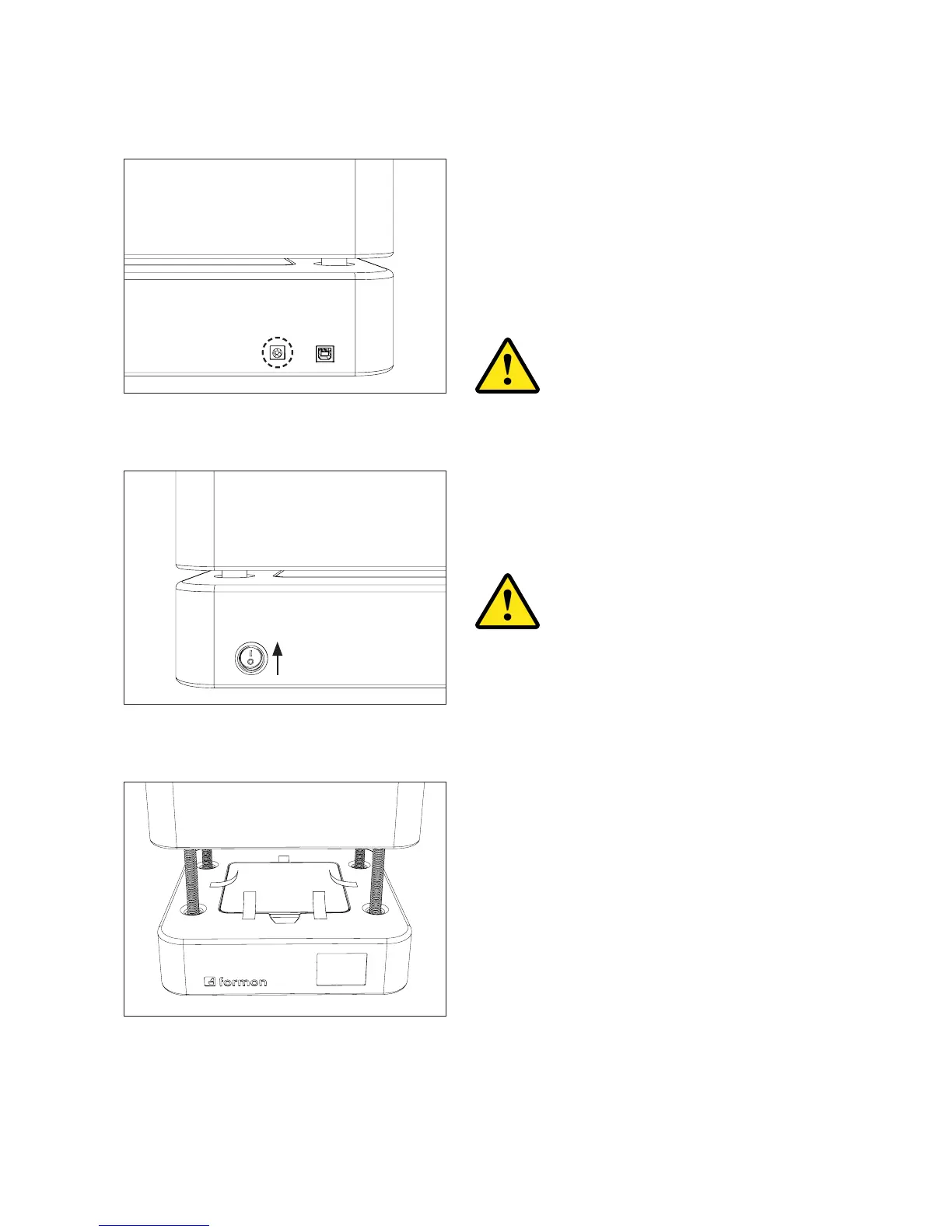
1. Plug the power adapter into the power
input port at the back of Formon Core.
2. Plug the power cord into the power
adapter and into an electrical outlet.
3. Turn the power switch ON.
Ready to Print in the printer’s touch screen
display.
6. Now remove the shipping tape from the
Print Plate.
Make sure that the power switch
is OFF before plugging the power
cord into an electric outlet.
During the printers calibration
process, DO NOT place anything
on the top platform, and make
sure you DO NOT touch it while
calibrating. The top platform will
move upwards.
SETTING UP | 15



 To Next Page