EasyManua.ls Logo

Formon Core - Loading Filament

Default Icon
35 pages
Print Icon
To Next Page IconTo Next Page
To Previous Page IconTo Previous Page
Loading...
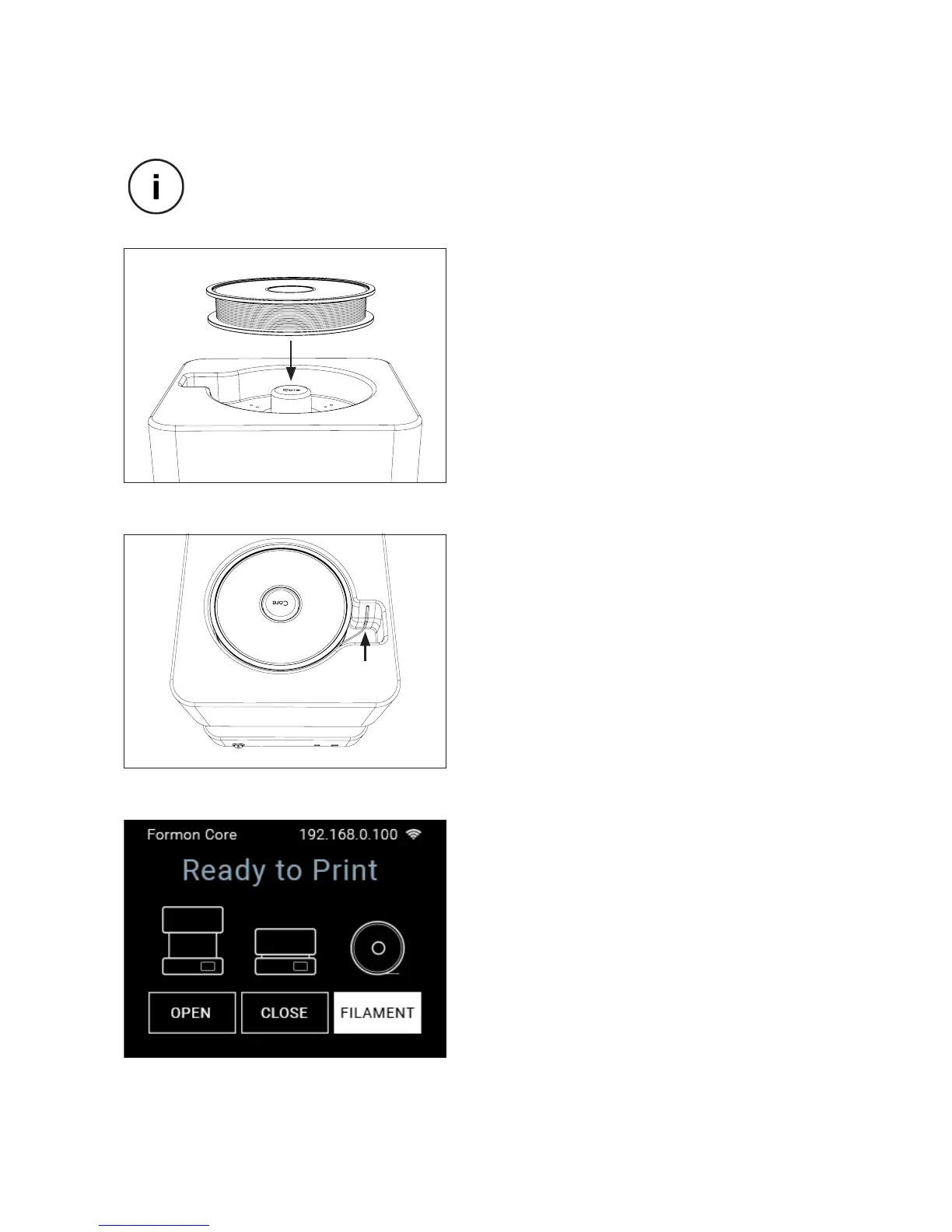
LOADING FILAMENT
1. Remove

holder on top of Formon Core.
2. Insert
hole and push it until you feel the resis-

3. On the Ready to Print
FILAMENT button on the bottom right
corner and press it.
Make sure Formon Core is plugged in and turned ON then proceed to the
loading lament process.
SCALE 1 : 1
SETTING UP | 16