USING FORMON SCOPE
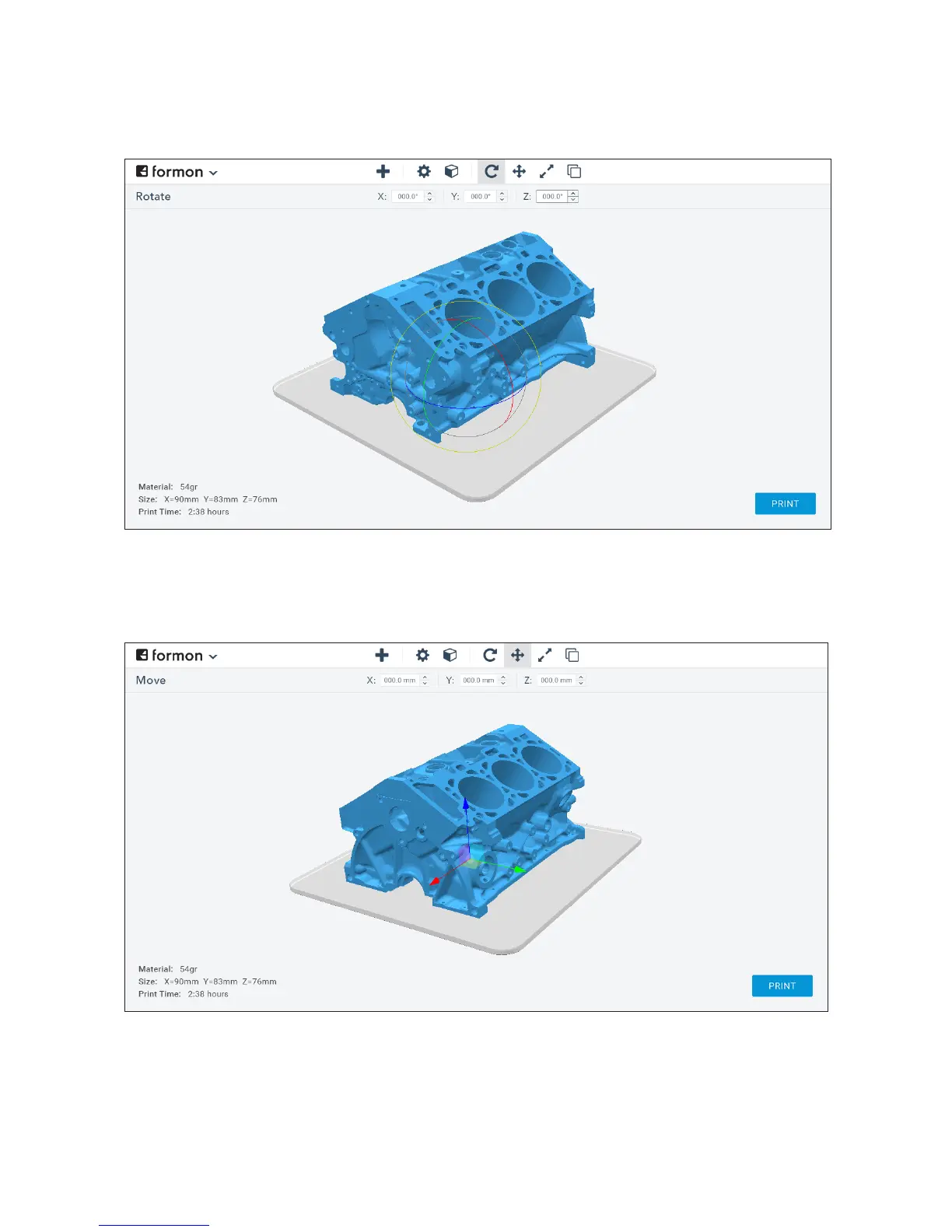
ROTATING THE 3D MODEL - To rotate the 3D model, click the rotate arrow icon,
choose the rotation axis and write the rotation angle, or rotate it by dragging the
controls that are displayed in the selected 3D model.
MOVING THE 3D MODEL - To move the 3D model, click the move arrow icon, choose
the movement axis and write the desired value, or move the model by dragging the
move controls that are displayed in the selected 3D model.
STARTING A PRINT | 24



 To Next Page