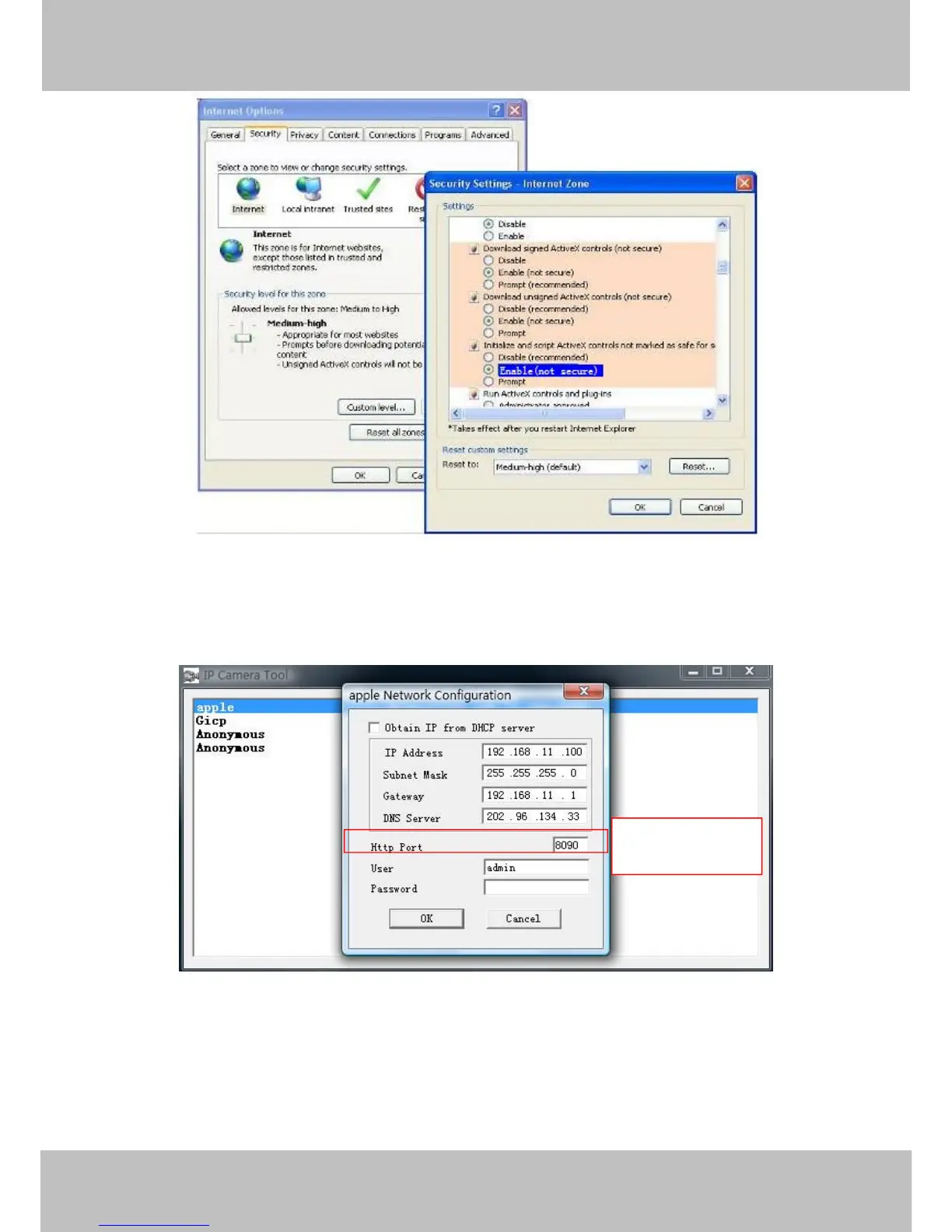
Figure 4.1
If you allow the ActiveX to run, but still can not see living video and a red cross in the centre of
the video. Pls select another port number. Don’t use port 80, use port 85, 8005.etc.
Figure 4.2
NOTE: Make sure that your firewall or anti-virus software does not block the camera or ActiveX.
If you cannot see live video, try shutting down the firewall or anti-virus software and try again.



 To Next Page