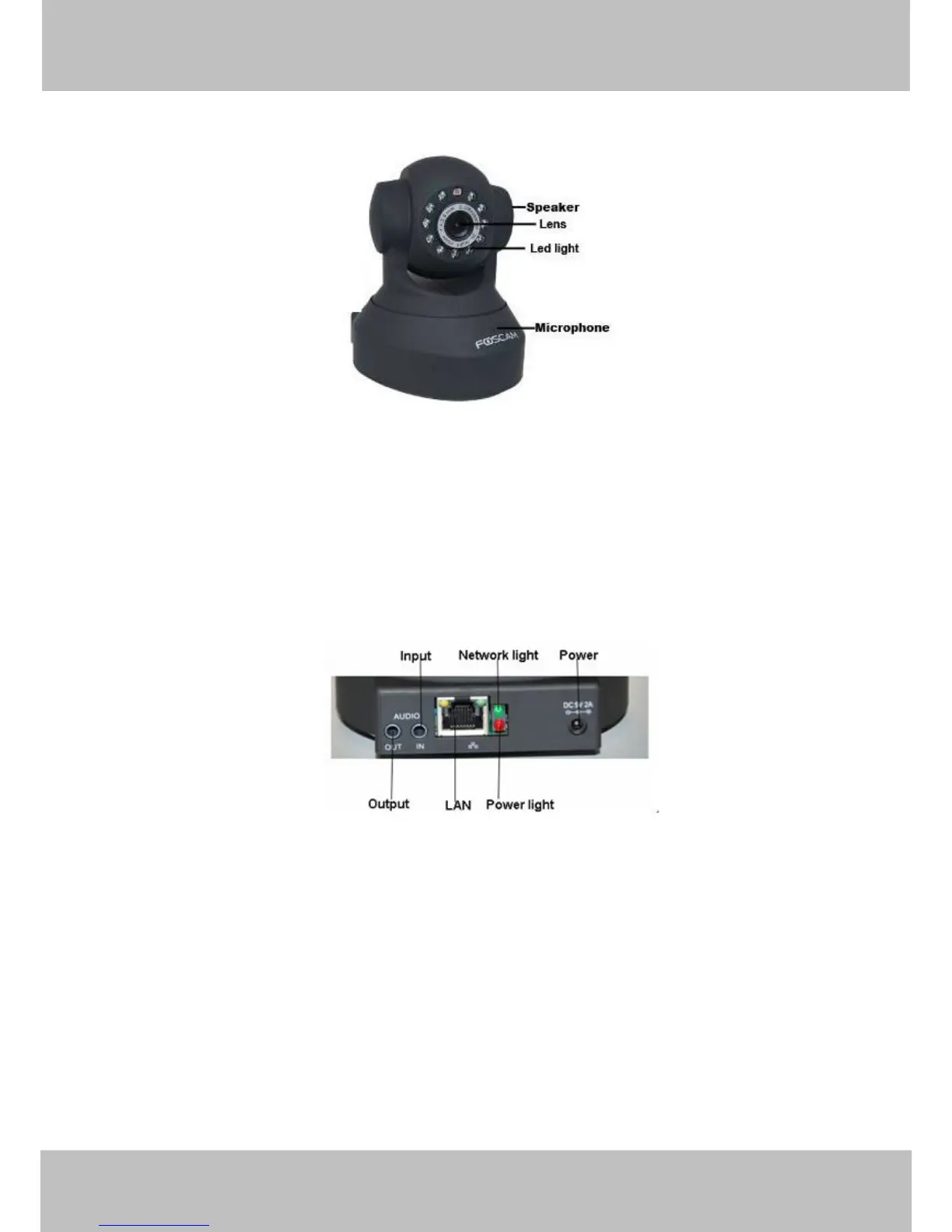
Back View
Figure 1.2
LAN: RJ-45/10-100 Base T
Power: DC 5V/2A Power supply
Network Light: The LED will blink when power and network cable are plugged in
Power Light: If the power adapter works well, the light will turn on
Audio Input: This jack is used to plug an external microphone
Audio Output: This jack is used to plug an external speaker
Bottom View
There are up to two labels located on the body of the camera; this is an important feature of
original Foscam cameras. If your camera does not have labels as shown in Figure 1.3 ,it may be
a clone one. Cloned Foscam cameras can not use original firmware and are not eligible for



 To Next Page