: Path to surveillance window. Click this button and back to the surveillance window
: Path to Administrator Control Panel, Click it, and it will lead to Administrator Control Panel and
do advanced settings.
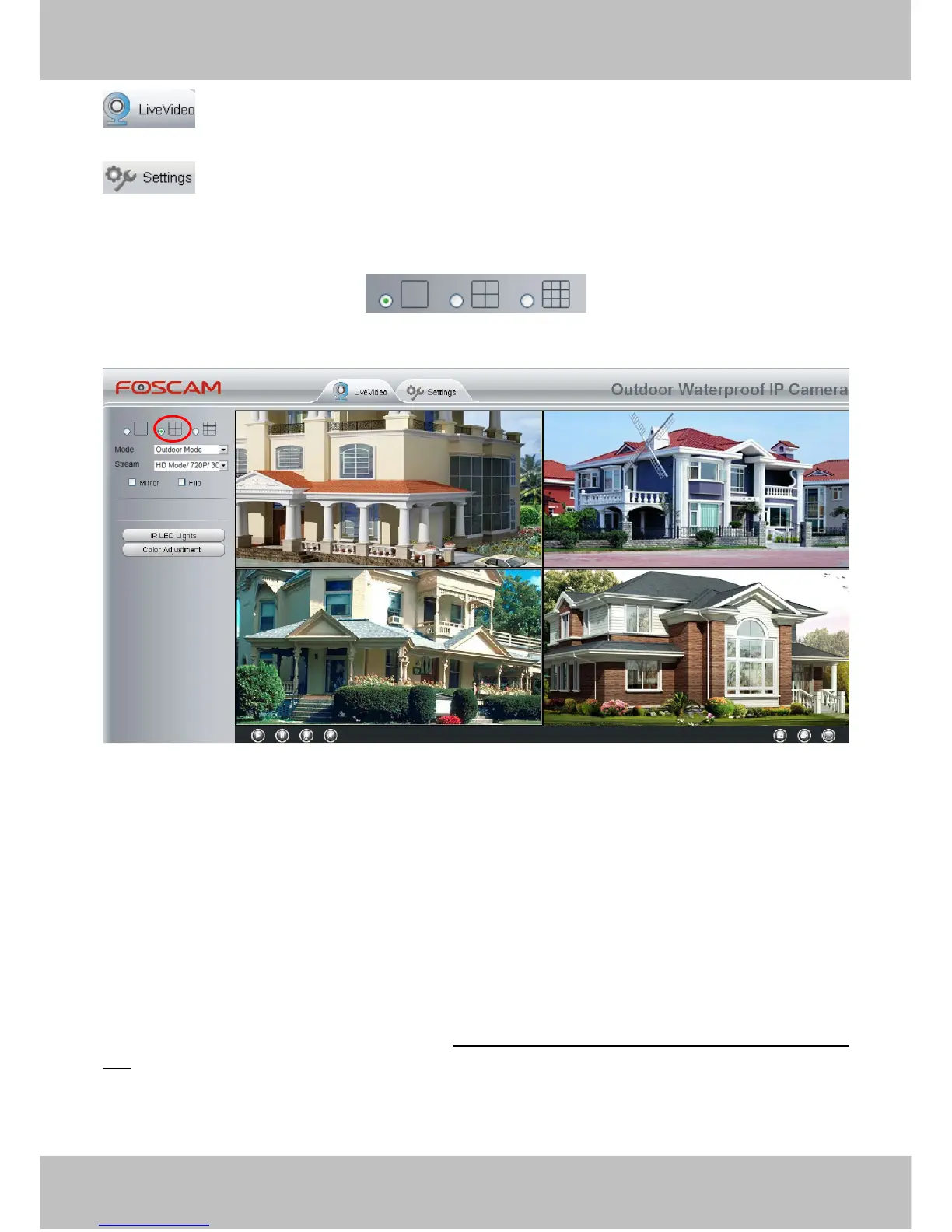
Section2 Multi-Device Window
The firmware inside the camera supports up to maximum of 9 cameras being monitoring at the same time. You
can add other cameras in multi-camera panel (read chapter 4.3.4).
Figure 3.9
Section3 Mode/ Stream / Mirror/ Flip buttons
Mode
1) 50HZ ---------Indoor surveillance (Region: Europe, China)
2) 60HZ ---------Indoor surveillance (Region: USA, Canada)
3) Outdoor Mode------Outdoor surveillance
Stream
The default Stream supports four modes: 0/720P/30fps/2M, 1/VGA/25fps/4M, 2/VGA/15fps/1M and
3/VGA/10fps/200 The format of the stream type is Stream type no. / Resolution / Maximum frame rate/ Bit
rate
1) Stream type no. : The number is used to identify the stream type.
2) Resolution



 To Next Page