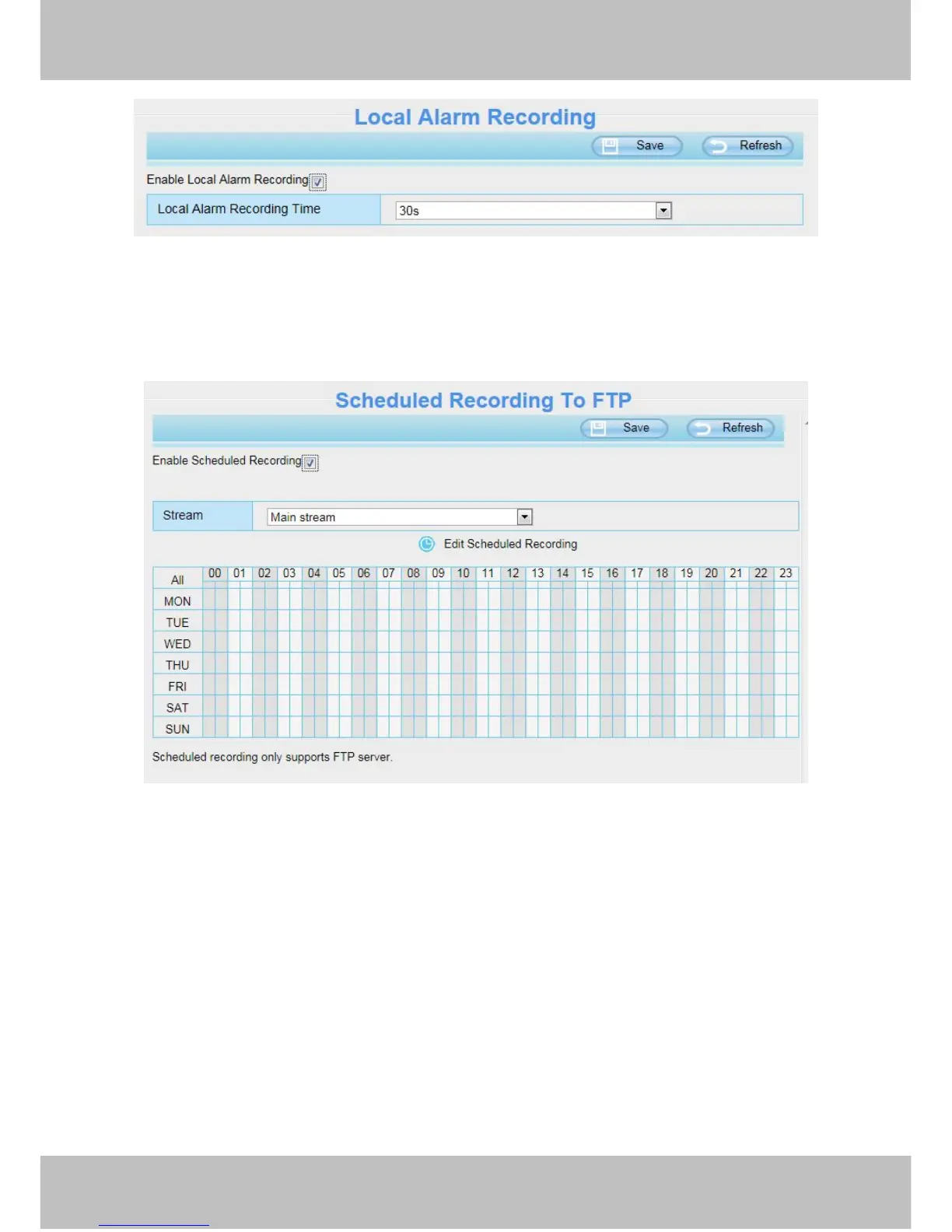
You can select the main stream or sub stream from the drop-down.
You can set the store path of the recording file on the Storage Location page.
Stream: You can select the main stream or sub stream from the drop-down.
You can set the store path of the recording file on the Storage Location page.
Click Save button to take effect.
4.8 Firewall
This section explains how to control the access permission by checking the client PC’s IP addresses. It is
composed of the following columns: Block access from these IP addresses and Only allow access from
these IP addresses.



 To Next Page