EasyManua.ls Logo

Foscam FI9804P - Snapshot Settings

Foscam FI9804P
70 pages
Print Icon
To Next Page IconTo Next Page
To Previous Page IconTo Previous Page
Loading...
w
w
www
www
.foscam.
.foscam.
us
us
Foscam Digital Technologies LLC
Telephone: 1-800-930-0949
49
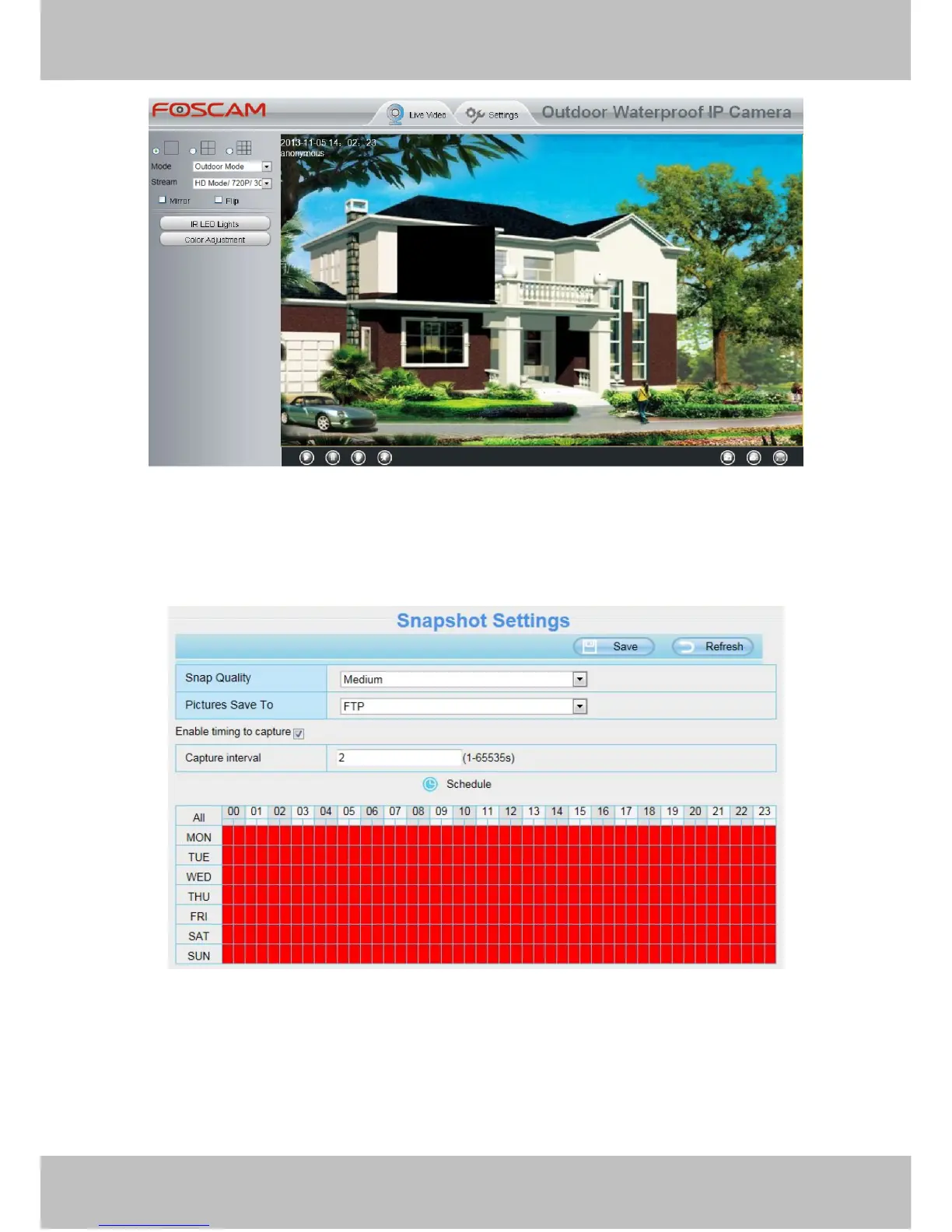
Figure 4.47
4.5.4 Snapshot Settings
On this page you can set the snapshot pictures’ image quality and the storage path.
Figure 4.48
Image Quality: Low, Middle and High. The higher the quality, the picture will be clearer.
Alarm Pictures Save Path: FTP. If you have done FTP and Alarm settings, when alarming, the camera will
snap pictures to the FTP automatically.
Enable timing to capture
To enable capture interval, follow the steps below:


Table of Contents

Related product manuals