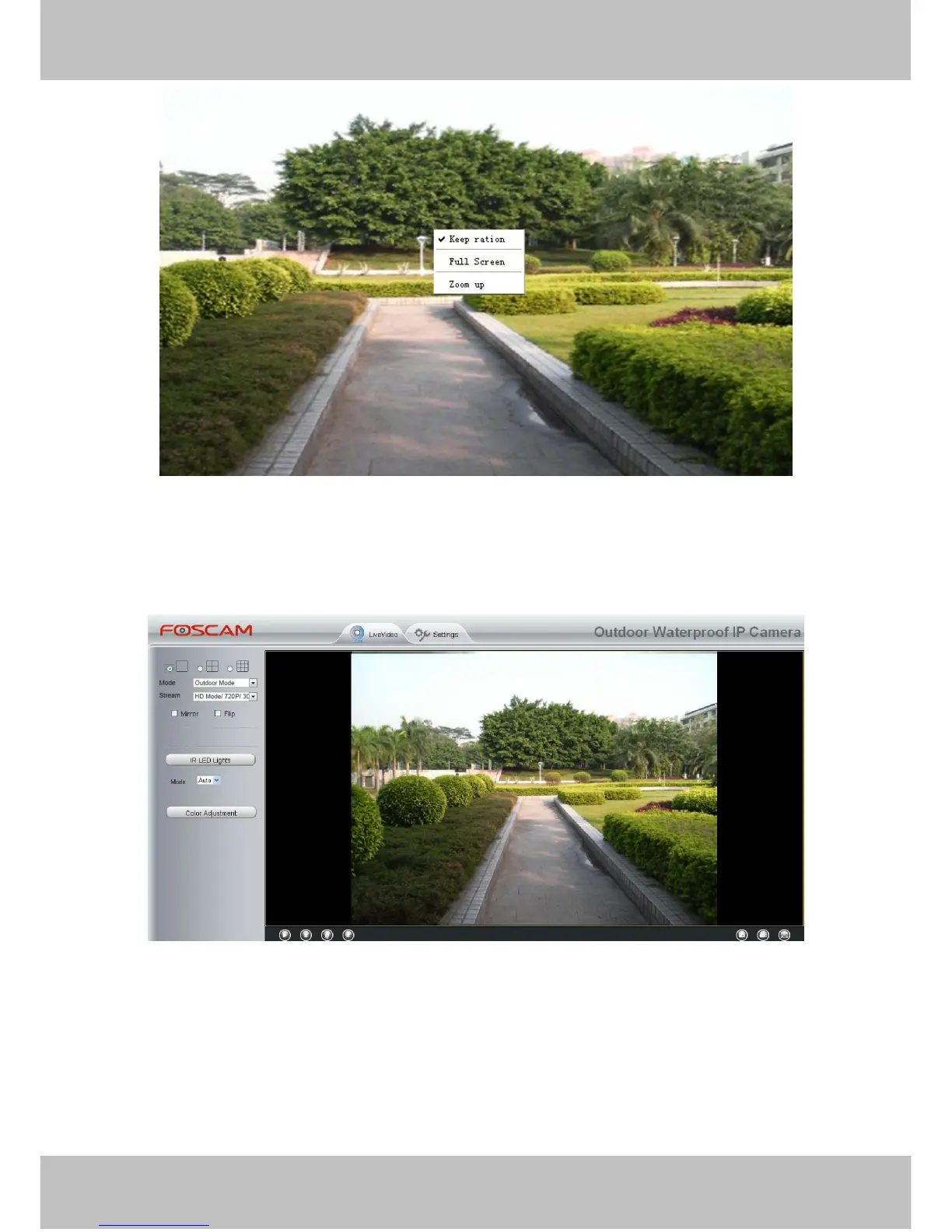
Figure 3.10
Keep ration: Select it and the camera will adjust the size of live window based on the computer monitor
automatically.
Sometimes there is a black border around the video , please select Keep ration to get a better visual quality .
Figure 3.11
Full Screen: Select it and Click it to make full-screen, press ESC and exit full-screen.
Zoom up/down: Click it and the live view will be digital zoomed up, then click Zoom Down and the live view
back to original size.



 To Next Page