www.foscam.com
Shenzhen Foscam Intelligent Technology Co., Limited
Tel: 86 755 2674 5668 Fax: 86 755 2674 5168
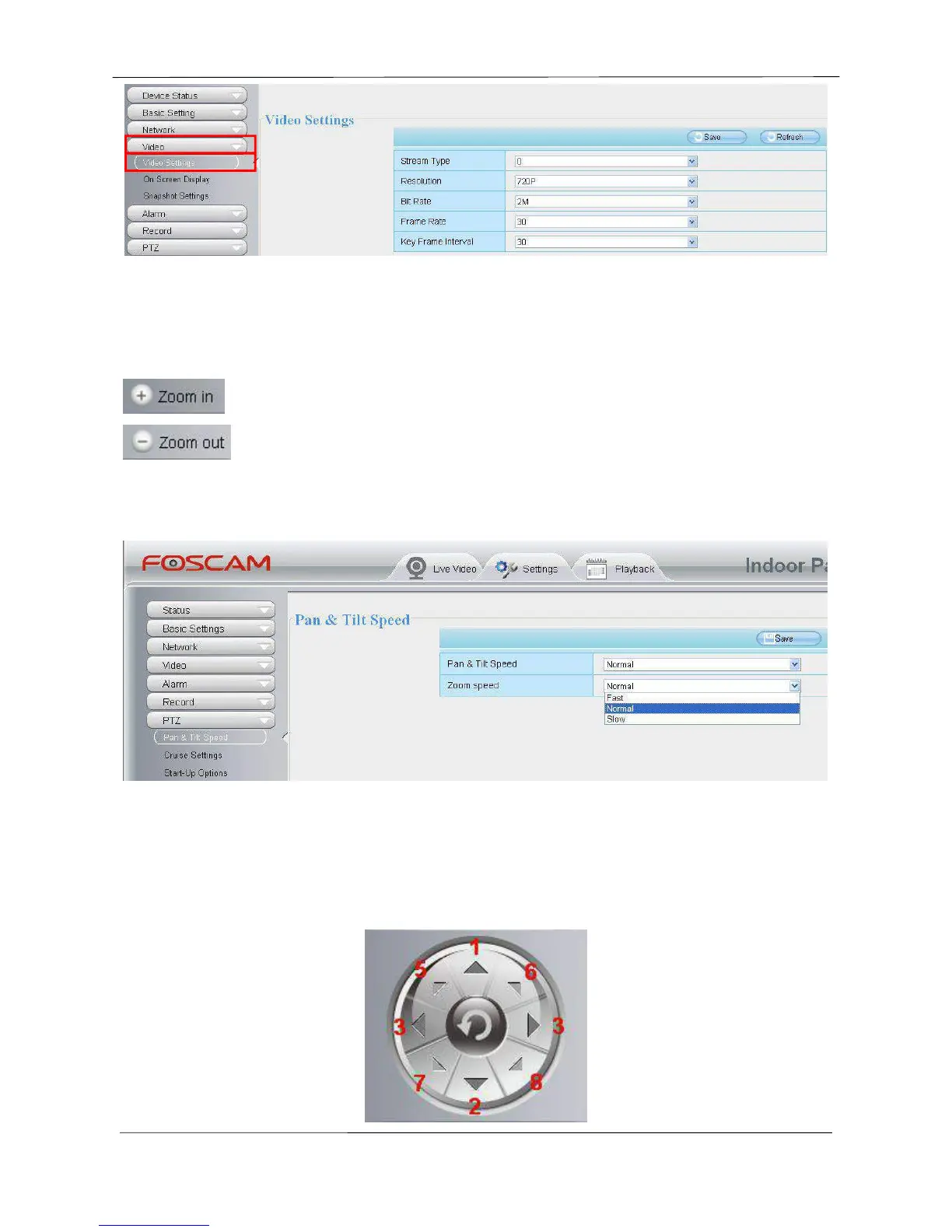
Figure 3.10
After changing, please re-login the camera and you can see the modification.
Section 4 Zoom Control
Zoom in the camera’s lens.
Zoom out the camera’ lens.
You can adjust the speed of the lens’ zoom at Settings--PTZ--Pan & Tilt Speed--Zoom speed.
Figure 3.11
NOTE :
Except for FI9826W and FI9826P, other Cameras don’t support this function.
Section 5 Pan/Tilt Control



 To Next Page