www.foscam.com
Shenzhen Foscam Intelligent Technology Co., Limited
Tel: 86 755 2674 5668 Fax: 86 755 2674 5168
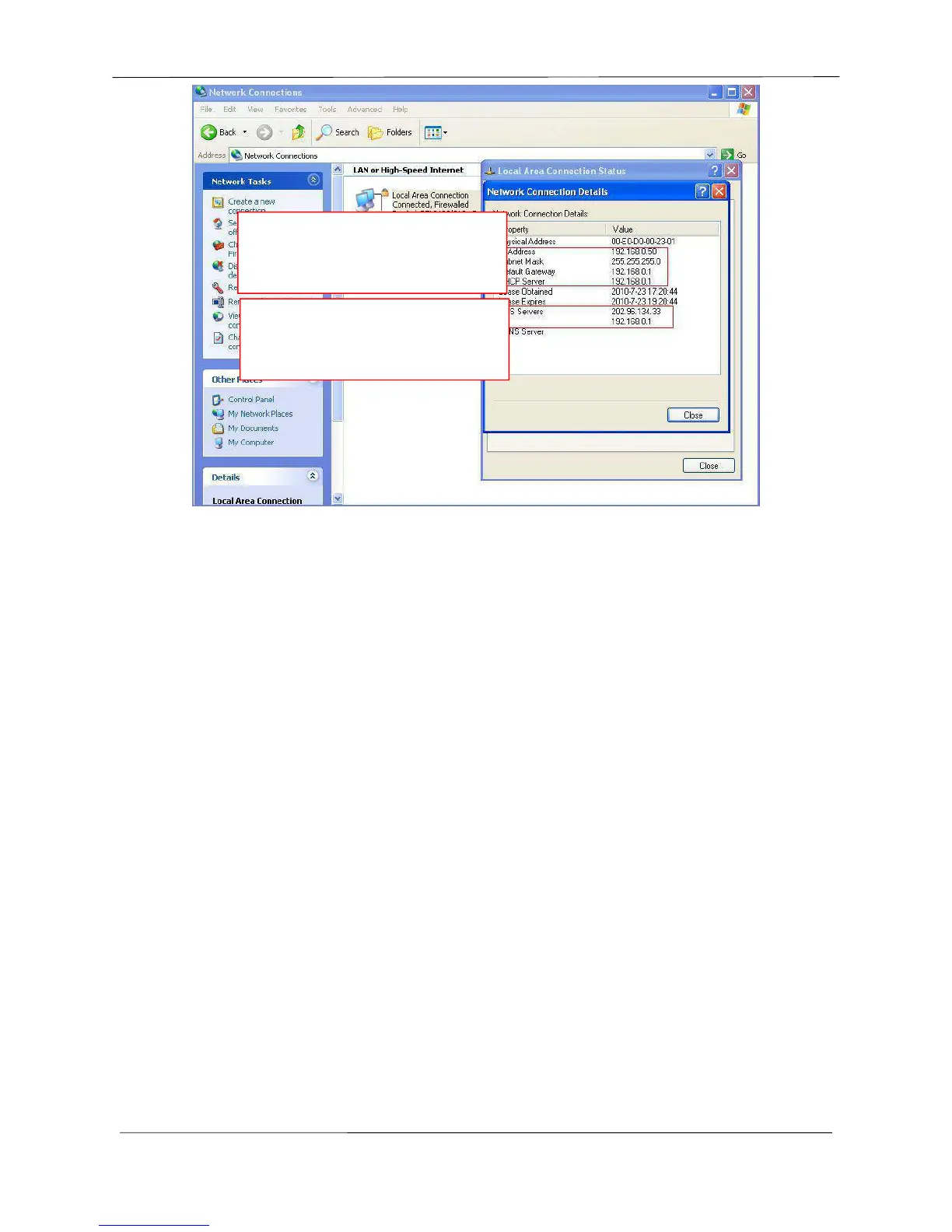
If you don’t know the DNS server, you can use the same settings as the Default Gateway.
4.4.2 Wireless Settings
Step 1: Choose “Settings” on the top of the camera interface, and go to the “Network” panel on the
left side of the screen, then click “Wireless Settings.”
Click the Scan button and the camera will detect all wireless networks around the area. It should also
display your router in the list (Figure 4.23).



 To Next Page