www.foscam.com
Shenzhen Foscam Intelligent Technology Co., Limited
Tel: 86 755 2674 5668 Fax: 86 755 2674 5168
to verify this settings.
The default alarm record time is 30s and pre-alarm record time is 5s, please go to Record—> Alarm
Record page and change the alarm time settings.
Step 05: Set detect area
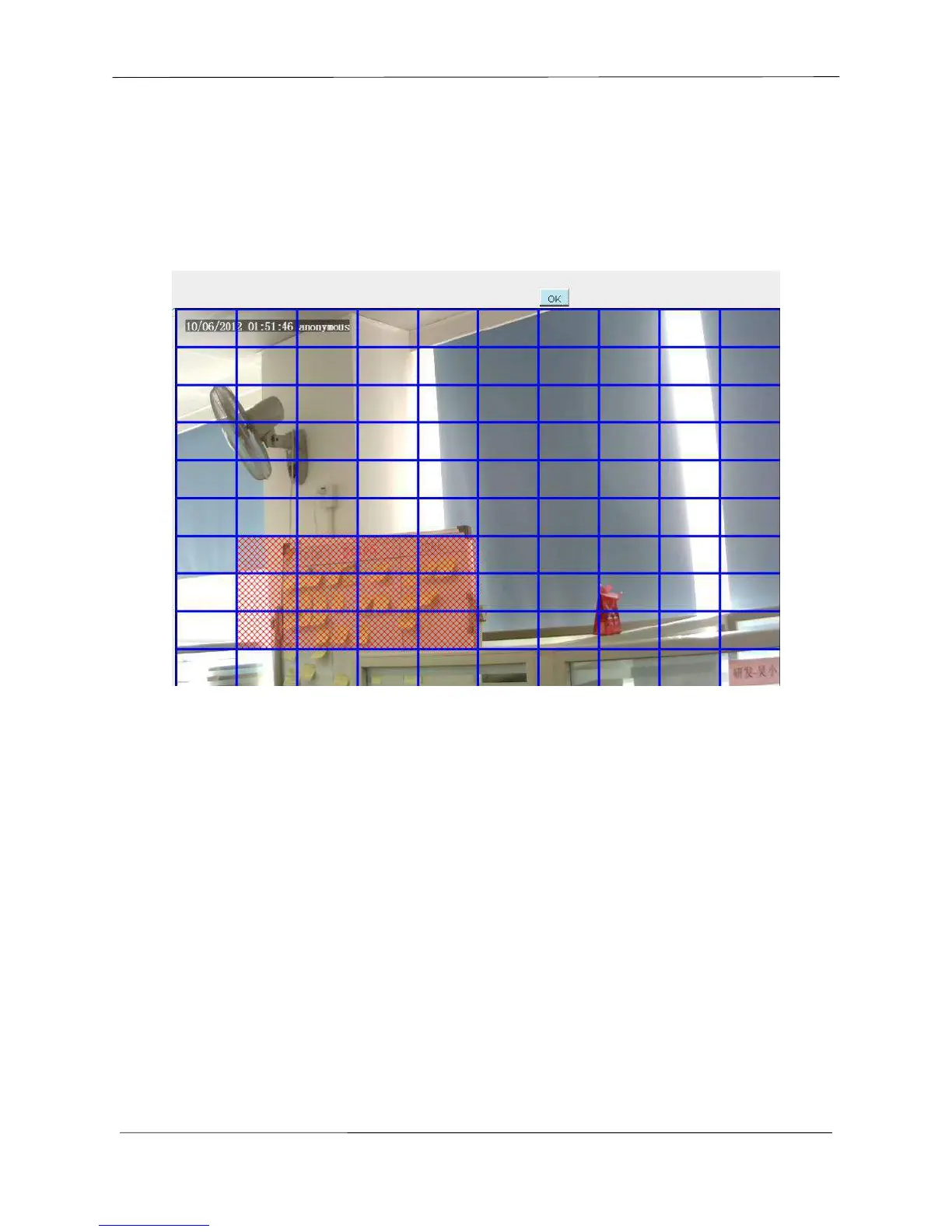
Click set detect area and it pop up a window, then you can draw the detection area. Click Back button
after settings. When something moving in the detection area, the camera will alarm.
Step 06: Alarm Schedule
① Alarm anytime when motion is detected
Click the black button up the MON, you will see all time range turn red. When something moving in the
detection area at anytime, the camera will alarm.



 To Next Page