www.foscam.com
Shenzhen Foscam Intelligent Technology Co., Limited
Tel: 86 755 2674 5668 Fax: 86 755 2674 5168
10/100M adaptive Ethernet interface. Through this interface, IPCAM can be connected with various network
devices, such as hub, router, etc.
3 Reset button
Press and hold on the reset button for 5 seconds. Releasing the reset button, the password will back to the
factory default administrator password. The default administrator user is admin with no password.
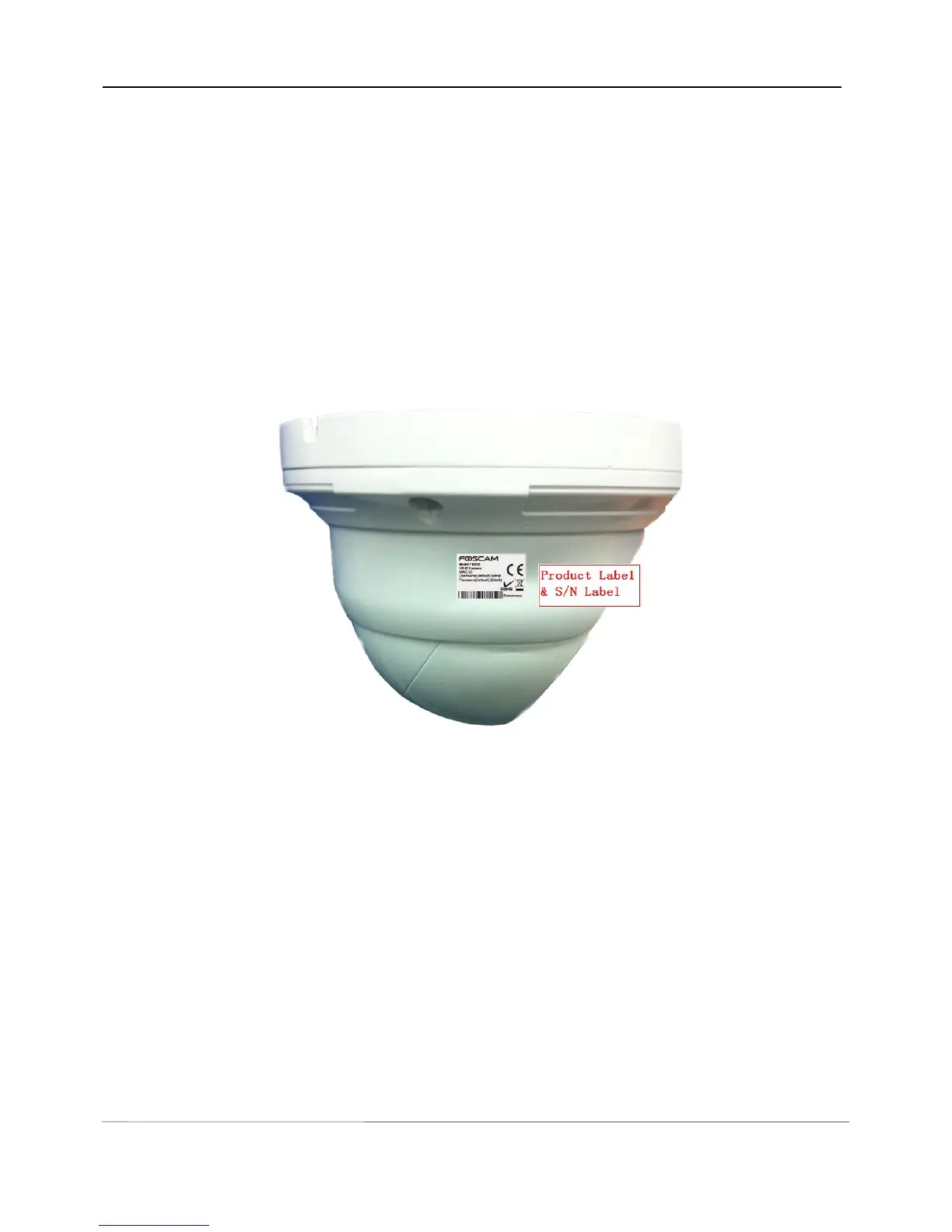
1.5.3 Bottom View
There are two labels located at the bottom of the camera; this is an important feature of original Foscam
cameras. If your camera does not have labels as shown in Figure 1.4, it may be a clone. Cloned Foscam
cameras can not use original firmware and are not eligible for warranty or technical services.
Figure 1.4
2 Accessing the Network Camera
This chapter explains how to access the network camera through web browsers and RTSP players.
2.1 Access the Camera in LAN
This camera support HTTP and HTTPS protocols, so here will allow you to use HTTP and HTTPS port No.



 To Next Page