EN
8
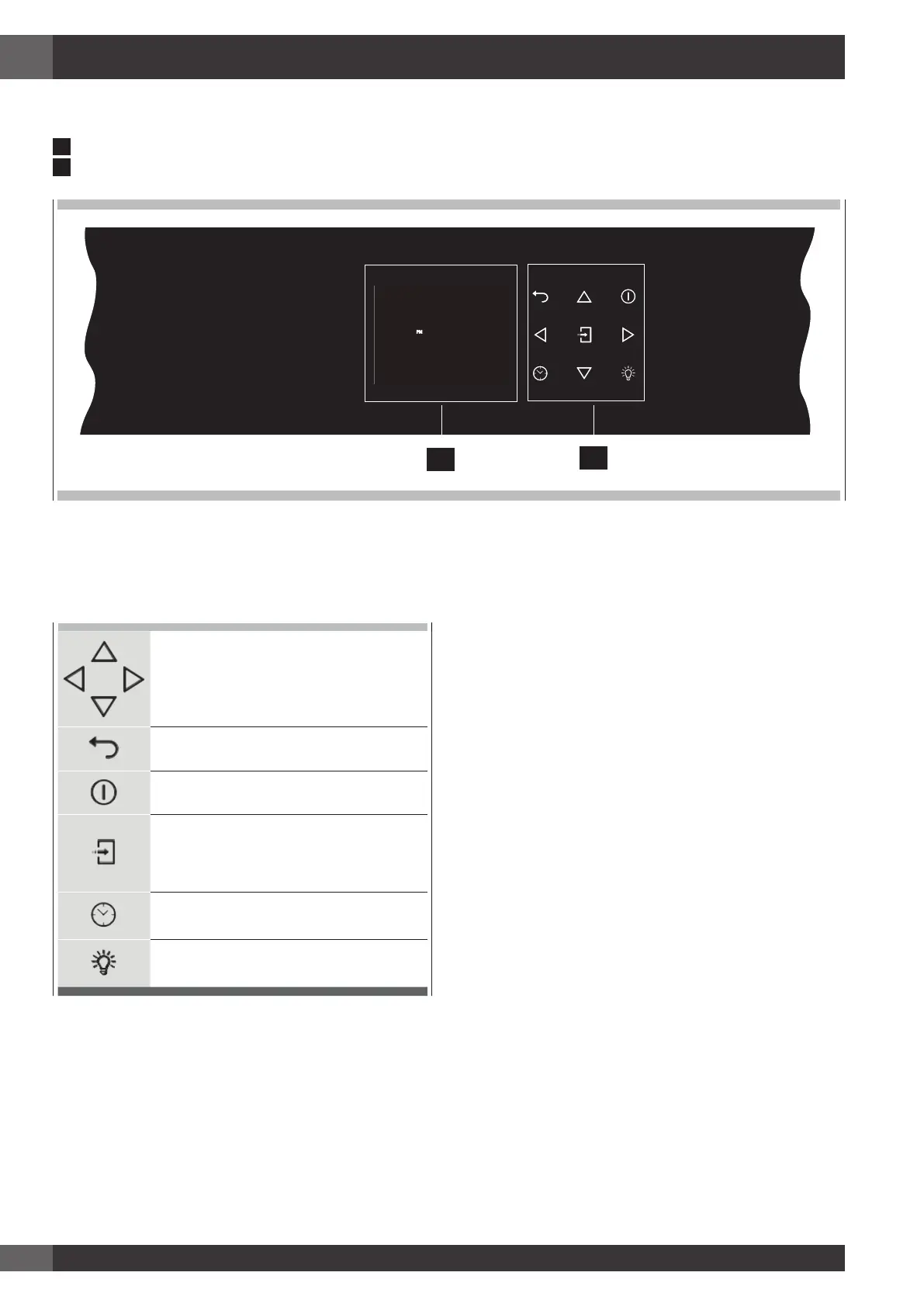
5 - Control panel
Keypad
To operate the key, press gently. The keypad will not work if
more than one key is pressed at the same time.
Movement arrows
Return to previous display page. Keep
pressed to return to Home page
Switches the oven on and off.
Confirms the settings and starts cooking
operations. When pressed during a
cooking operation, the function is placed in
pause. Press again to restart.
To set the timer.
Enter the functions menu during cooking.
Switches the inner oven light on and off.
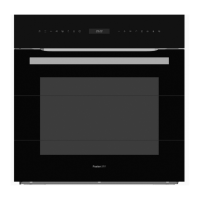
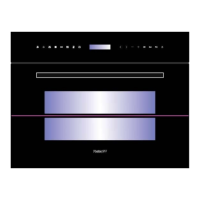
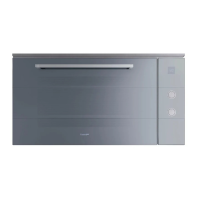
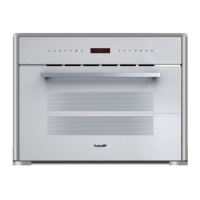
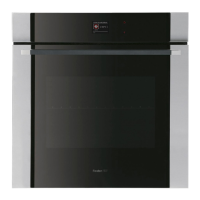
Your appliance could vary slightly compared to the illustrations below.
A
- Keypad
B
- Display screen
PM
FRIDAY 11/20/2015
04:26
B
A


 To Next Page