EN
26
17 - Sabbath Mode Instructions (on some models)
The Sabbath Mode function of your oven complied with Jewish
laws. This function allows the oven to perform only the static
function.
When the Sabbath function is selected, the following functions
are disabled:
• Oven lights
• All the keys except ON/OFF
• Meat Probe Function
• Timed cooking function
• Timer function
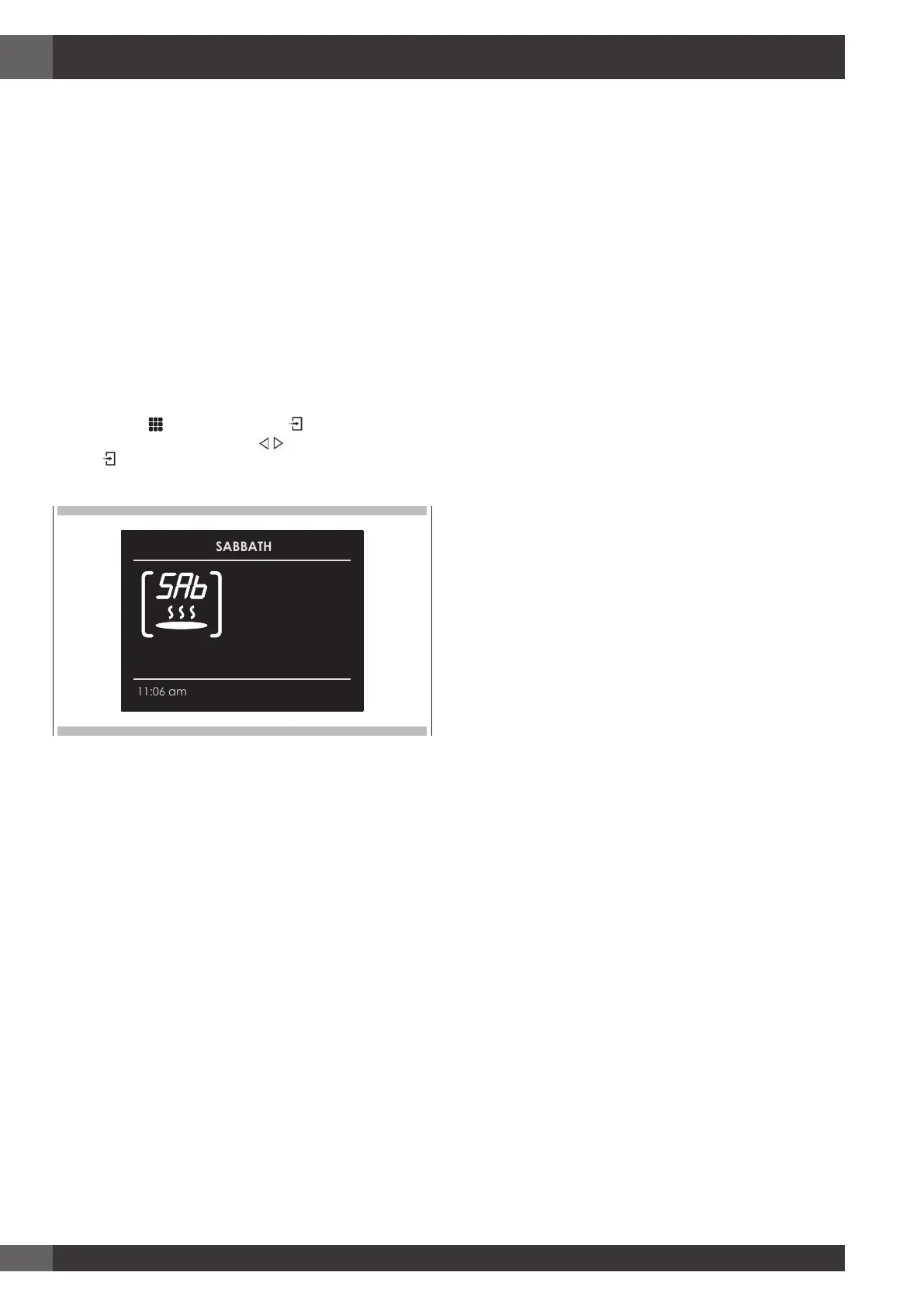
• The icon on the display screen is steady and not animated as
in the case of traditional cooking modes.
• Display screen and key acoustic warnings.
To set the Sabbath Mode function, switch on the oven and
select the icon
and press the key . Select the Sabbath
function by means of the arrows and confirm twice with
the key .
The function starts by showing the icon on the display screen.
NOTE The function lasts at most 72 hours.
The temperature is not adjustable but fixed at 140°F
(60°C) The function can be disabled at any time by
pressing the OFF key.


 To Next Page