10
Connection
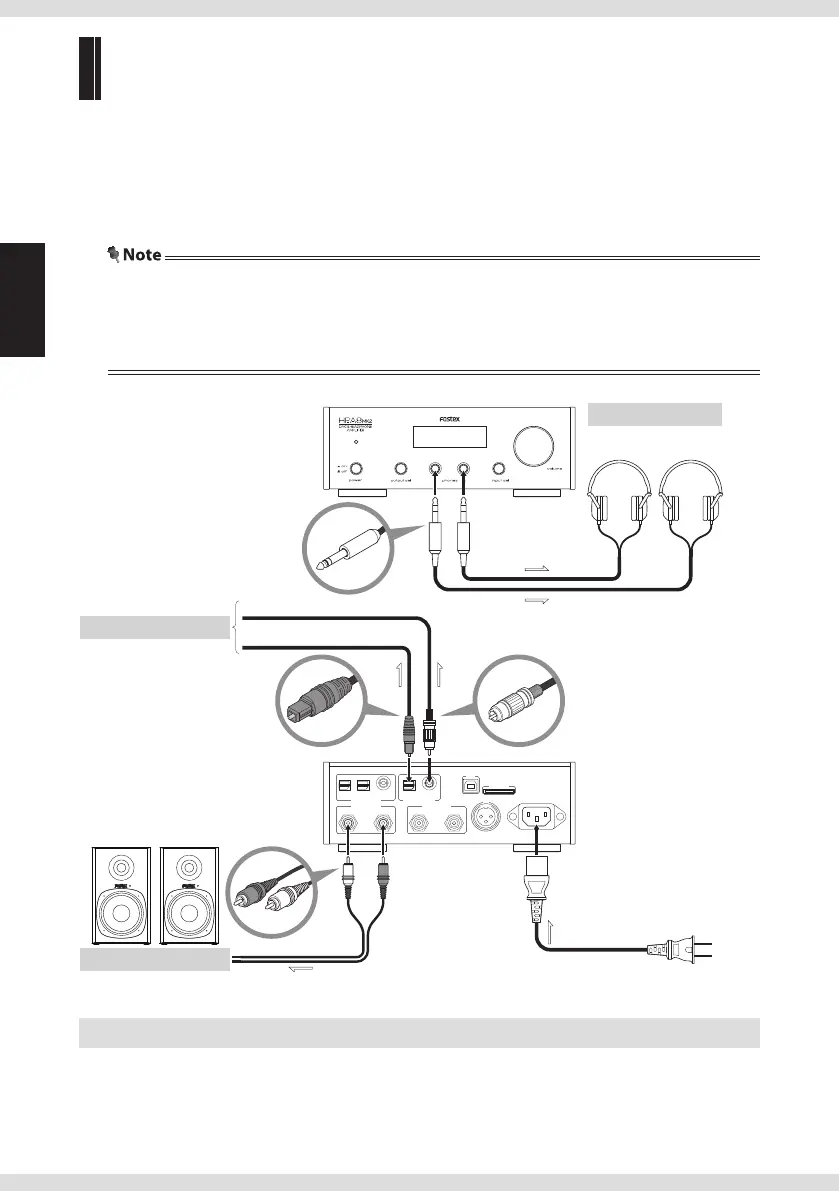
Connecting output devices
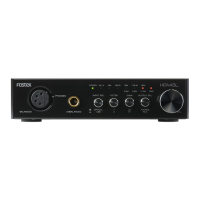
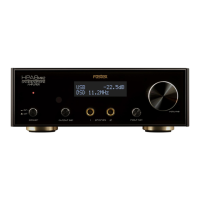
Connect headphones to the headphone terminals [phones] (1/2) on the front panel, or
connect an amplier or active speaker to the analog output terminal [ANALOG OUT] to
enjoy music. To change the output, use the output sel switch on the left side of the front
panel. You can obtain S/PDIF format signals through the square optical terminal [OPTICAL]
or coaxial terminal [COAXIAL] when connecting a digital audio device.
• Do not connect the power cord until all connections are nished.
• The signal is always output from the [DIGITAL OUT] terminal regardless of the "OUTPUT SEL" setting
(page 11, 13). Digital signal does not output when the input source is set to [ANALOG IN] ("RCA") or a DSD
signal is input.
IN
AC IN
SD CARD
AES/EBU
USB
RIGHT LEFTRIGHTLEFT
ANA LOG OU T ANA LOG IN
1 2
OPTICAL COAXIAL COAXIALOPTICAL
DIG ITA L I N DIG ITA L O UT
1 2
Fostex
PM0.5d, etc. (sold separately)
To a digital audio device
RCA cable
Headphones
To an analog amplier, etc.
To an AC outlet
Optical cable
Coaxial cable
Front panel
(sold separately)
Rear panel
Connecting the power cord
Connect the power cord after all connections are nished.


 To Next Page