17
Information
Troubleshooting
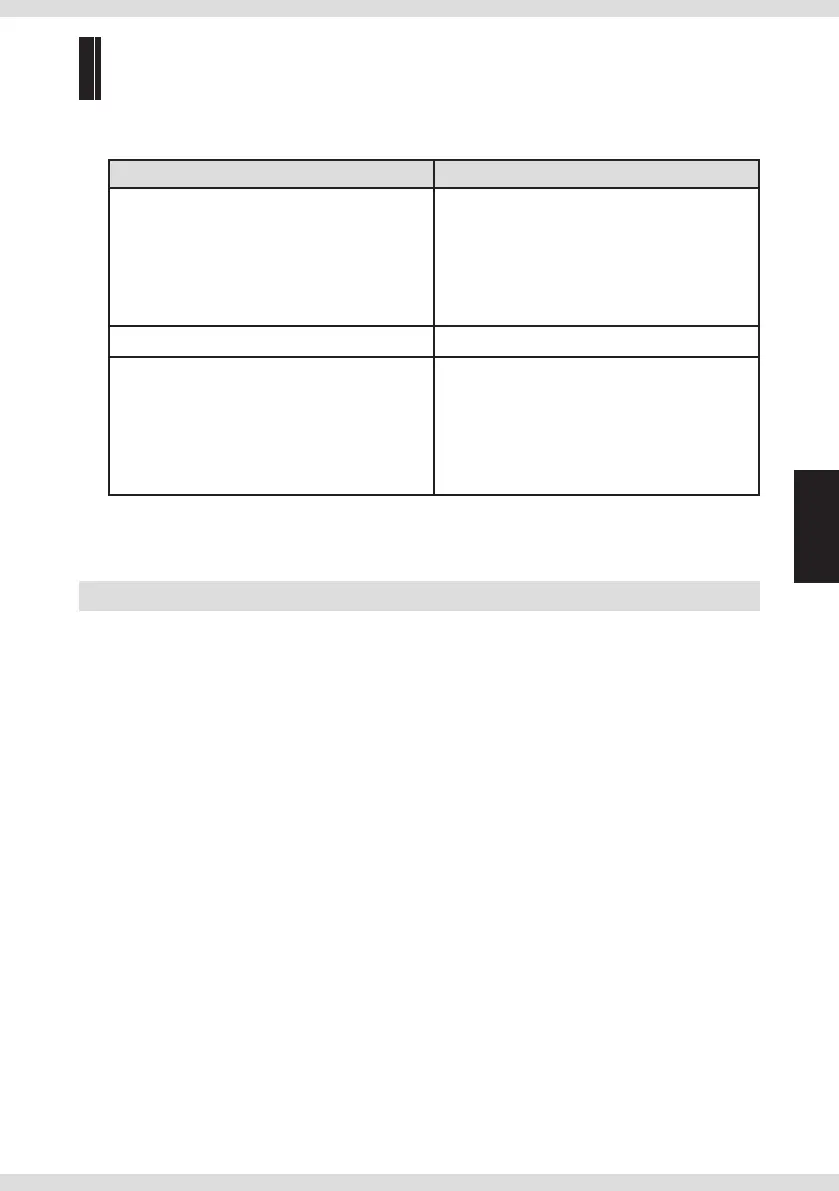
Common problems and solutions are listed below.
Problem Solutions
There is no sound.
• Conrm that the product is connected properly
(page 9).
• Conrm that the input source is selected
properly.
(page 11)
• Conrm that the output source is selected
properly.
(page 11)
Cannot be recognized from a Windows PC. • Download the driver from our site and install.
Cannot playback the SD card. • The les may not be played back if the
transfer rate is insucient. Use a Class 6 or
higher SDHC card.
• We do not guarantee the operation of all
cards. Try a dierent card. In addition, this
product does not support SDXC cards.
Resetting the product
You can reset the product back to the factory settings.
1 Select "RESET" on the "SYSTEM INFO" setting in menu screen.
All settings are set to the default settings.


 To Next Page