11
Listening
Listening to an external audio device
You can enjoy music from the external audio device connected to the unit through
headphone output or analog output.
Connect the desired device before the operation. (page 9)
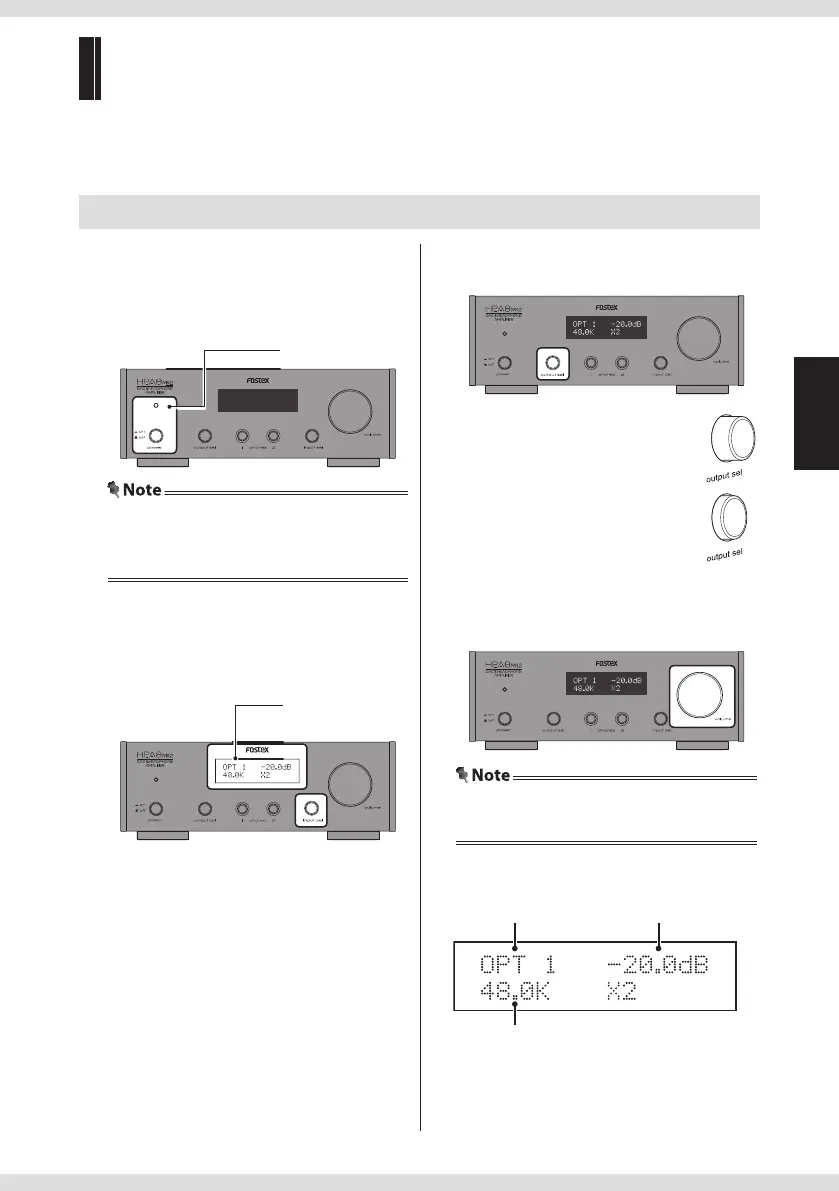
1 Turn on the product.
Push in the
power switch
.
The power indicator lights in red when the
power is on.
Power indicator
• When an ampli er is connected, turn the
volume of the ampli er to the minimum
before powering on the product.
2 Select the input source.
Turn the input sel knob on the main unit, or
use the Input source selection keys on the
remote controller.
Input source name
• "AES/EBU": Device connected to [AES/EBU]
• "USB":
Computer connected to
[USB]
• "RCA":
Device connected to
[ANALOG IN]
• "SD":
Inserted SD card (
page 12)
• "COX": Device connected to [DIGITAL IN -
COAXIAL]
• "OPT1": Device connected to [DIGITAL IN -
OPTICAL 1]
• "OPT2": Device connected to [DIGITAL IN -
OPTICAL 2]
3 Select the output source.
Select headphones or analog output.
• Listening via headphones:
Do not push in the output sel switch
• Listening via analog output:
Push in the output sel switch
4 Adjust the volume.
Turn the volume knob on the main unit, or
press the VOLUME +/– keys on the remote
controller.
• You cannot adjust the analog output volume
when the "DIRECT" setting is set to "ON".
Listening to the external device
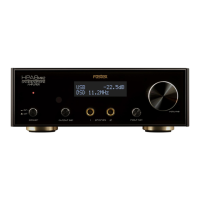
<Display during playback>
Input source name
Sampling frequency (Fs)
Volume


 To Next Page