14
Listening
Changing the settings
You can change the settings according to your environment.
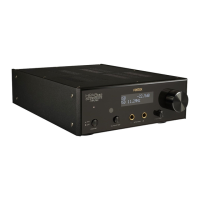
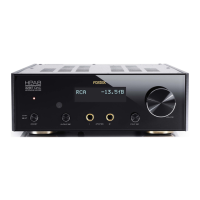
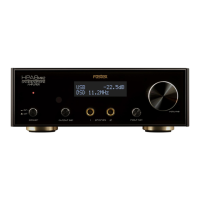
1 Press and hold the input sel switch on
the main unit or press the MENU key
on the remote controller.
The menu screen is displayed.
2 Turn the input sel knob on the main
unit or press the </> key on the
remote controller to select the item to
change.
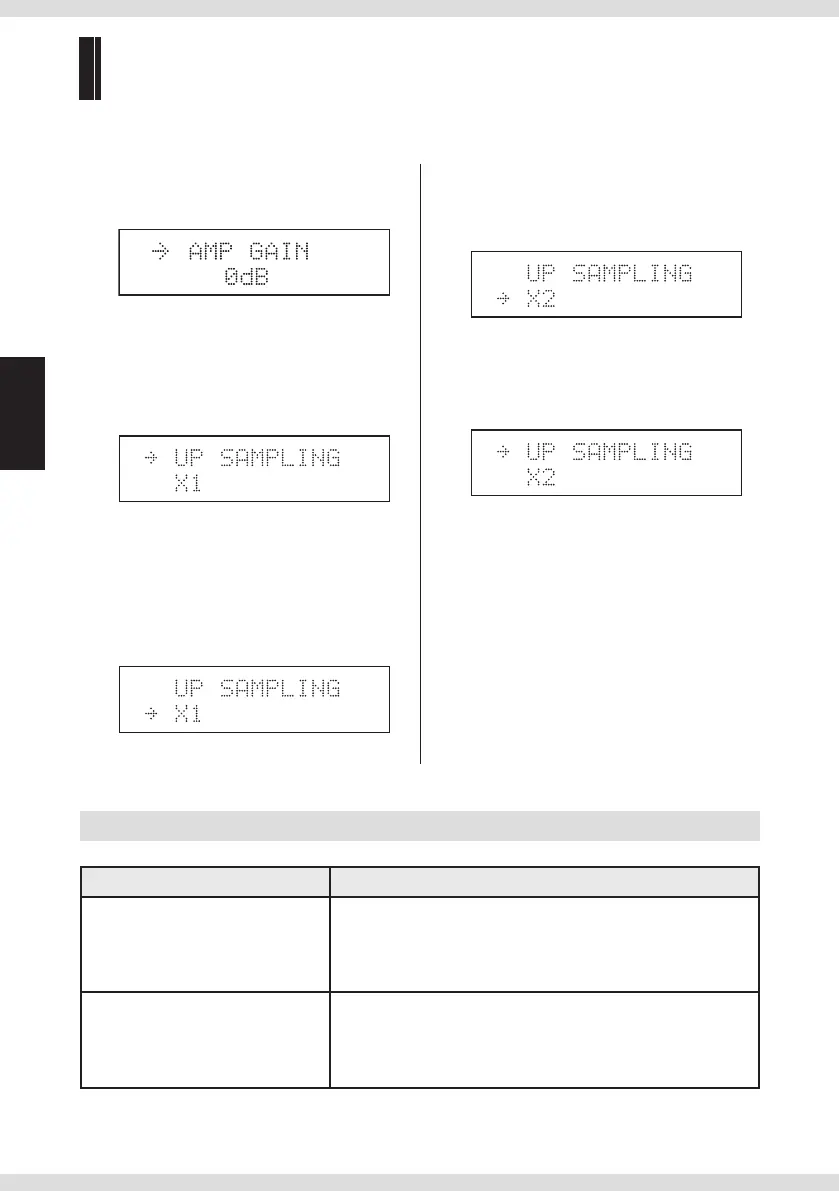
"
" on the rst line indicates the selected
item.
3 Press the input sel switch on the main
unit or press the ENTER key on the
remote controller to select the current
item.
"
" on the second line indicates the selected
setting value.
4 Turn the input sel knob on the main
unit or press the </> key on the
remote controller to select the setting
value.
5 Press the input sel switch on the main
unit or press the ENTER key on the
remote controller to apply the current
setting value.
6 Press and hold the input sel switch on
the main unit or press the MENU key
on the remote controller.
The display changes from the menu screen
to the normal screen.
Setting item list
Setting item Setting value
"AMP GAIN"
Selects the gain according
to the sensitivity of your
headphones.
Default: "0 dB"
"0 dB" to "20 dB" (0.5 dB step)
"UP SAMPLING"
Activates the upsampling
function.
Default: "×1"
"× 1", "× 2", "× 4"
* The product upsamples up to 192 kHz. This function
does not aect DSD signals.


 To Next Page