18
Information
Updating the version
An update le may be released to solve
problems and provide a better listening
environment. Update the product by the
following procedure.
1 Save the obtained update le on an
SD (SDHC) card.
Save the le in the root directory.
• Format the card in FAT32.
• Do not save les other than the update le on
the SD card.
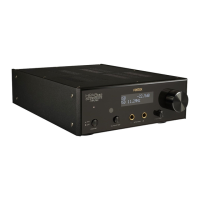
2 Insert the card into the slot on the
rear panel with the label side facing
upward.
3 Turn on the product, and select "COX"
as the input source.
4 Press and hold the input sel switch on
the main unit or press the MENU key
on the remote controller to display
the menu screen.
5 Select "SYSTEM INFO" from the menu
item.
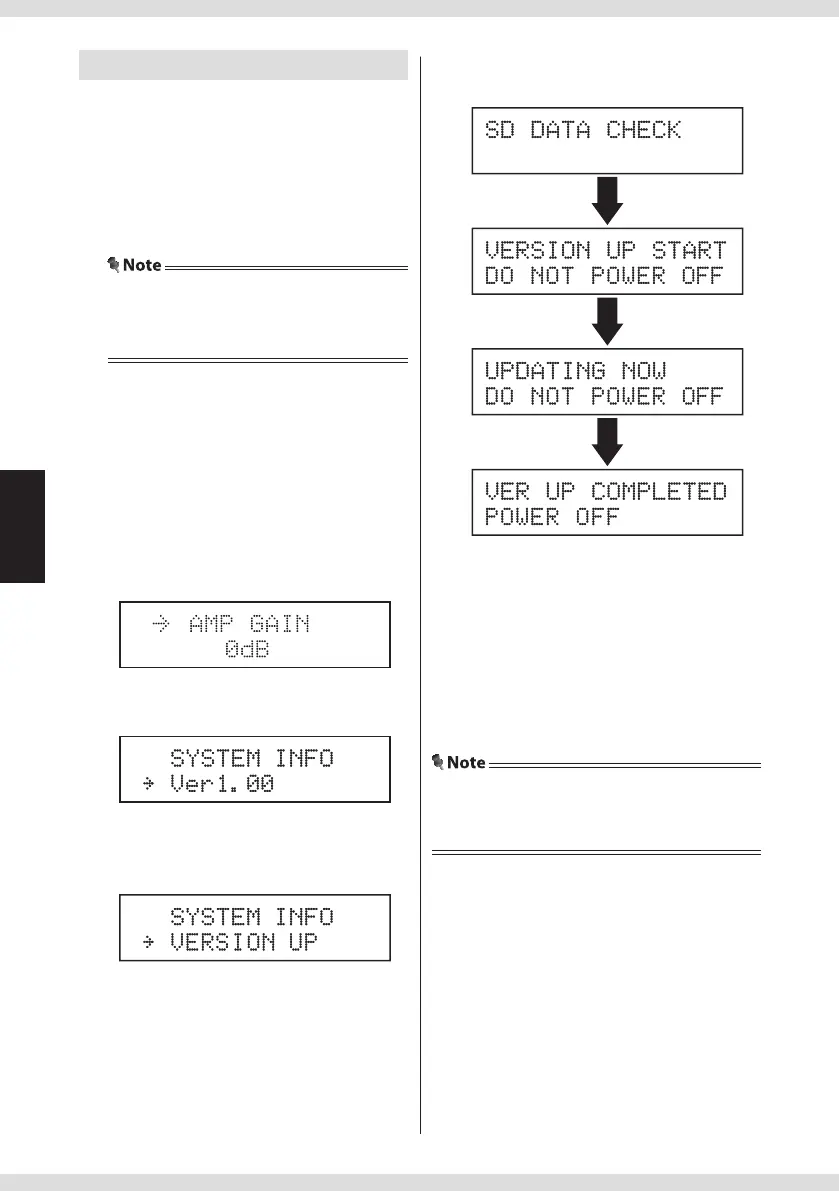
The current version is displayed.
6 Select "VERSION UP" from the setting
value.
7 Select "VERSION UP".
Updating starts.
It takes about 30 seconds to nish updating.
Wait until "VER UP COMPLETED/POWER OFF"
or "VERSION UP END/POWER OFF" is displayd,
and do not turn o the product during
updating.
8 Turn o the product.
The update is now completed.
• Refer page 14 for menu screen operations.
• All settings will return to the factory settings after
updating.


 To Next Page