89
flashing
flashing
• In the saving operation using more than one disk,
if you use a disk in which save data is already
recorded:
When carrying out step 6 above, an existing
program number is shown. In this condition, by
using the [JOG] dial, you can select "Eject", as well
as existing programs.
To eject the disk, select "Eject" and press the [ENTER/
YES] key.
If you save data to the disk, select any existing
program and press the [ENTER/YES] key.
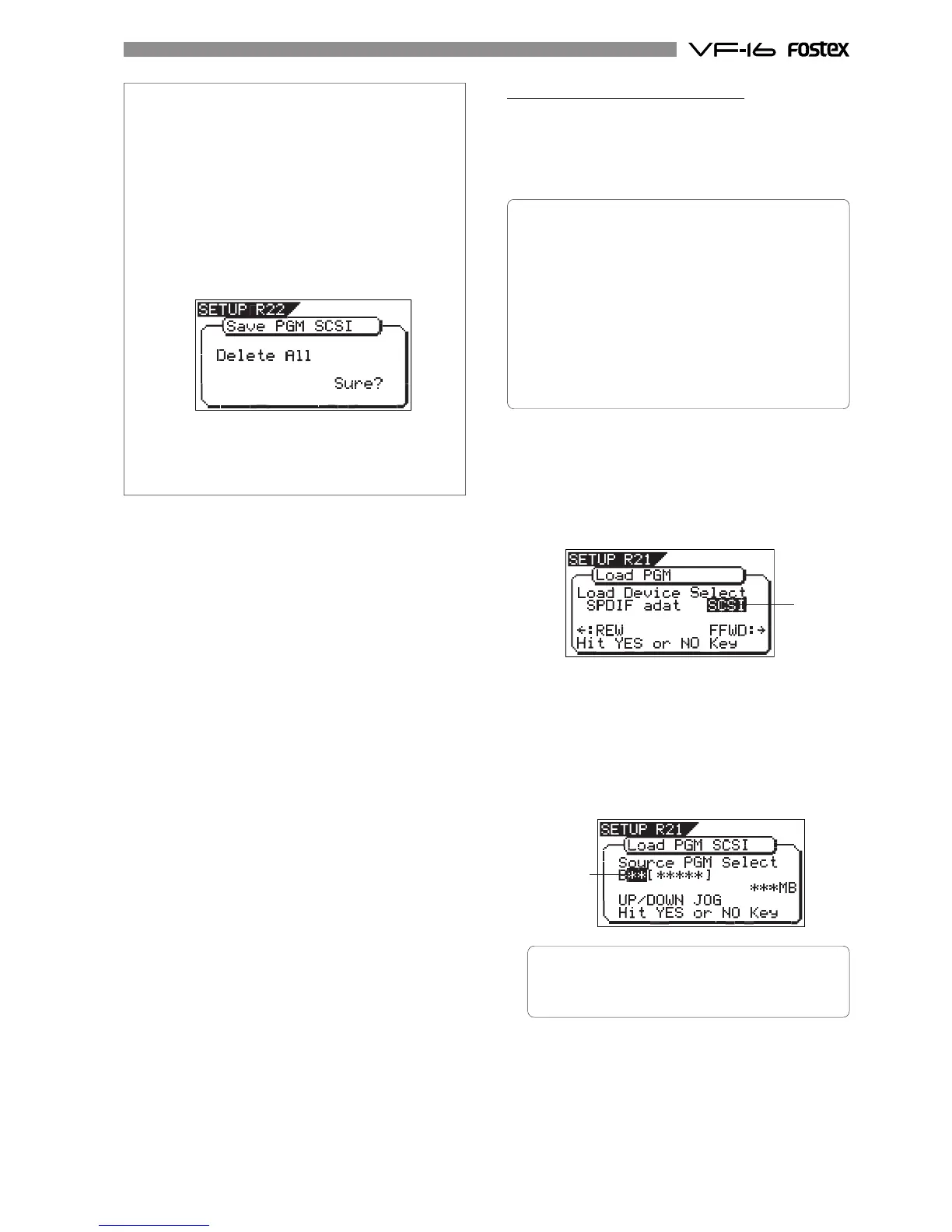
The display shows "Delete All" and "Sure?" (flashing)
as below.
Press the [ENTER/YES] key while the above screen is
shown.
All backup data recorded in the disk are erased and
then the save operation starts.
Loading from a single SCSI disk
You can load data using the "Load PGM" menu in
the SETUP mode. The following procedure shows how
to load song data saved to a single SCSI disk. See the
next section for loading data saved to more than
one SCSI disk.
<Details about "Load PGM" menu>
•Input signal options:
adat, S/PDIF or SCSI
•Program options:
P01 to P99 (an individual Program)
•Track options:
* When using S/PDIF or adat:
Tracks 1-8, Tracks 1-16, Tracks 1-24, Tracks 9-16,
Tracks 9-24 or Tracks 17-24.
* When using a SCSI disk:
All tracks (1-24) is selected automatically. (You can
select tracks individually when loading a WAV file).
1. Press the [SETUP] key to enter the Setup mode.
The display shows the screen for selecting the Setup
menu.
2. Use the [JOG] dial to select "Load PGM" and press the
[ENTER/YES] key.
The display shows the screen for selecting the device
from which the data is loaded. "SCSI" flashes.
3. While "SCSI" is flashing, press the [ENTER/YES] key.
The display shows the screen for selecting the program
to be loaded.
The backup number currently selected flashes, while
the data size of the program is shown. While a backup
number is flashing, you can select the desired program
to be loaded. If a disk has more than one program saved,
you can select the desired program by using the [JOG]
dial.
• You can also select "Eject" as well as programs to
be loaded in the condition above.
To eject the disk, press the [ENTER/YES] key after
selecting "Eject".
4. Use the [JOG] dial to select the program to be loaded
and press the [ENTER/YES] key.
The display shows the screen for selecting the
destination program to which data is loaded.
In the default setting, "New PGM" is selected so that the
data is loaded to a newly created program.



 To Next Page