137
SETUP mode (VF80EX)
• Deleting a tempo event
Setting the Metronome function [“Click ”]
<Note>
Metronome sound will be output from track 6.
For this reason, when the metronome function is activated, a new sound source cannot be recorded on the
track to which the metronome sound is to be output or sound recorded on this track cannot be played back.
If the metronome function is not to be used, be sure to reset it to
“Off.”
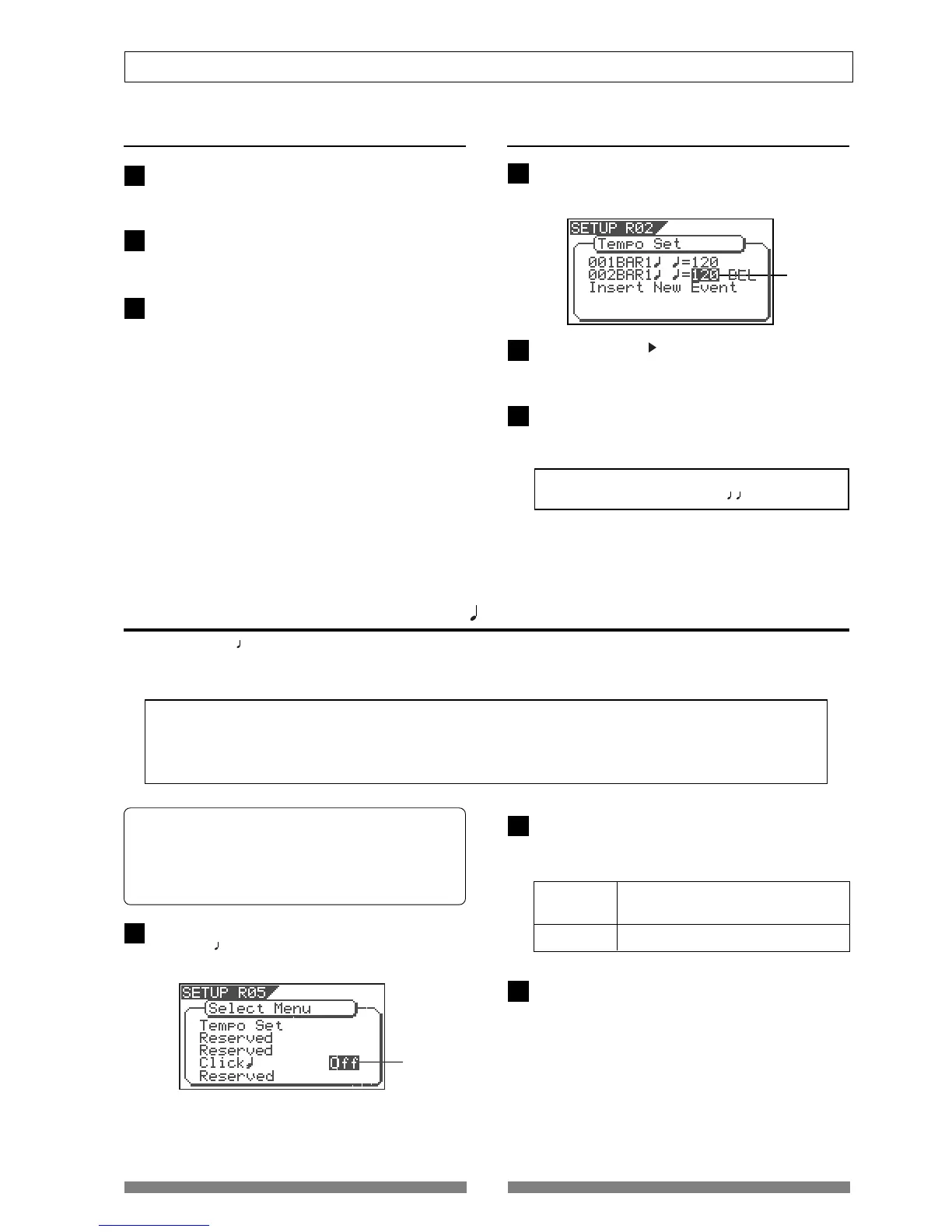
On the Select Menu screen of the SETUP mode, se-
lect "Click
" and press the [ENTER/YES] key.
The current option (by default, "Off") starts flashing.
Use the [JOG] dial to select "On" or "Off" and press
the [ENTER/YES] key.
By selecting "On", track 6 can output the metronome
click.
Using the "Click " menu item, you can select whether or not feeding the metronome click according to the
tempo map during playback or recording. By setting this item to "On", you can play your instrument and
make recording while listening to the metronome.
• Editing a tempo event
On the primary "Tempo Set" screen, select the de-
sired event and press the [ENTER/YES] key.
The current tempo value starts flashing.
Use the [JOG] dial to enter the desired tempo and
press the [ENTER/YES] key.
The setting is now effective.
After editing tempo event, press the [EXIT/NO] key
(or the [STOP] key) repeatedly until the VF80EX exits
the SETUP mode.
On the primary "Tempo Set" screen, select the de-
sired event and press the [ENTER/YES] key.
The current time signature value starts flashing.
On Metronome sound will be output from
track 6.
Off (default) Metronome sound will not be output.
Press the [EXIT/NO] key (or the [STOP] key) to exit
the SETUP mode.
After deleting tempo event, press the [EXIT/NO] key
(or the [STOP] key) repeatedly until the VF80EX exits
the SETUP mode.
• Default: Off
• Available options: Off and On
* The setting is applicable program by program.
* You can save the setting as a part of the song data.
* The setting remains effective even after you power off and then
on.
<Note>
You cannot delete the
“001BAR 1
=120.”
flashing
flashing
Use the [CURSOR ] key to select “DEL”, and press
the [ENTER/YES] key.
The selected tempo map will be erased.
1
2
3
1
2
3
1
2
3



 To Next Page