5
80
Create RAID 0+1 (Stripe Mirroring)
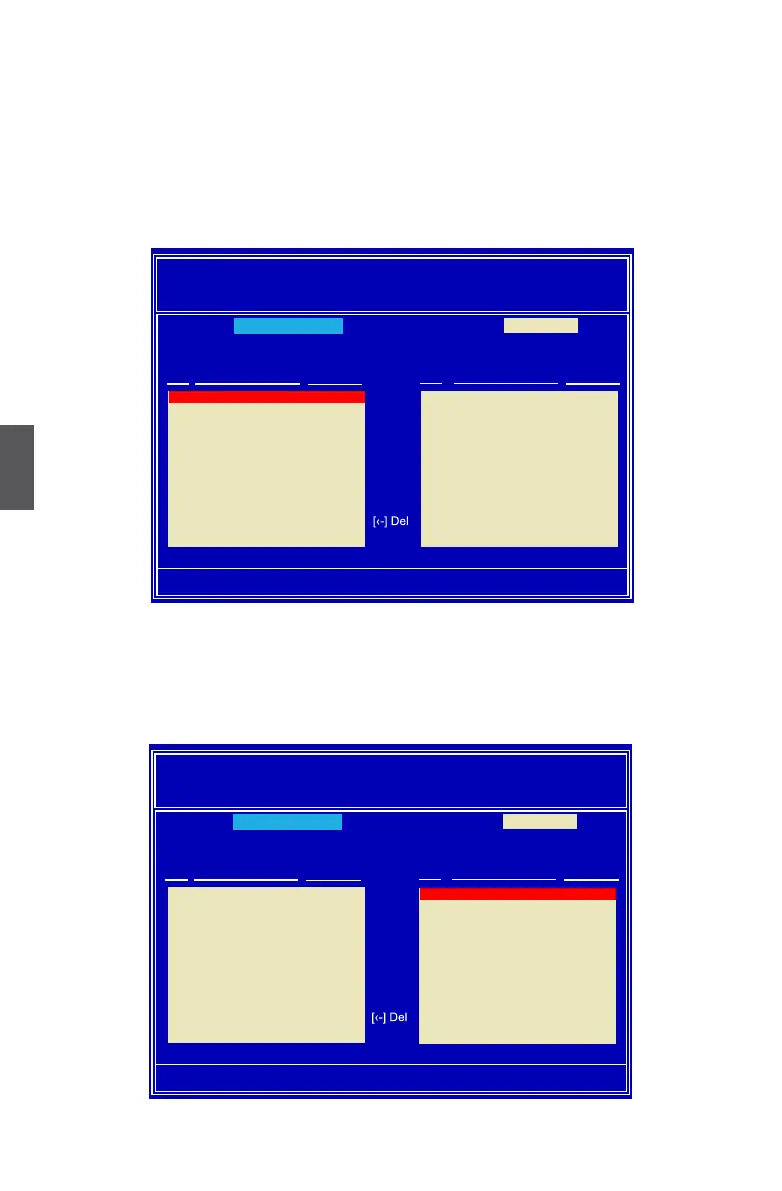
1. Select “Stripe Mirroring” from the RAID Mode. The menu appears :
2. Select four hard disks to build our RAID0+1 system.
3. Press [TAB] to navigate to left drive panel, then use [→] and [↓] keys to add the hard
disks to the right drive panel.
MediaShield Utillity Apr 26 2007
- Dene a New Array -
RAID Mode: Mirrored Stripe Block: Optimal
Free Disks Array Disks
Port Disk Model Capacity Port Disk Model Capacity
[-›] Add
[‹-] Del
[ESC] Quit [F6] Back [F7] Finish [TAB] Navigate [↑↓] Select [ENTER] Popup
Optimal
0.0 WDC WD1200JD-9 111.79GB
1.1 Hitachi HDT725 232.88GB
2.0 HDS728080PLA38 76.69GB
2.1 ST3320620AS 298.09GB
Stripe Mirroring
1.0 WDC WD1200JD-9 111.79GB
MediaShield Utillity Apr 26 2007
- Dene a New Array -
RAID Mode: Mirrored Stripe Block: Optimal
Free Disks Array Disks
Port Disk Model Capacity Port Disk Model Capacity
[-›] Add
[‹-] Del
[ESC] Quit [F6] Back [F7] Finish [TAB] Navigate [↑↓] Select [ENTER] Popup
Optimal
Stripe Mirroring
0.0 WDC WD1200JD-9 111.79GB
1.1 Hitachi HDT725 232.88GB
2.0 HDS728080PLA38 76.69GB
2.1 ST3320620AS 298.09GB
1.0 WDC WD1200JD-9 111.79GB



 To Next Page
 Loading...











