28
Automotive Diagnostic Platform GT75 User's Manual V1.01
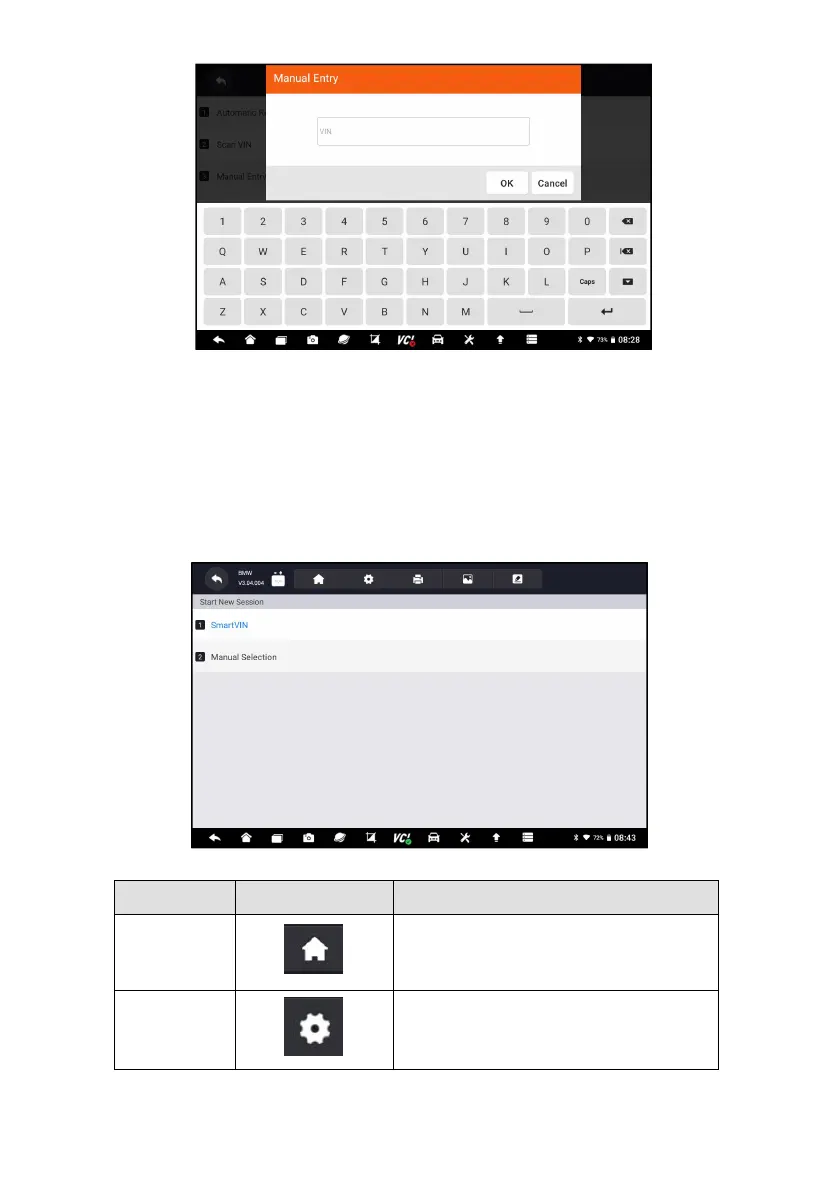
Figure 4-14 Sample Manual Entry Screen
4.2 Manual Selection
Select vehicle brand you are to test, and two ways of getting to the diagnostic
operations are available.
● Smart VIN
● Manual Selection
Figure 4-15 Sample Vehicle Entry Screen
Back to the Application Menu.
Records the communication data between
the scan tool and the vehicle to help with
troubleshooting of diagnostic failures.












 To Next Page