58
Automotive Diagnostic Platform GT75 User's Manual V1.01
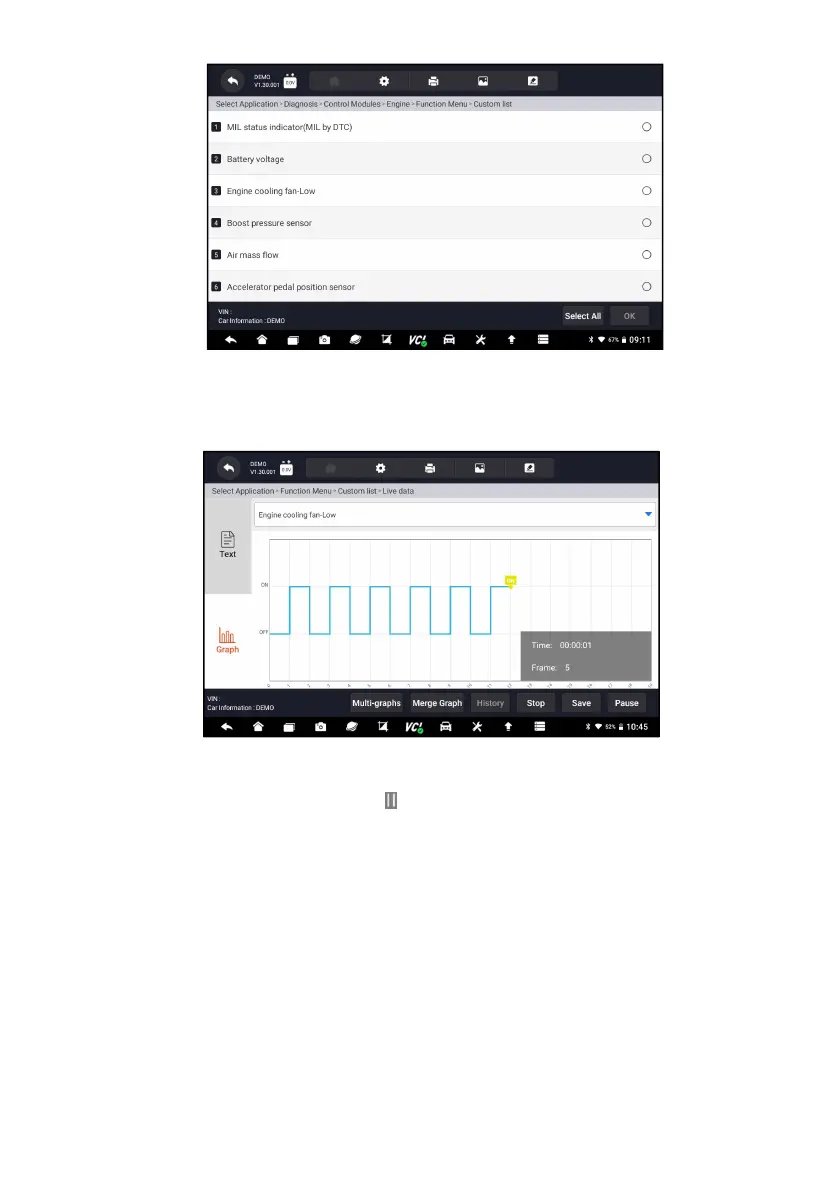
Figure 8-12 Sample Data Playback Selections Screen
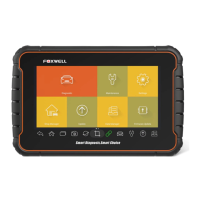
4. To view parameter graphs, press the Graph tab. And to merge the graphs,
press the tab Merge Graph or press the tab Multi Graph to view multiple
plots.
Figure 8-13 Sample Data Playback Screen
5. To move forward or reverse back of the playing, just drag the progress bar
forward or reverse. Press the button to stop.
6. Long press the record to Rename or Delete the records.



 To Next Page