NT200 OBDII/EOBD Code Reader User’s Guide_English Version_V1.10
5.3 Viewing Datastream
The
Datastream
function allows real time viewing of the
vehicle’s electronic control unit’s PID data, including sensor data,
operation of switches, solenoids and relays.
To view live datastream:
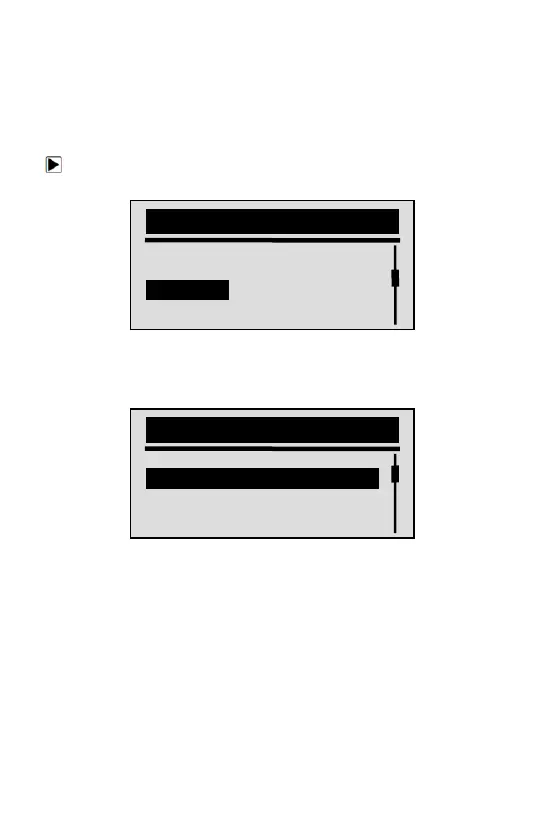
1. Use the SCROLL key to select Datastrean from
Diagnostic Menu
screen.
2. Press the YES/NO key to confirm.
3. View PIDs on code reader. Use the SCROLL key when
more than one screen of information is retrieved.
√ Some vehicle may not support this function, and a “Not
Support This Function!” message display.
4. Press the YES/NO key to return.
5.4 Viewing Freeze Data
The
Freeze Data
function is used to view freeze frame data, a
snapshot of vehicle operating conditions recorded by the
on-board computer at the time of an emission-related fault.
√ If codes were cleared, freeze data may not be stored in
vehicle memory depending on vehicle.
Diagnostic Menu
Read Codes
Clear Codes
Datastream
Freeze Data
Datastream
DTC_CNT 2
LOAD_PCT % 0.0
ETC ℉ 171
RPM/min 0



 To Next Page