32
T2000 TPMS Service Tool Manual_English_V1.01
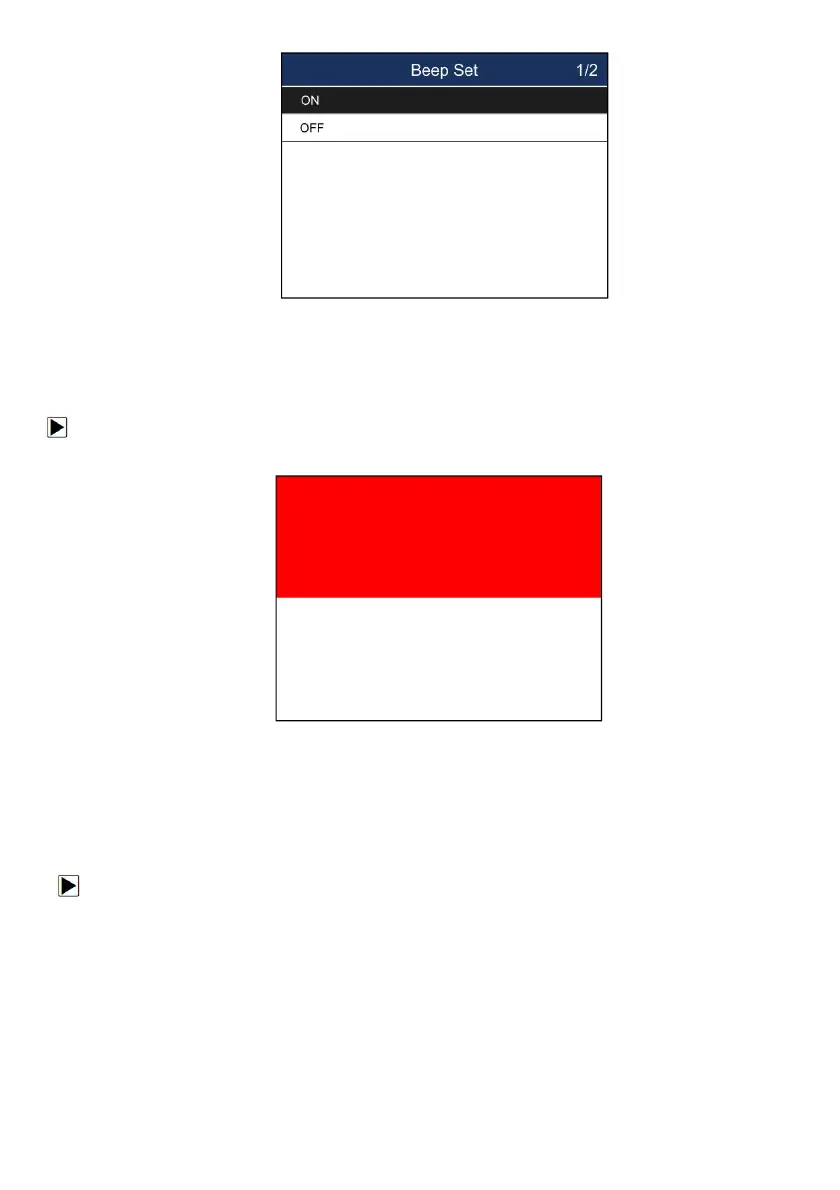
Figure 8-5 Sample Beeper On/Off Selection Screen
8.5 Display Test
Selecting Display Test option opens a screen that allows you to check the functionality of the
display.
To test the display:
1. Scroll with the arrow keys to highlight Display Test from Settings menu and press the ENTER
key to start test. Check if there are any missing spots in the LCD screen.
Figure 8-6 Sample LCD Test Screen
2. To quit the test, press the Back key.
8.6 Automatic Power-off Interval
Selecting Auto Power-off opens a dialog box that allows you to set automatic power-off interval of
the trigger tool to save battery life. Auto power off is not operational when charging. The
maximum interval is 20 minutes and the minimal is 1 minute.
To change auto power off interval:
1. Use the UP/DOWN arrow key to select Auto Power-Off from Settings screen and press the YES
key to confirm.
2. Use the UP/DOWN key to increase or decrease time, and press the YES key to save and return.


 To Next Page