21
T2000 TPMS Service Tool Manual_English_V1.01
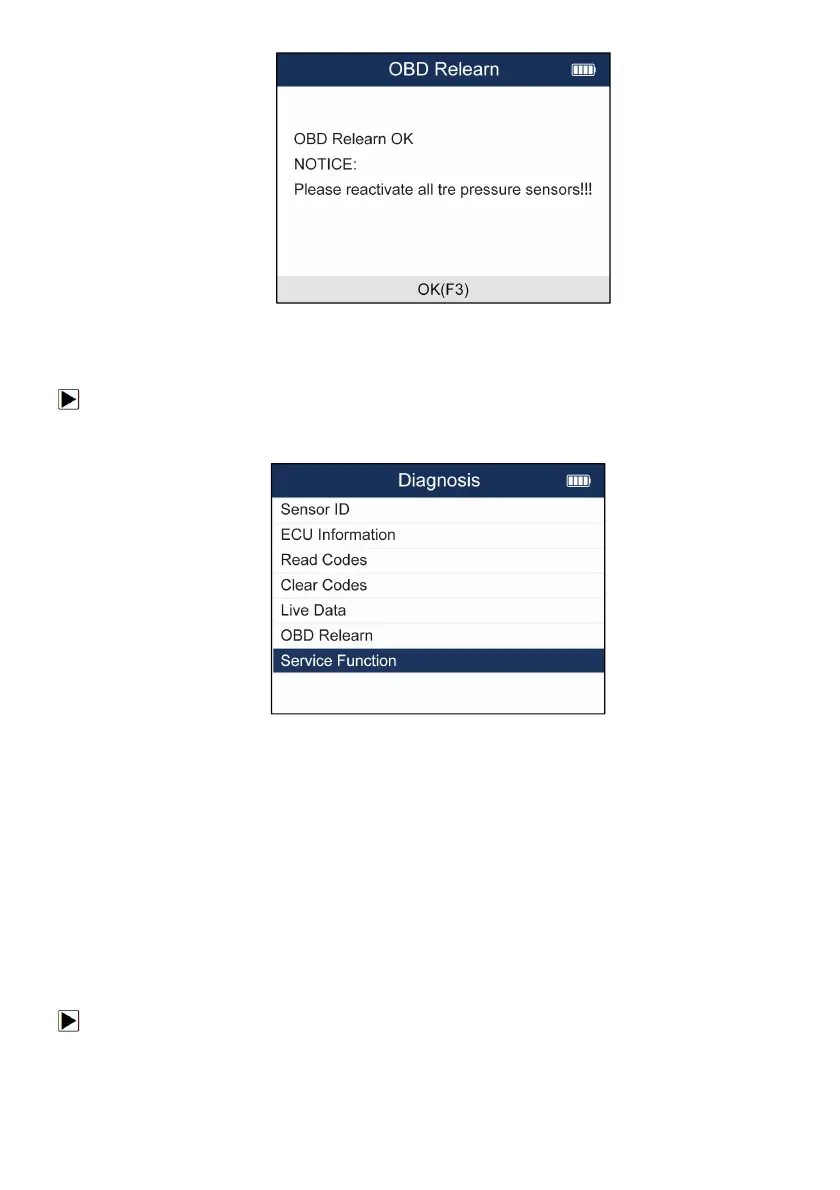
Figure 5-20 Sample OBD Relearn Screen
5.2.7 Service Function
To enter Service Function
1.Select TPMS--Diagnose from the available Menu.
2.Choose Service Function after the tool communicate with the car successfully.
Figure 5-21 Sample Service Function Screen
3.Choose the available function and follow the instructions on the tool to continue the
operation.
5.3 TPMS Sensor Programming
The TPMS Programming function lets users to program the sensor data to the Foxwell sensors
and replace faulty sensor. There are following four options available when doing programming.
●
Manual Create
● Copy By Activation
●
Automatic Create
●
Copy By OBD
5.3.1 Manual Create
The Manual Create function lets users to input the sensor ID manually.
To create sensor ID manually:
1. Highlight TPMS from the Main Menu and select the vehicle model as need.
2. Select Programming--Manual Create from the available menu.


 To Next Page