40
T2000 TPMS Service Tool Manual_English_V1.01
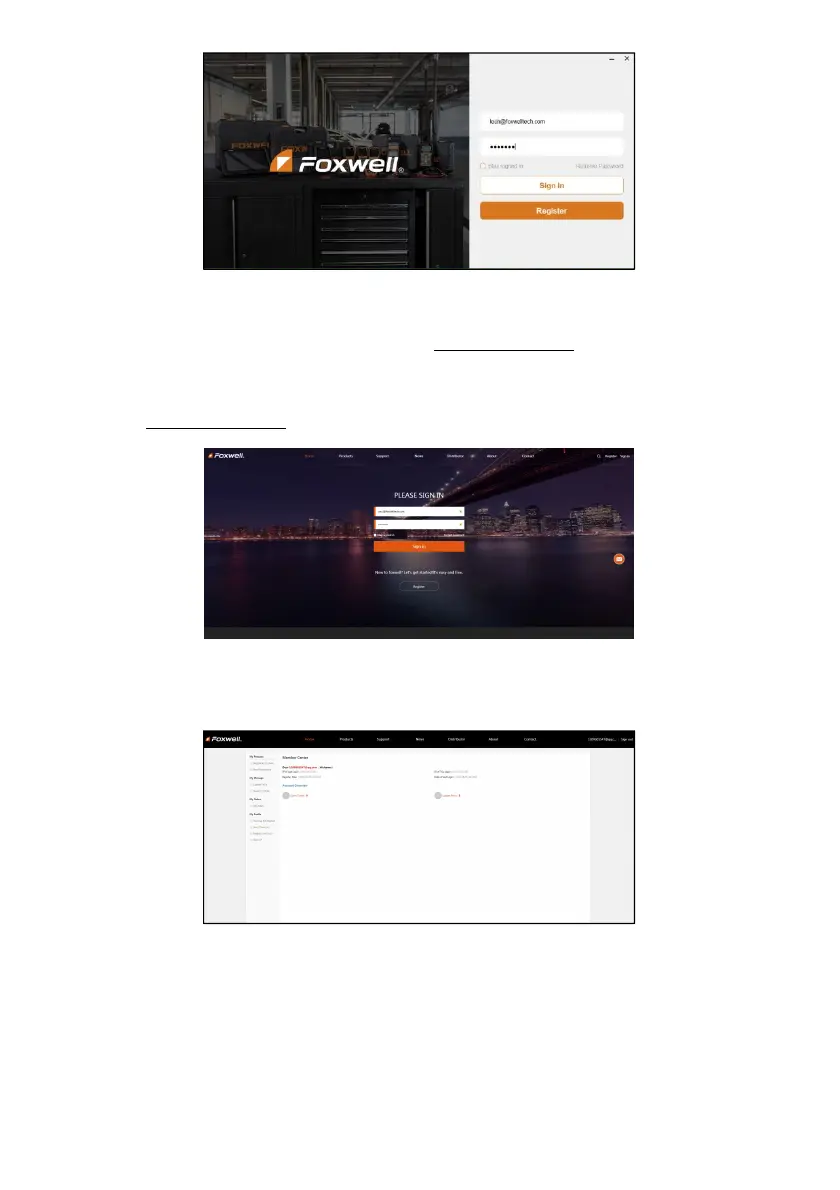
Figure 9-14 Sample Sign in Screen
9.2 Register Your Scanner
To register a scanner , you can either register on www.foxwelltech.us or by the update PC
application FoxAssist.
9.2.1 Register Through Website
1. Open www.foxwelltech.us main page and click Sign in. Input your FOXWELL ID/registered email
and password.
Figure 9-15 Sample Sign in Screen
2. When log in successfully, the Member Center will show as below. This platform enables you to
review the registered products, register new products, modify personal information or reset the
password.
Figure 9-16 Sample Member Center Screen
3. To register a product, please click My Products>New Registration. Input correct serial number
and click the Submit button to complete product registration. Please repeat the process if you
have more products.


 To Next Page