27
T2000 TPMS Service Tool Manual_English_V1.01
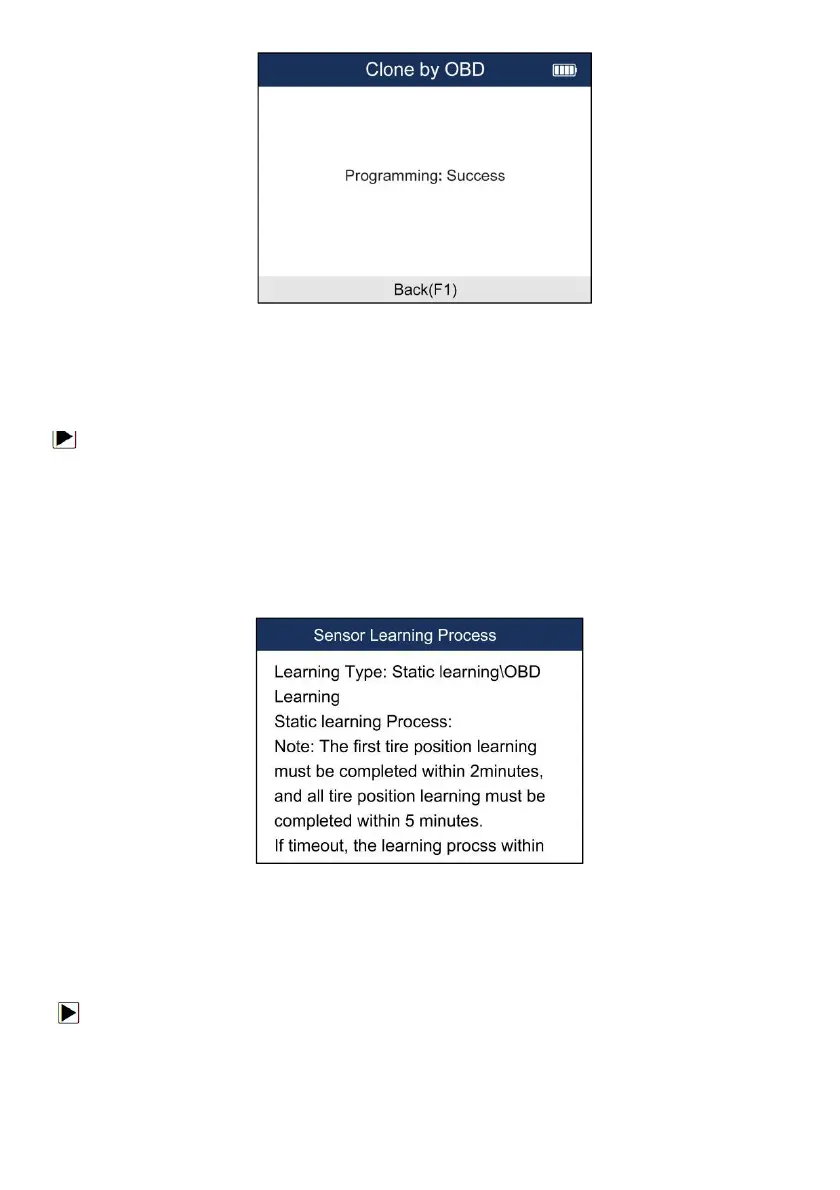
Figure 5-34 Sample Programming Success Screen
5.4 Study Help
This part introduces the relevant information of the sensor, such as manufacturer, sensor frequency,
OE number, learning type, learning method and learning steps etc.
To check Sensor Learning Process:
1. Scroll with the UP/DOWN arrow keys to highlight TPMS from the Main Menu and
press the YES key to start.
2. On each screen that appears, select the correct option and then press the YES key. Do this
until the complete vehicle information is entered.
3. Scroll with the UP/DOWN arrow keys to highlight Sensor Learning Process and press the
YES key to confirm.
4. The detailed process information will be displayed.
Figure 5-35 Sample Sensor Learning Process Screen
6 RKE & RF Monitor
This section illustrates how to check RF Remote Keyless Entry (key FOB) with the trigger tool.
The T2000 tests 315MHz and 433MHz key fobs only, and checks only for a signal present.
To test the check RF Remote Keyless Entry:
1. Scroll with the UP/DOWN arrow keys to highlight RKE & RF Monitor from the Main Menu and
press the YES key to start.


 To Next Page