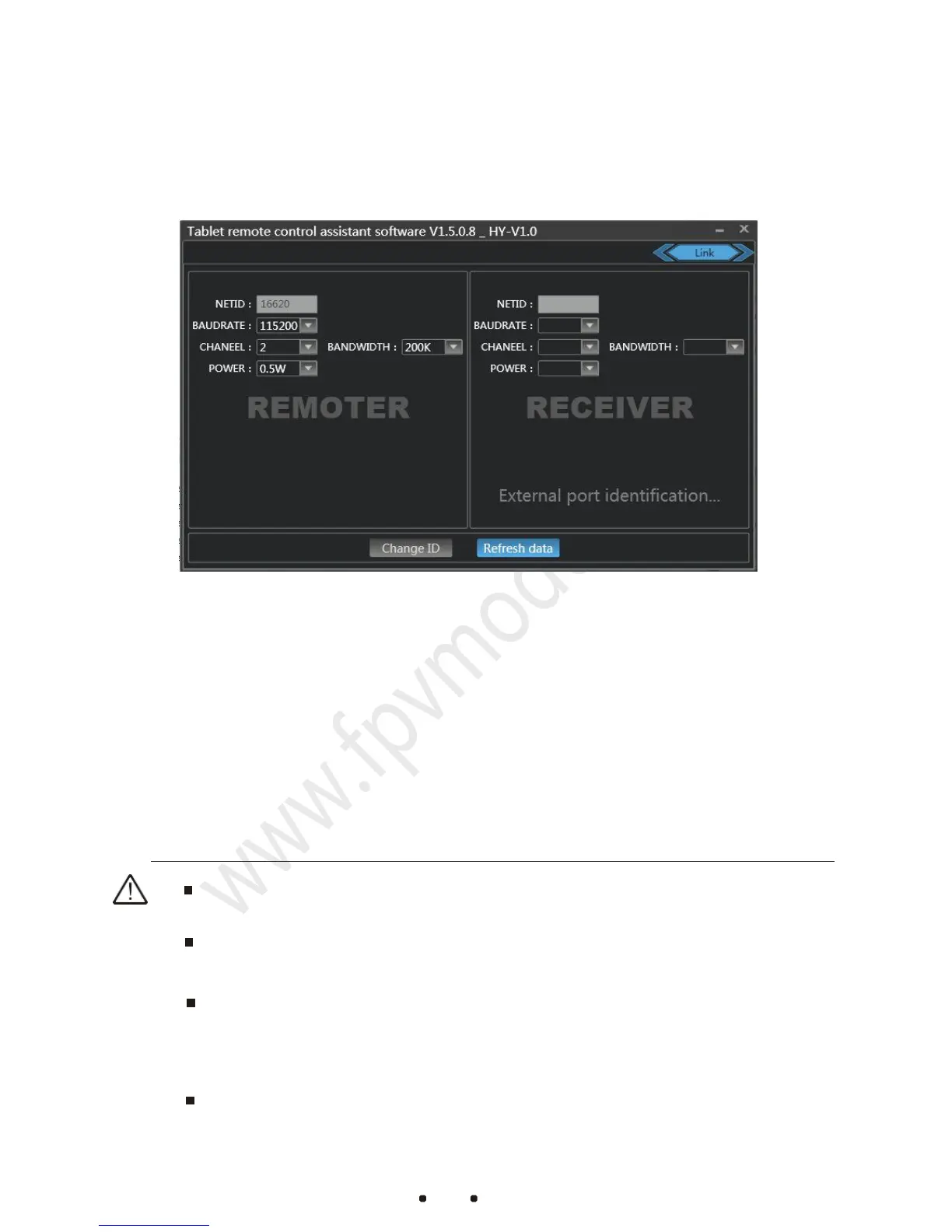
corresponding receiver or remote control value will change too.
“Change ID”:The receiver and remote controller IDs will be changed
randomly at the same time after clicking this button.
“Refresh Data”:After modifying the data, click “Refresh Data”
button to see if the data is displaying correctly.
When using two remote control devices at a same site, please set the
communication channel to a different value
The default communication bandwidth is 100k. Please do not alter it
if you do not have sufficient RF knowledge.
When the software is in the “Link” interface, the radio is in
configuration mode and there is no transmitting power output. Please
exit the interface after configuration.



 To Next Page