Remote Controller Operation
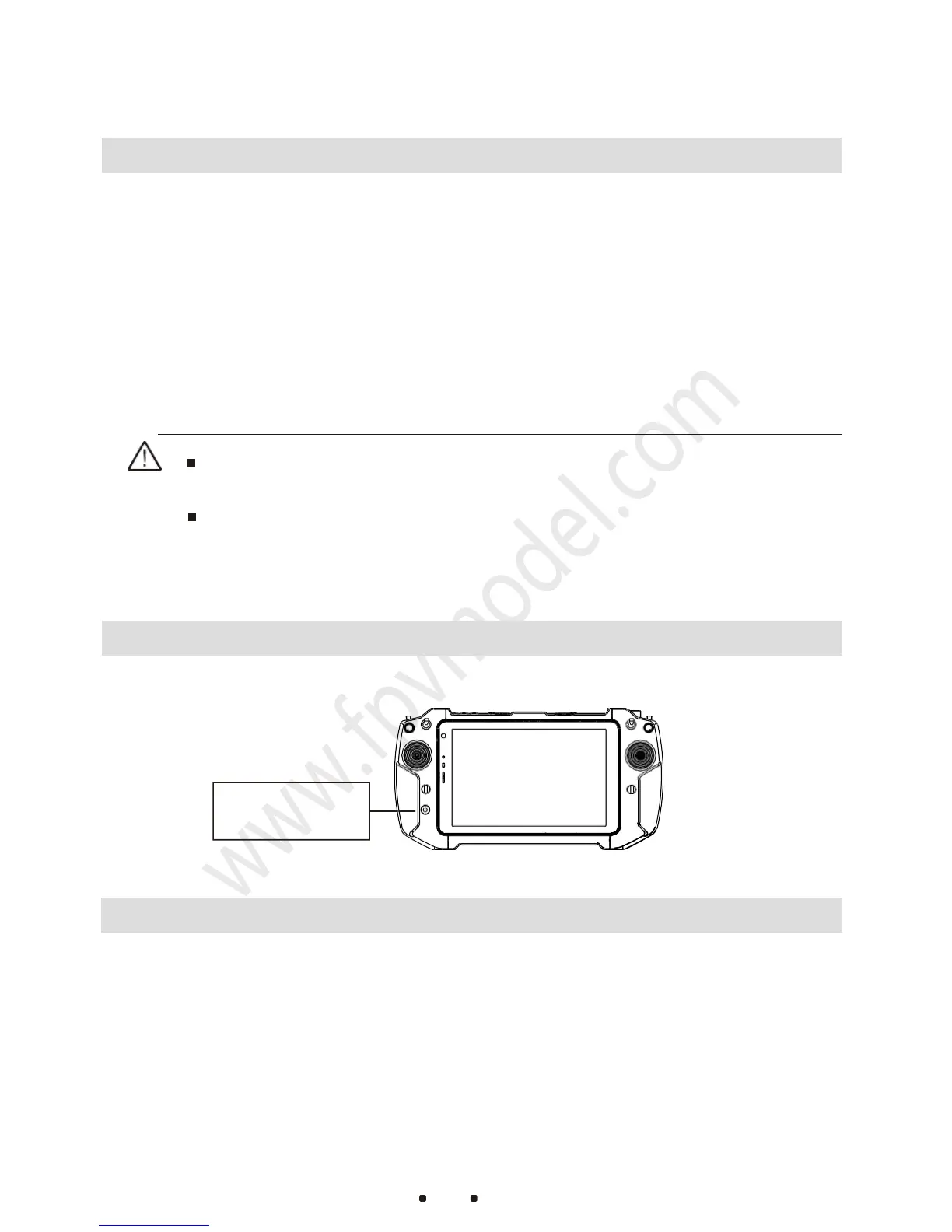
Tablet Computer Power ON and OFF
1. Press and hold the computer power button.When you see the startup
screen, release the button.
2. After the computer is turned on, you can check the remaining power
through the battery indicator in the lower right corner of the desktop. If
the power is less than 20%, please charge it in time.
3. After using the computer, you can shut down the computer through the
computer shutdown interface.
If the computer cannot be turn on by long-pressing the power
button, please use the charger to recharge the computer to
activate and try it again.
Remote Controller Power ON and OFF
Low Battery
:
When the battery level is detected to be 3.65V,the remote controller
will sound a “beep-beep”alarm and the remote controller power indicator will flash
red. When the battery level is lower than 3.65v, the remote controller will
automatically shutdown for protection。
No operation for a long time:When the joysticks or the switches have no operations
on them for 10 minutes, the remote controller will sound a continuous “beep-beep”
alarm . At this time, if any joysticks or switches are toggled, the alarm sound will be
automatically shut down.
If the computer is not in use for a long time, please turn it off to avoid standby



 To Next Page