F3Dn Service Manual Component Adjustments / Section 3.4
For Technical Support, Call 800-537-2653. Copyright 2006 Franke, Inc. All rights reserved.
3.4 Adjusting “Standard” Load Sizes
Problem: The F3Dn ships from the factory with load size set
at McDonald’s Operational Standards for: either US or
EU/International standards. The Operator wants to change
standard load setting, most typically to increase the
dispensed load of frozen fries.
Factory-Set Load Sizes:
Load Size* For US Calibration
For EU/Int. Calibration
SMALL .5 lb. [230 gm.] .7 lb. [312 gm.]
MEDIUM 1.0 lb. [454 gm.] .9 lb. [418 gm.]
LARGE 1.5 lb. [680 gm.] 1.3 lb. [625 gm.]
NOTE: The first load dispensed is always the default [Small] size.
Changing Factory Set Load Sizes:
The Main Control Board and its Load Cell Calibration
Program are used to change standard load sizes. See
Section 3.7 Load Cell Calibration and follow all steps
described.
Some Notes & Tips:
1) Making a load size adjustment increases or decreases
the load size for all three control panel settings: LARGE,
MEDIUM and SMALL by the same amount.
2) Remember to make the same adjustment for BOTH
dispensing lanes.
3) It is suggested that the operator use a small scale to
determine average weight of 5 or 10 basket loads from
each lane, to improve accuracy of measured weights.
4) Remember, the first basket load from each lane may
have been weighed before the load size change took
effect. Do not judge new weight setting by first loads
from either Lane.
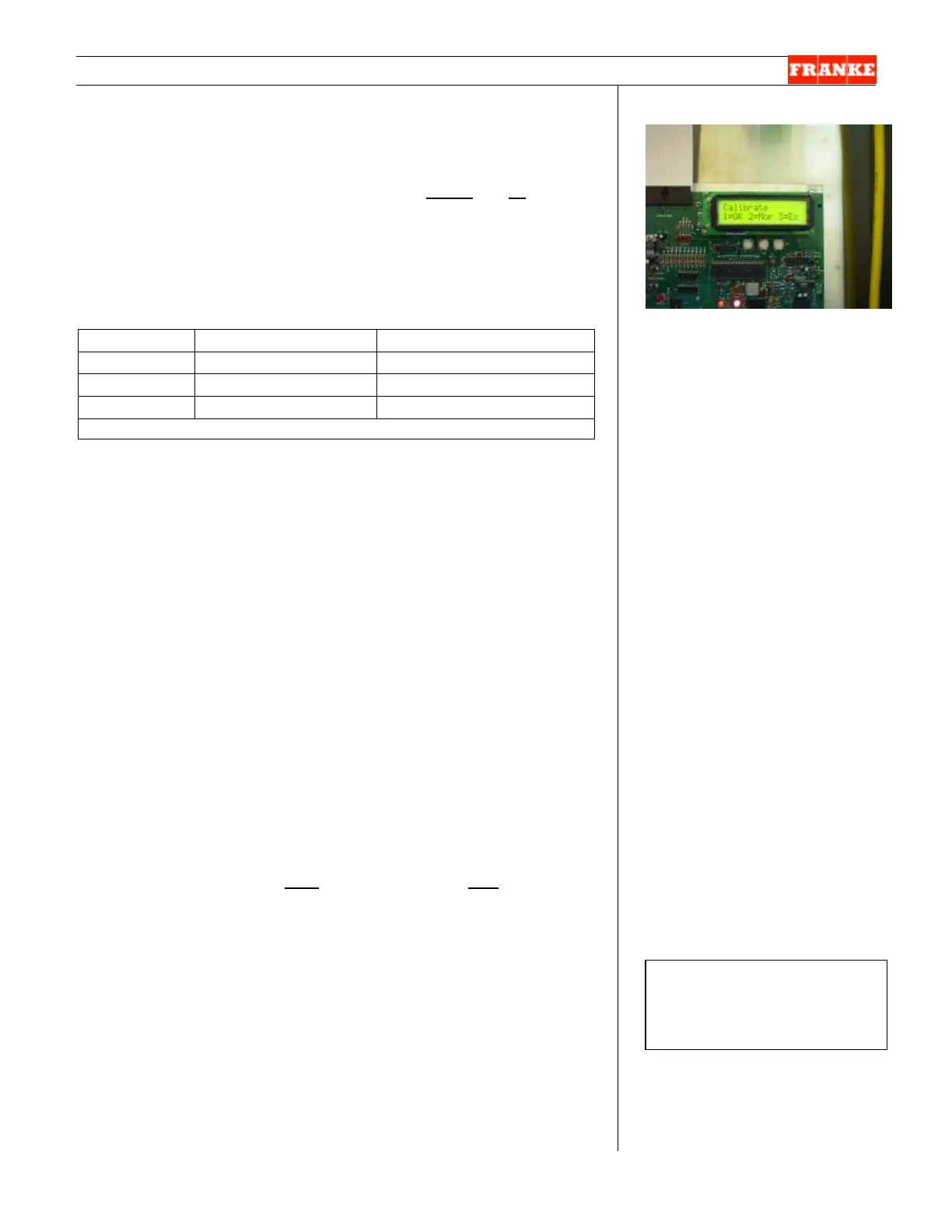
[Photo 1]
There are two Main Control
Boards, one for each Lane. Load
size adjustment is accomplished
by following the Load Cell
Calibration Program steps listed
in Section 3.7
Rev. 1 11/06



 To Next Page