F3Dn Service Manual Calibration / Section 3.7
For Technical Support, Call 800-537-2653. Copyright © 2006 Franke, Inc. All rights reserved.
3.7 Load Cell Calibration Continued:
Test Lane Load Cell Calibration:
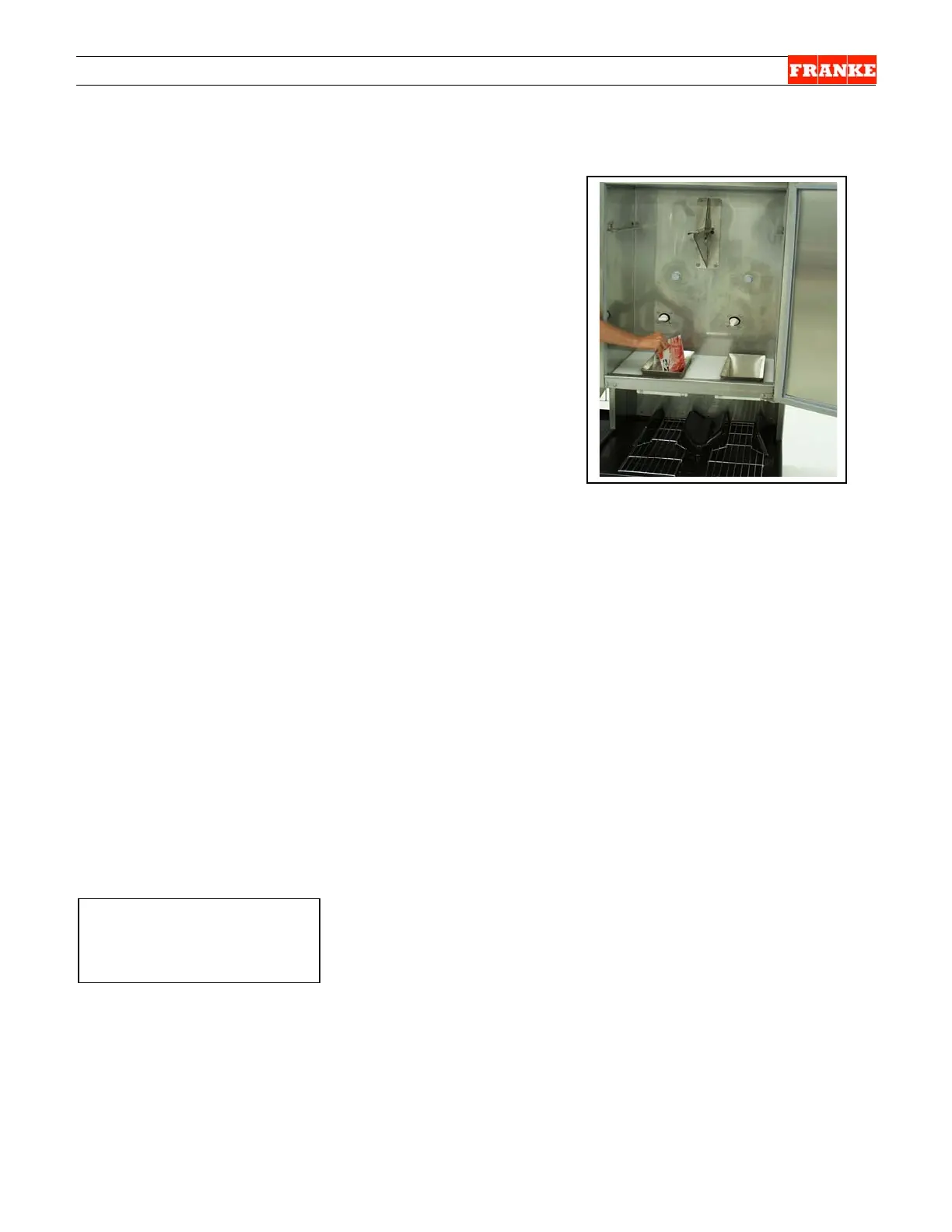
10) Dispense several loads from this lane at each size:
Small, Medium and Large, to verify calibration
procedure has been completed successfully.
11) Refer to Section 3.4 for adjusting “Standard” load size,
if this is required by operator preference.
12) Replace rear service access panel.
13) Return F3Dn to normal operating position.
If a calibrated 1.5 pound/681 gram weight
is not available, use six 4:1 frozen
hamburger patties.
Rev. 2 11/06
¾



 To Next Page