9
No 4G LTE
SIM card or
SIM card error
A 4G LTE SIM card is either missing or there was an
error reading the SIM card. Insert or replace the 4G
LTE SIM card
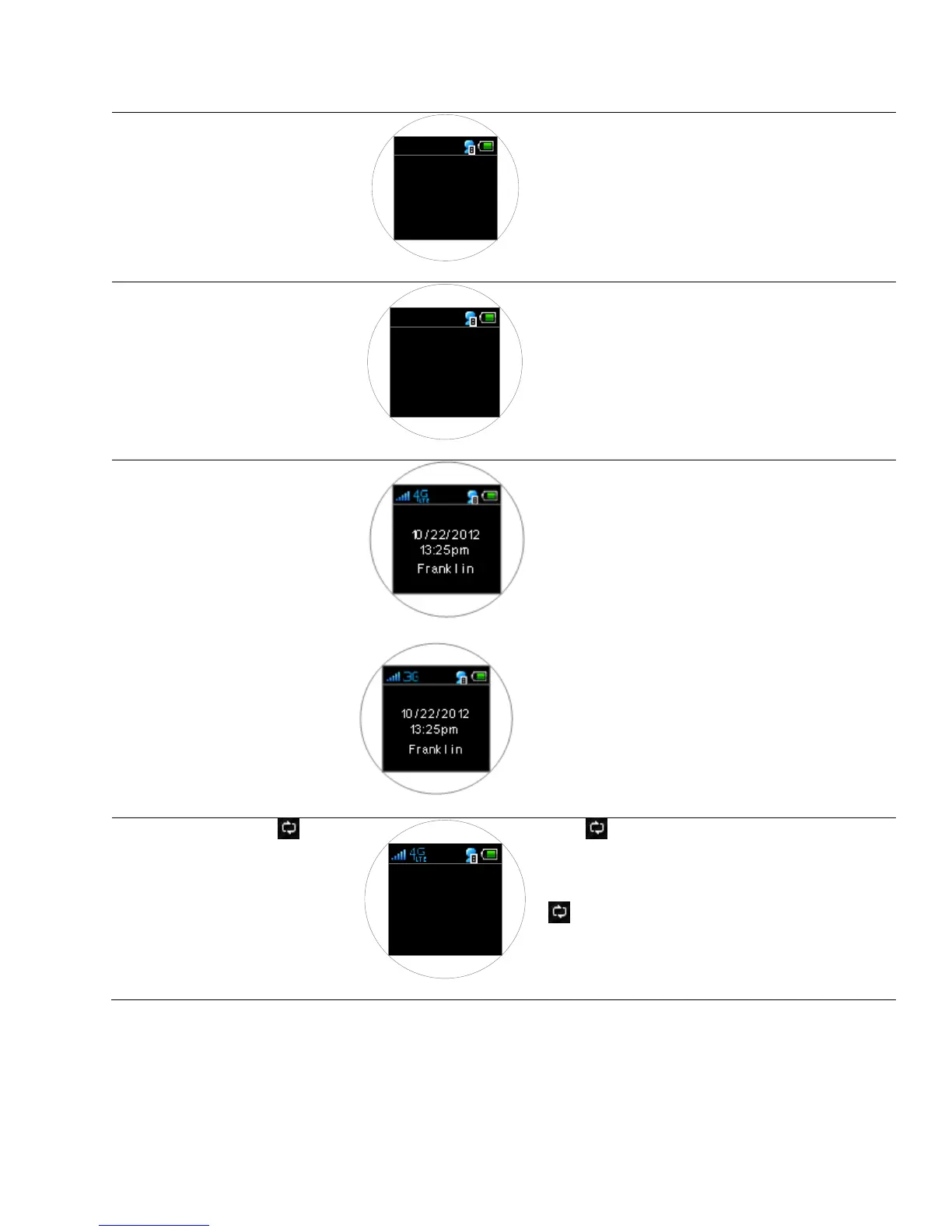
Searching for a
network signal
Your 4G LTE Mobile Hotspot is searching for
network service. Only the connected device and
battery icons appear.
When a 4G LTE service is acquired, the signal
strength icon & 4G service icons will display. The
Date/Time/ Banner text also displays. The default
banner is Franklin Wireless. You can edit and
personalize the banner from the Web User Interface
by going to: Setting > Advanced Settings > General
Settings > Banner Setting.
When 4G LTE is not available and 3G service is
acquired, the signal strength icon & 3G service
display. The Date/Time/Banner text also displays.
2.52 MB used
Since
09/ 07/ 2012
Press button once to display the data usage.
The “xxxx MB used since [date]” message appears for
10 seconds and returns to the main screen unless the
button is pressed again to return to the main
display.



 To Next Page