10
Press and hold
button for 2
seconds.
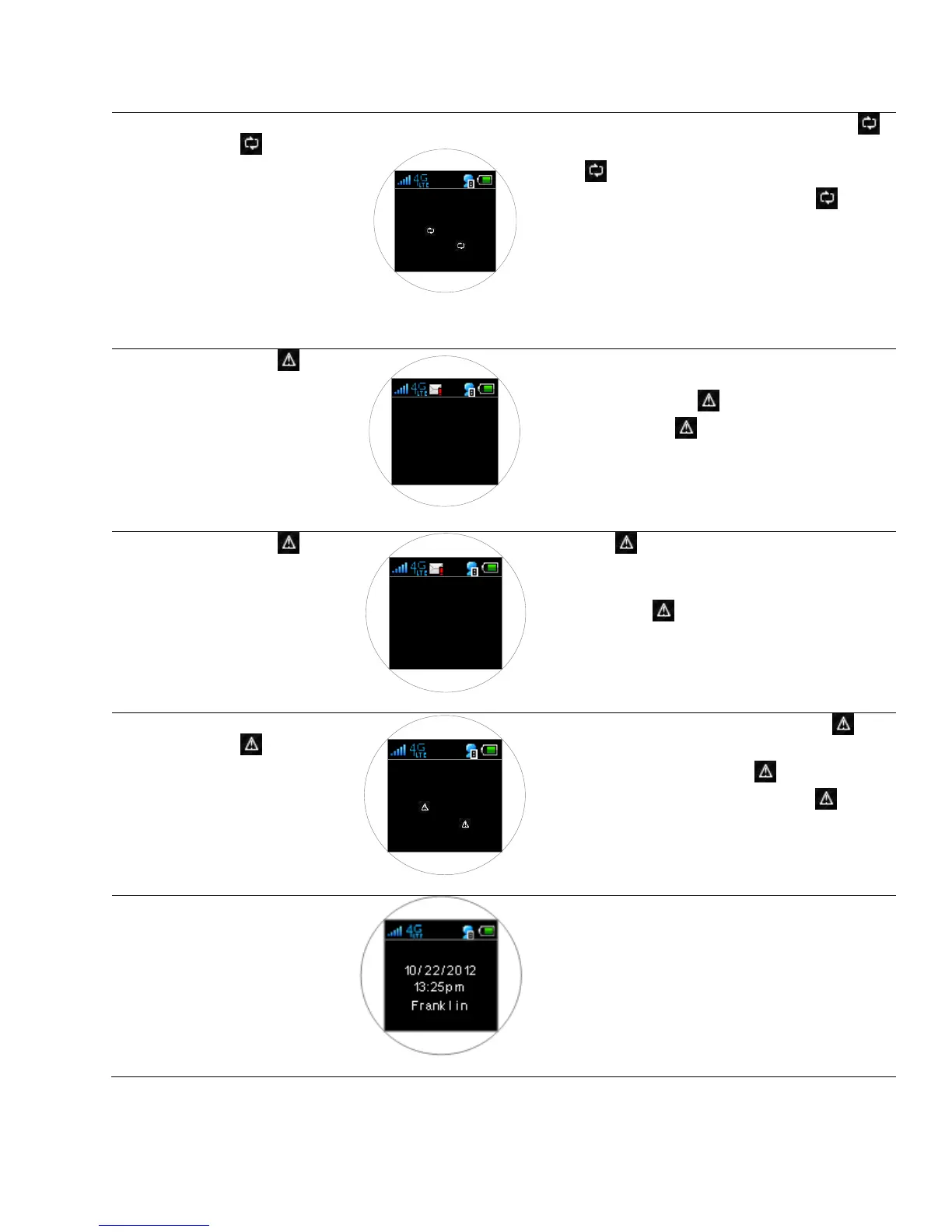
Reset usage?
Yes: hold down
for 2 sec
No: press
While the data usage is displayed, press and hold
button for 2 seconds. A warning message will display,
press button once to keep current usage data and
to return to main display or press and hold button
for 2 seconds again to reset the data usage to zero.
Note: The usage data is measured by your 4G LTE
Mobile Hotspot for your reference only.
Franklin’s data usage accounting may
slightly differ.
[1/ 2] 0 9/ 12/ 12 09:19pm
You have used
90 % of
wireless data
allowance until
June 30.
The message icon appears when your 4G LTE Mobile
Hotspot has an alert message or a network generated
messages (SMS). Press button once to display the
first message. Press button again to display the
next message. Each message has the header in the
form of [message no./ the total number of messages]
[received date & time]
Each time button is pressed, messages display one
by one in the order of occurrence or arrival. After
displaying the final message, “End of Massage” is
displayed. Press button again to return to the main
screen
Press and hold
button for 2
seconds.
Delete msg?
Yes: hold down
for 2 sec
No: press
When a message is displayed, press and hold for 2
seconds to delete a message. Once the warning
message appears, press and hold button for 2
seconds again to confirm deletion or press button
once to revert deleting and move to the next message
or to the main screen.
Connected
device icon
display
When there are multiple devices connected through
Wi-Fi to your 4G LTE Mobile Hotspot, the connected
device icon displays with the number of connected
devices.



 To Next Page