9
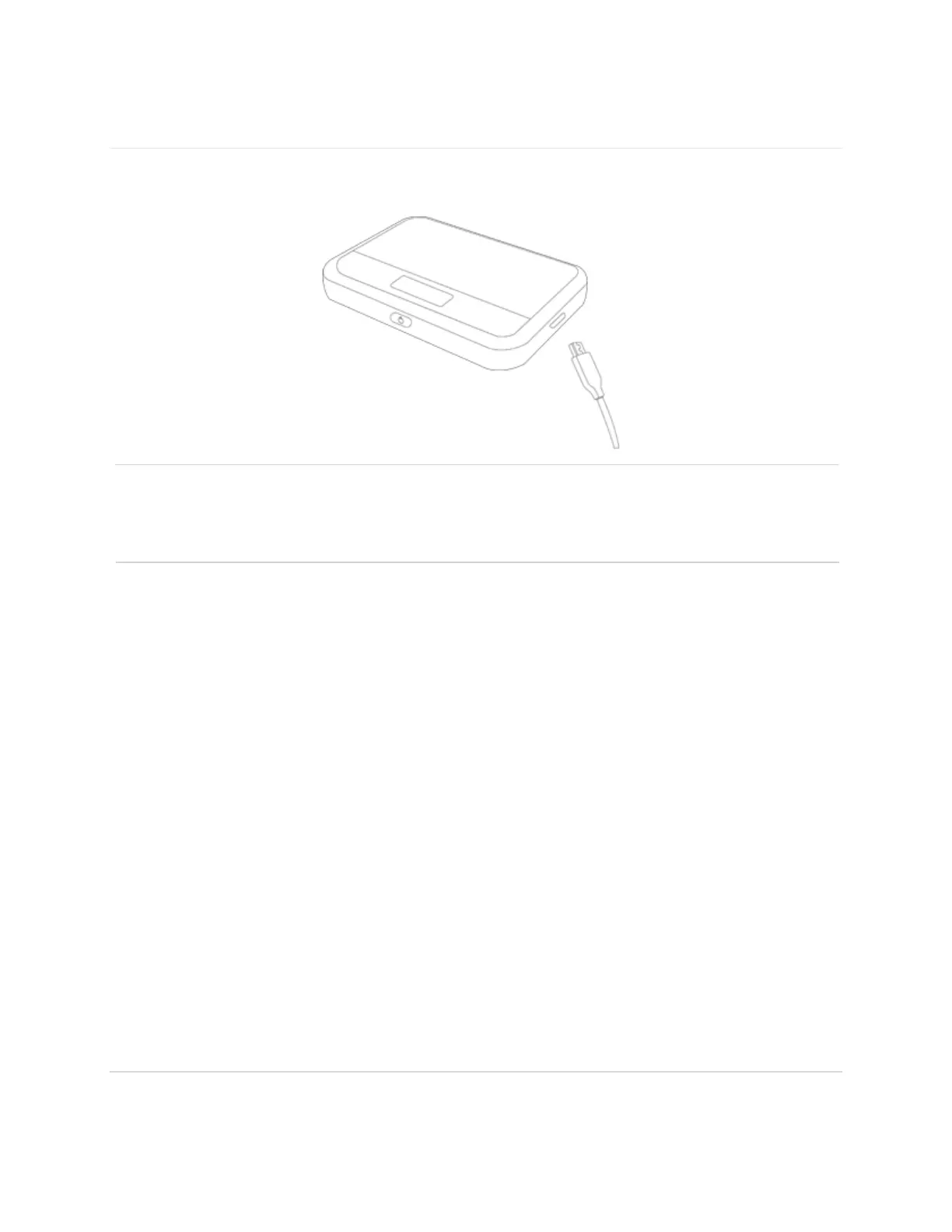
Charging the Battery
Before using your mobile hotspot, ensure that the battery is fully charged. Be sure to use the
charger that came with your device.
NOTE: Your T9 is equipped with a replaceable rechargeable battery. When handling the battery
or SIM card, please make sure the device is not connected to any power sources. Do not use any
tools, sharp objects or any utensils when dealing with the battery. Doing so may cause damage
that voids your warranty.
It normally takes 3~5 hours, depending your power sources and device status to fully
charge the battery.
The battery discharges faster as additional devices connect to your hotspot.
Battery life depends on the network, signal strength, temperature, features, and active
connection time.
When charging, keep your device near room temperature.
Never leave the T9 in an unattended vehicle due to uncontrolled temperatures that may be
outside the desired temperatures for your device.
It is normal for batteries to gradually wear down and require longer charging time.



 To Next Page