14
Managing Your Mobile Hotspot
Access the T9 Mobile Hotspot home page
You can access your Mobile Hotspot device information using an internet browse.
Access T9 Mobile Hotspot using a browser
1 Connect your Wi-Fi capable device to the T9.
2 Open a web browser on your connected device and open your home page by entering
either http://mobile.hotspot or http://192.168.0.1.
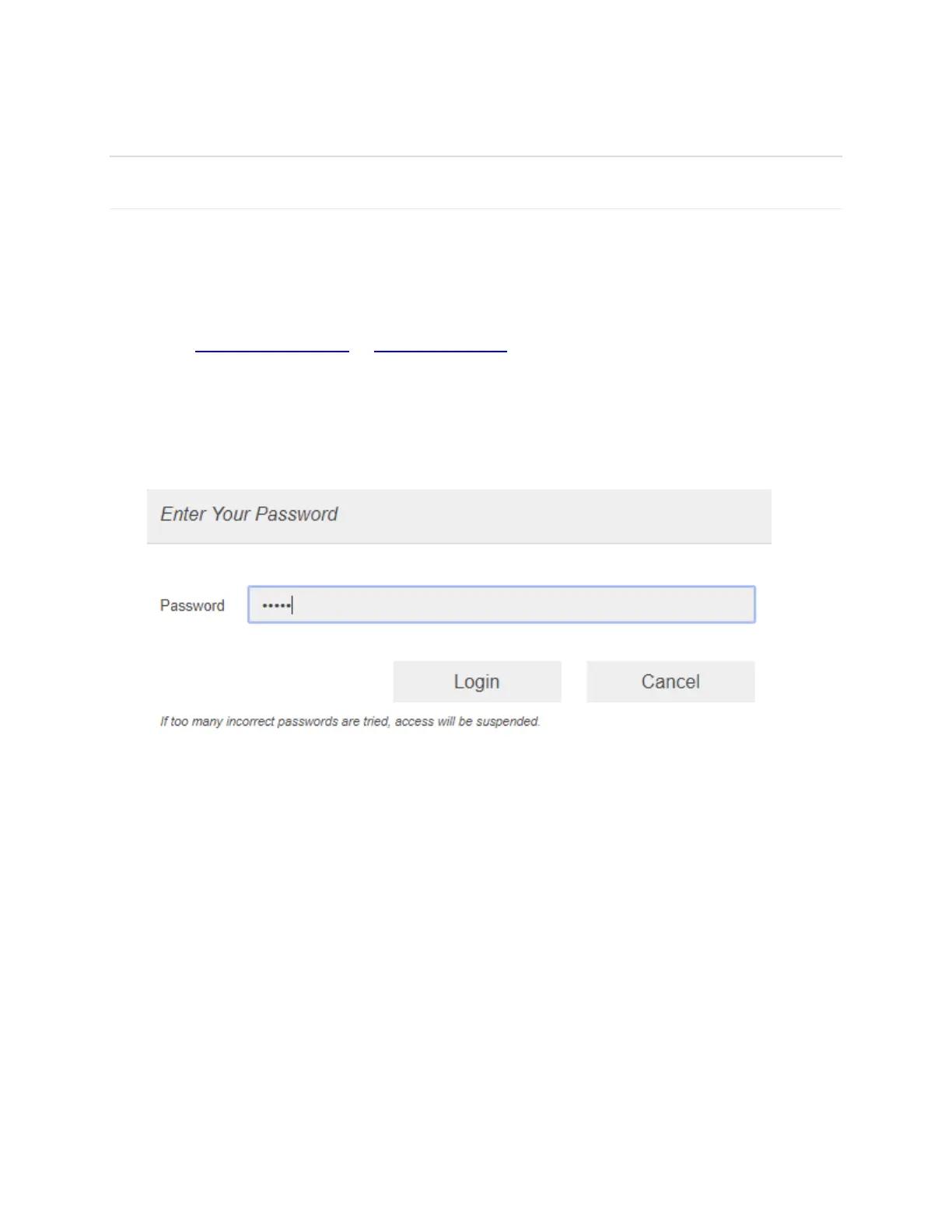
3 Enter the password and Click Login. If you entered the correct password, the Web User
Interface screen appears.
NOTE: The default password is 'admin'. On your first login, you will be directed to 'Change
password'



 To Next Page