16
Messages
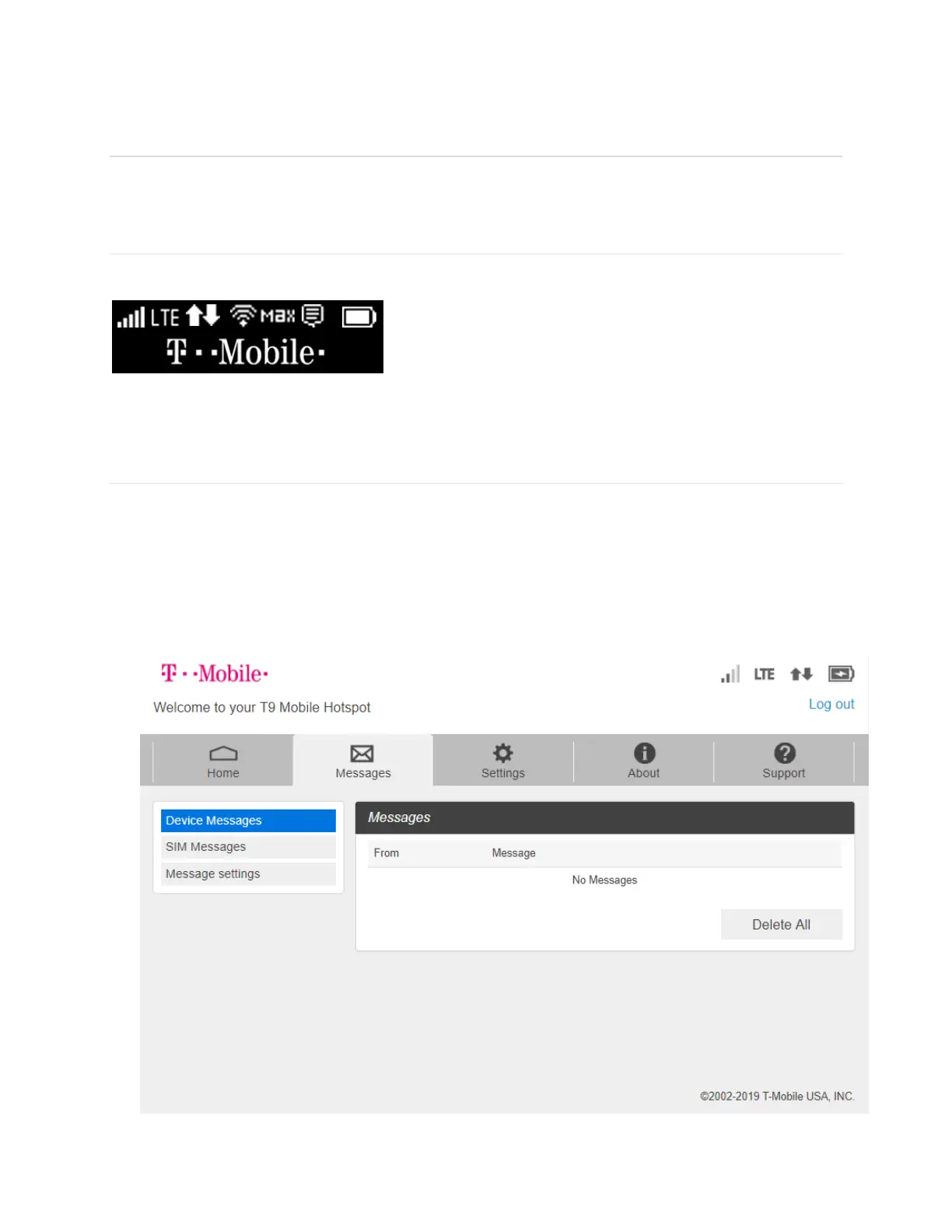
Messages page displays SMS messages sent to you by Wireless Carrier.
On the T9 device display
The number of unread messages displays to the right of the message icon.
When a new message arrives, the message icon appears. A maximum of 20 messages can be
stored.
On the T9 Mobile Hotspot Home page
You can see the message contents by pressing the Messages menu on your Mobile Hotspot
home page. To delete a selected message, click the trash bin icon to the right of the message
date and timeline. To delete all messages, click Delete All Messages button.
The Message page allows you to view the message contents by pressing the Device
Messages menu on your T9 Mobile Hotspot Admin home page. To delete a selected
message, click the trash bin icon to the right of the message date and timeline. To delete all
messages, click Delete All button.



 To Next Page