12
Updating Your T9 software
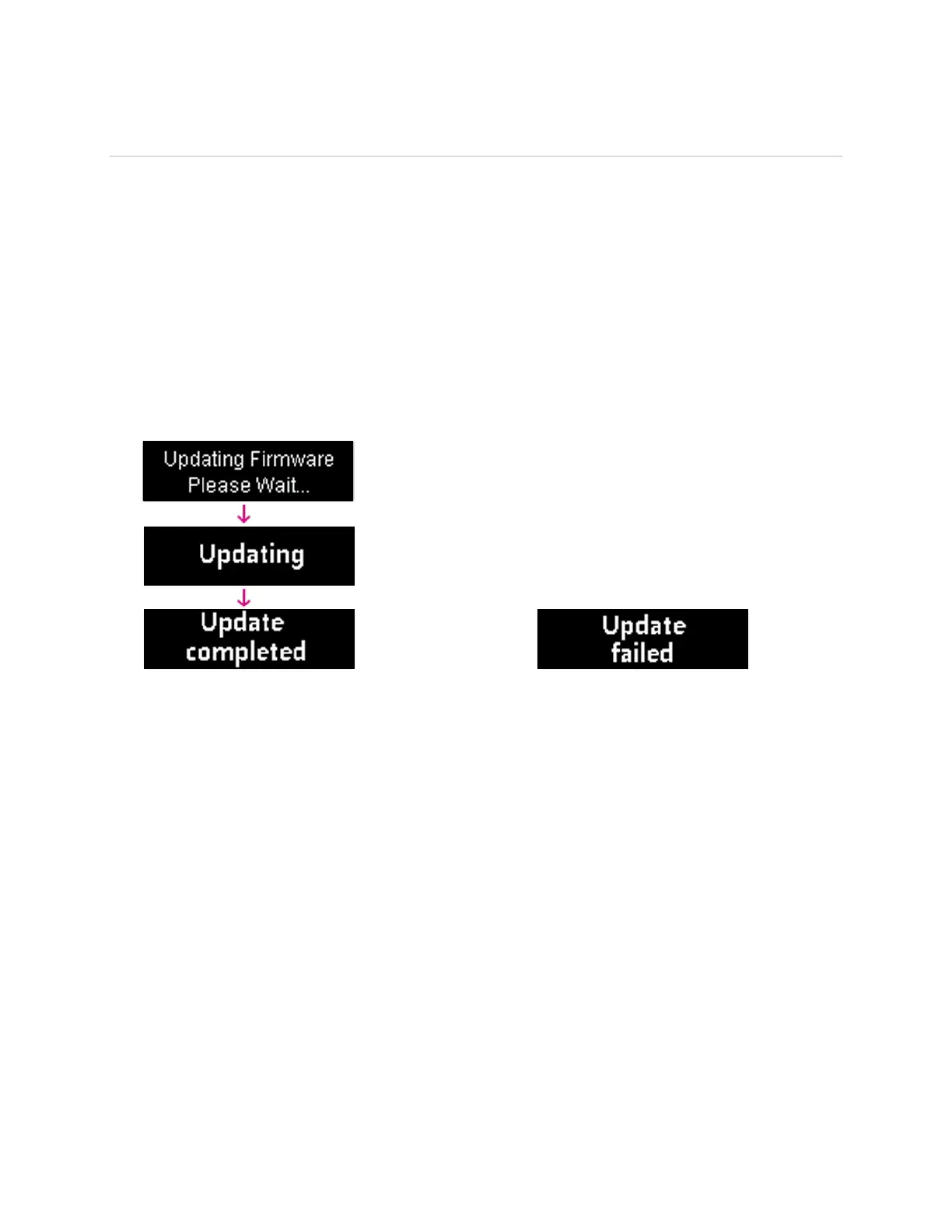
New software is updated automatically in the following scenarios.
1) Every power up the device will check for a new SW update.
2) If a new update is available it will be downloaded in the background and wait to be
applied on the next power off.
3) The device must have at least 40% battery or 20% on charger to apply an update.
4) If the device is on AC power all the time and an update is available the device will
download and wait to apply the update in 48 hours between the hours of 2-4am. It also
will be updated when the device turns off.
5) If there is traffic or data activity for at least 1 minute at the 2-4am window the device will
wait until next day 2-4am window (24 hours later) to apply the update.



 To Next Page