37
Overview
The following tips can help solve many common problems encountered while using the T9.
First Steps
1 Make sure you are using your T9 in the correct geographic region (within coverage).
2 Ensure that your wireless coverage extends to your current location by using the interactive
Wireless Carrier’s coverage map tool.
3 Ensure that you have an active service plan.
4 Restarting your computer and your T9 can resolve many issues.
IMPORTANT! Before contacting customer care, be sure to restart both your T9 and any device
that is currently connected.
Common Problems and Solutions
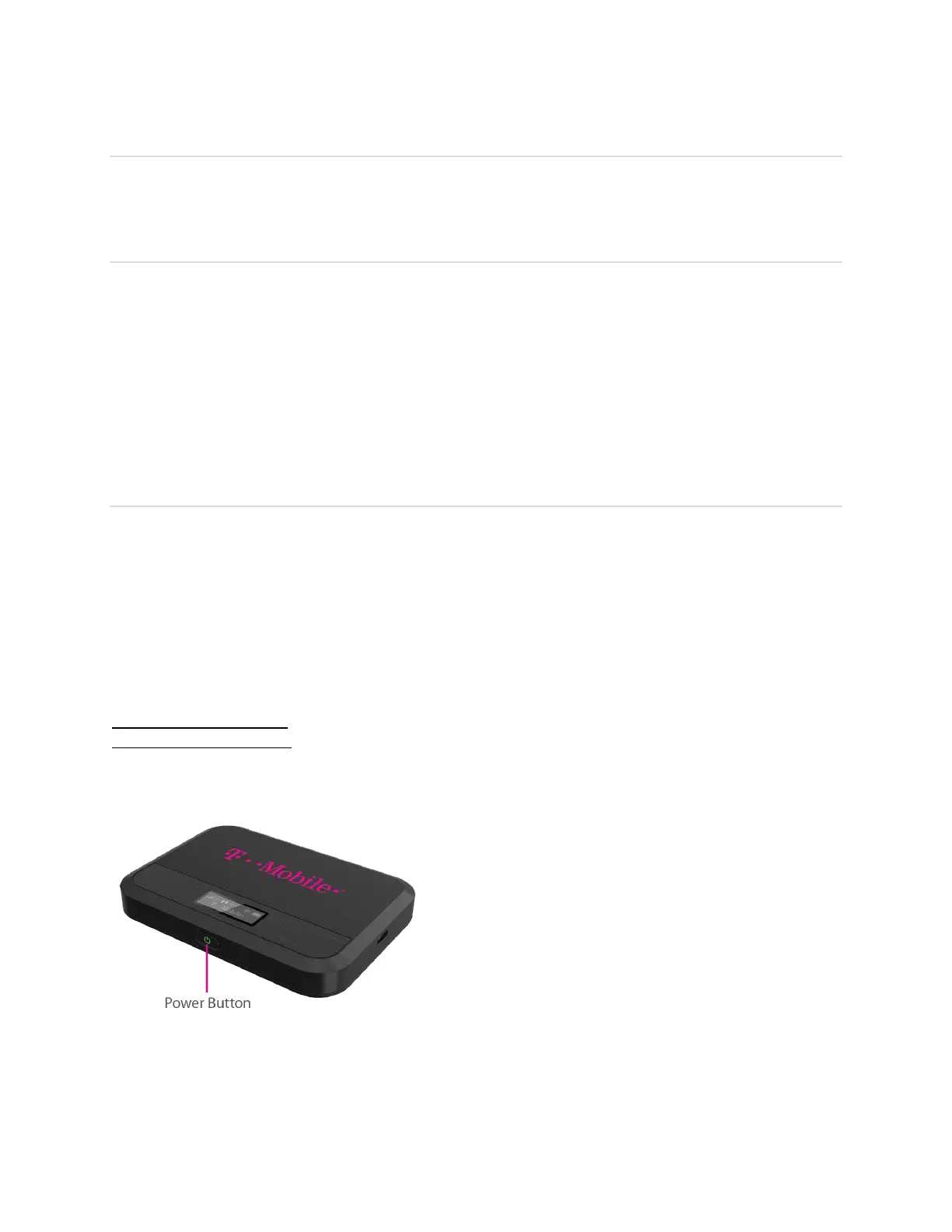
T9 just powered off without pressing the Power/Menu button. Why?
This may occur under Battery depletion.
To restore power, manually press and hold the Power/Menu button to turn on your T9. If the
battery is depleted, charge the battery with the AC charger provided.
IMPORTANT! If the power button will not start your T9, please try Power Reset (see How do I
perform a Power Reset on T9? below).
How do I perform a Power Reset on T9?
Using the power button: Press and hold the power button for 10 seconds until the T9 restarts.
By replacing the battery: If pressing and holding the power button for 10 seconds does not
restart the T9, open the battery cover, take out the battery and re-install the battery after 5
seconds. Put the battery cover back and turn on the T9 by pressing the power button.



 To Next Page