30
- Firewall
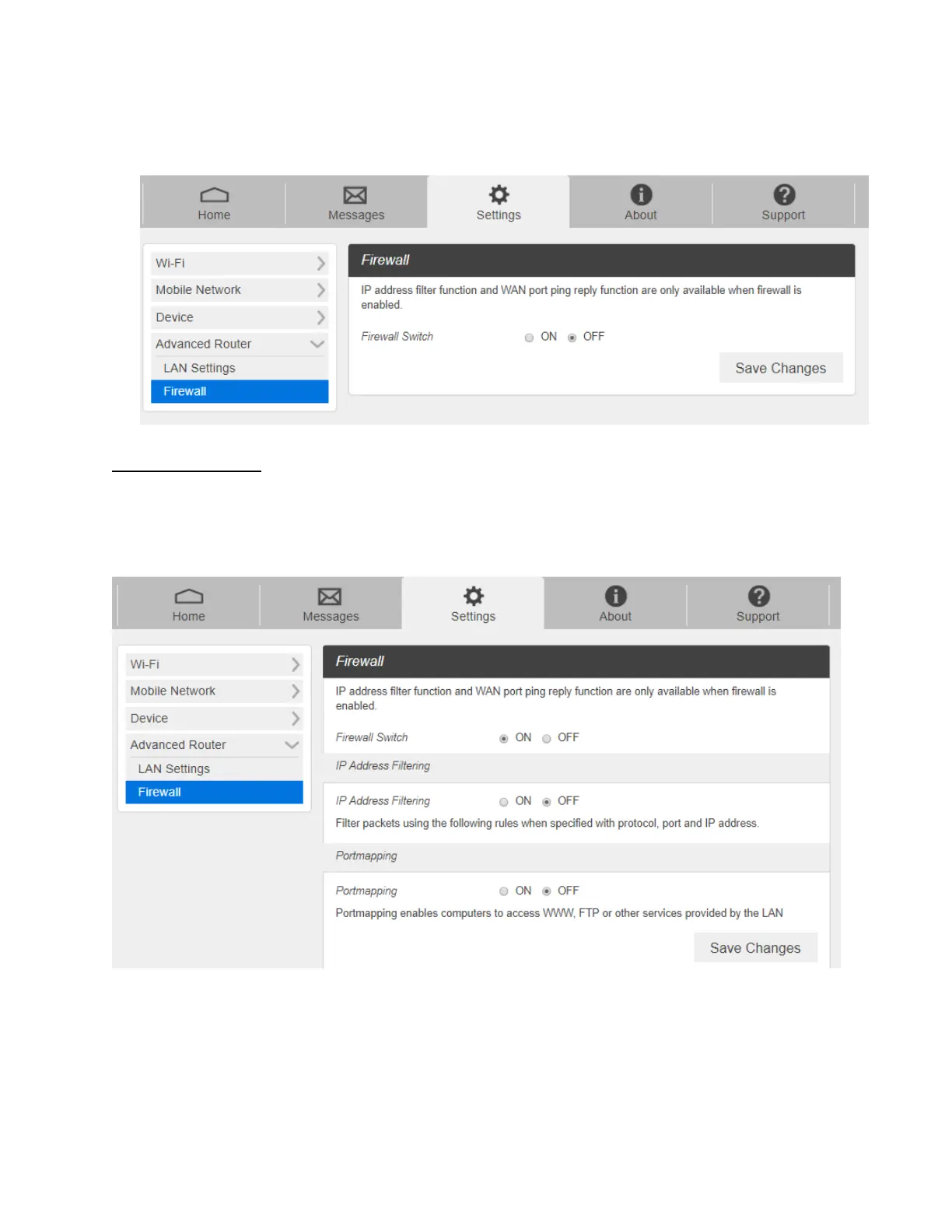
From the Web UI, click Settings > Advanced Router > Firewall. You may set up firewall
rules to protect your network from virus and malicious activity on the Internet.
IP Address Filtering
To set IP Address Filtering rules, follow the steps below:
1. Turn on the Firewall Switch.
2. Turn on the IP Address Filtering.



 To Next Page