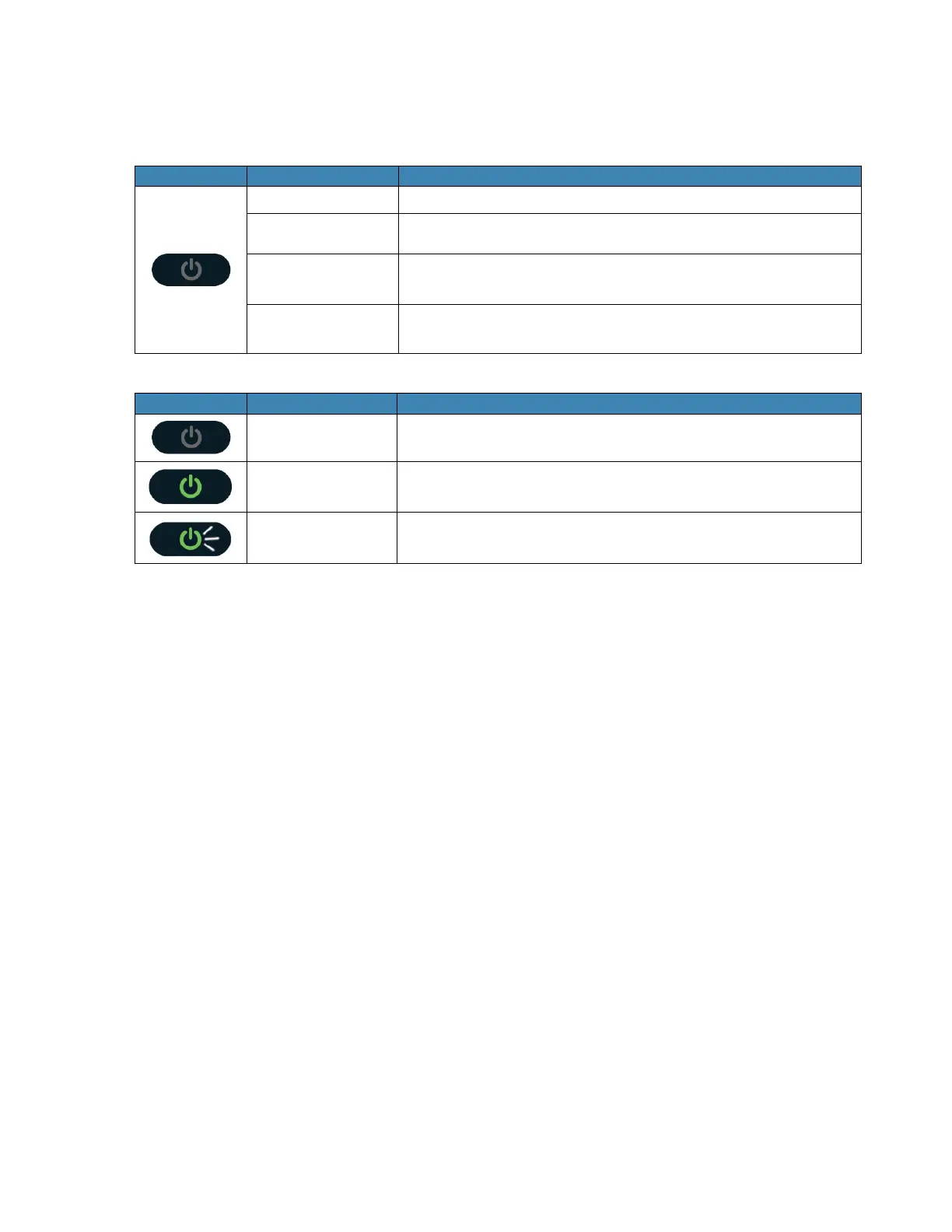
When the display is off (sleep mode), the first quick press
of the button wakes up the display.
When the display is on, press the button quickly to go
through the device menu and information.
2. Display – Provides device status information such as battery, service signal strength, the
number of users connected with Wi-Fi etc.
3. Charger Port – The USB charger connects here.
4. Back Cover Notch – Lift the notch to open the back cover.
5. Reset Button – To perform reset of your device, gently press and hold the button for 3
seconds, then release.
6. SIM Card Stopper – Lift the stopper to insert or replace the Nano SIM card.
7. Battery contact – Insert the battery to align with the battery contacts.
8. SIM Card Slot – The SIM card installation slot.



 To Next Page