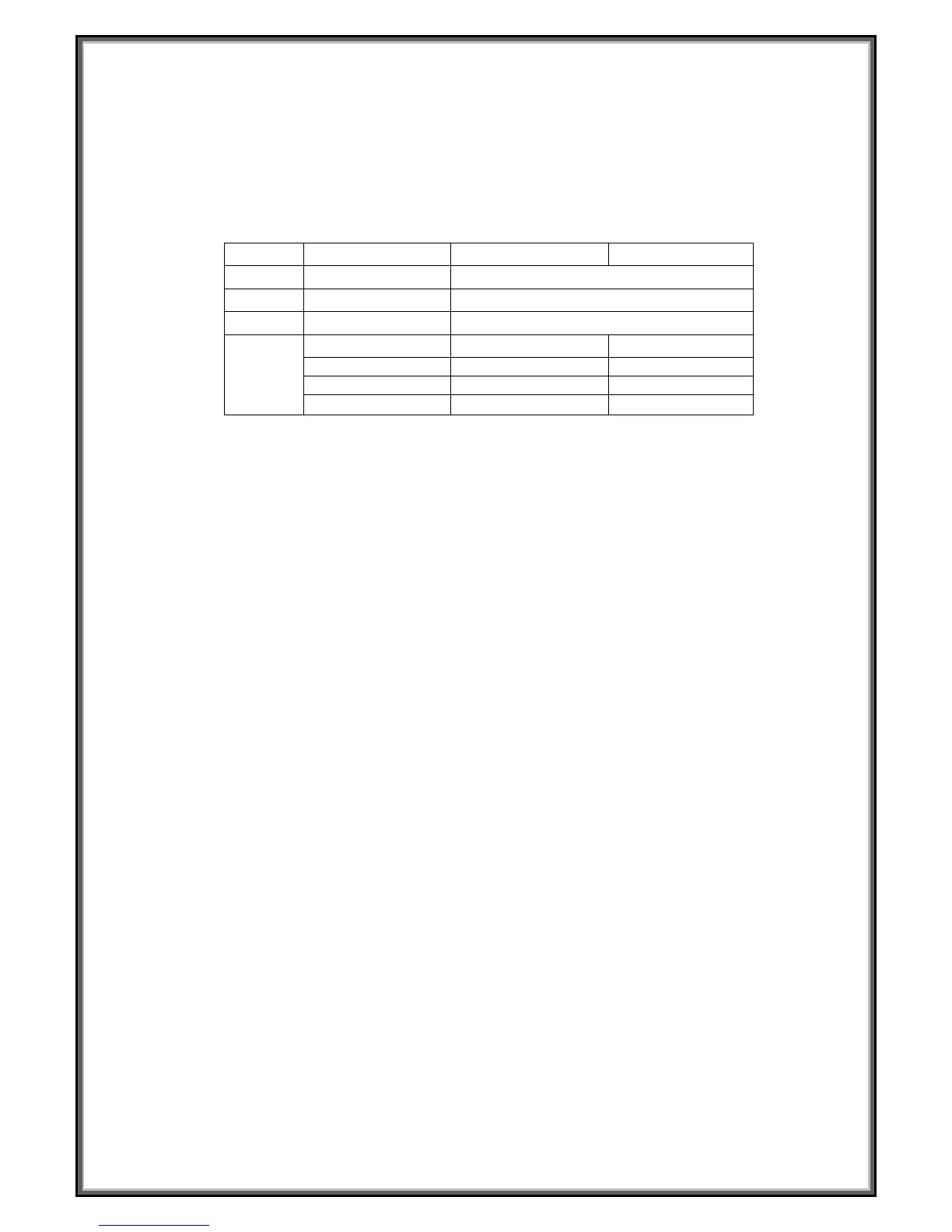
Press “SPEED+”、“SPEED -” to set F-1 – F4 ( refer to the following chart), after that, press “ MODE”
to set F-5, grasp the hand pulse, the window will display your body quality index after 3 seconds.
The body quality index is to test the relation between height and weight. The body FAT suits for any
male and female, to adjust the weight according it together with other body quality index. The idea
FAT should be 20-25, if under 19, it means too thin. If between 25 and 29, it means overweight, if
over 30, it means obesity. (The data is just for reference, can not be as medicinal data)
F-1
Sex 01 male 02 female
F-2
Age 10------99
F-3
Height 100----200
F-4
Weight 20-----150
F-5
FAT
≤19
Under weight
FAT =(20---25) Normal weight
FAT =(26---29) Overweight
FAT
≥30
Obesity
SAFETY LOCK FUNCTION:
Press the emergency stop button the treadmill will stop immediately. Then the treadmill will enter
into standby mode
POWER SAVE FUNCTION:
The system is with saving on power function, at the state of waiting for operation, if without any
operate, the saving on power function will be available after 10 minutes, the display will be closed
up. You can press any button to wake up the display.
TURN OFF:
Turn off the power: You can turn off the power to stop the treadmill; it won’t be damaged at any time.
CAUTION:
1. We recommend that you maintain a slow speed at the beginning of a session and hold on to the
handrails until you become comfortable and familiar with the treadmill.
2. Press the emergency stop button the treadmill will stop immediately. Then the treadmill will
enter into standby mode
3. Any question please contact with dealers.


 To Next Page