EasyManua.ls Logo

Freemotion Incline trainer - User Manual

Freemotion Incline trainer
42 pages
Print Icon
To Next Page IconTo Next Page
Loading...
CAUTION
Read all precautions and instruc-
tions in this manual before using
this equipment. Keep this manual
for future reference.
Model No.
Serial No.
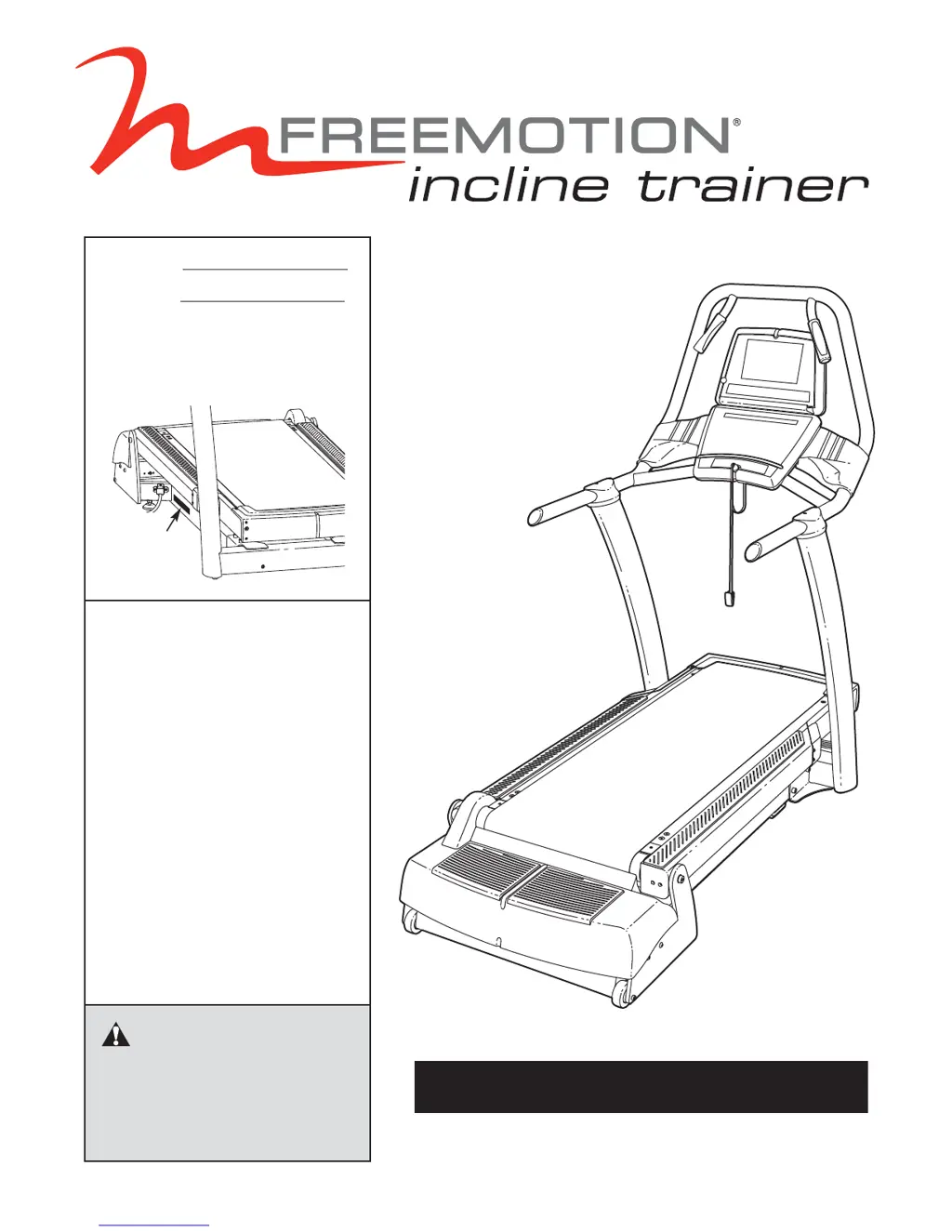
The model number and serial num-
ber are found in the location shown
below. Write the model number and
serial number in the space above.
QUESTIONS?
At FreeMotion Fitness, we’re
committed to providing complete
customer satisfaction. If you
have questions, see HOW TO
CONTACT CUSTOMER CARE on
page 2 of this manual.
USER'S MANUAL
Serial
Number
Decal

Questions and Answers

  • K
    Kayla JenkinsJul 26, 2025
    How to fix Freemotion Treadmill when the power does not turn on?
    • K
      Kathryn OwensJul 26, 2025
      First, ensure the power cord is plugged into a grounded outlet. Next, confirm that the key is correctly inserted into the console. Finally, check the reset/off circuit breaker located near the power cord and ensure it is in the 'reset' position.
  • C
    collinstravisAug 1, 2025
    How to fix Freemotion Treadmill walking belt slowing down?
    • L
      Loretta MorganAug 1, 2025
      If the walking belt slows down when you walk on it, it might be overtightened, which can decrease performance and damage the belt. To adjust, first remove the key and unplug the power cord. Then, using a 7/32" hex key, turn both idler roller adjustment bolts counterclockwise 1/4 of a turn.
  • D
    Darryl GreenAug 7, 2025
    What to do if the Freemotion Incline trainer walking belt slips?
    • S
      Steven MillerAug 7, 2025
      If the walking belt has shifted to the right, remove the key and unplug the power cord. Use a 7/32" hex key to turn the idler roller adjustment bolts in the indicated directions, 1/4 of a turn each. If the walking belt has shifted to the left, follow the same initial steps, but turn the idler roller adjustment bolts in the opposite directions, 1/4 of a turn each. If the walking belt slips when walked on, remove the key and unplug the power cord. Then, use a 7/32" hex key to turn both idler roller adjustment bolts clockwise 1/4 of a turn.
  • J
    Jordan MartinAug 13, 2025
    What to do if the Freemotion Incline trainer Treadmill power turns off during use?
    • R
      Rachel ThomasAug 13, 2025
      To resolve this, check the reset/off circuit breaker located near the power cord and ensure it's switched to the 'reset' position. Also, make sure the power cord is properly plugged in. Try removing and reinserting the key from the console. If the issue persists, inspect the walking belt and platform for wear, replacing them if necessary.
  • H
    Heather MillerAug 19, 2025
    Why the incline system does not function properly on Freemotion Treadmill?
    • M
      Michael GrayAug 19, 2025
      The incline system might need calibration. Turn the power switch off, wait 5 seconds, and then turn it back on to initiate the calibration process.

Summary

CAUTION

HOW TO CONTACT CUSTOMER CARE

IMPORTANT PRECAUTIONS

WARNING DECAL PLACEMENT

BEFORE YOU BEGIN

ASSEMBLY

HOW TO MOVE THE INCLINE TRAINER

HOW TO CONNECT THE INCLINE TRAINER

HOW TO UPGRADE THE CONSOLE

HOW TO USE THE BASIC CONSOLE

OVERVIEW OF THE CONSOLE

GETTING STARTED

HOW TO USE THE QUICK START MODE

HOW TO USE A MANUAL PROGRAM

HOW TO USE A FITNESS TEST PROGRAM

HOW TO USE A HEART RATE PROGRAM

HOW TO USE AN INTERVAL PROGRAM

HOW TO USE A WALK;RUN PROGRAM

HOW TO USE A TERRAIN PROGRAM

HOW TO USE A FITNESS OR RANDOM PROGRAM

HOW TO USE A CUSTOM PROGRAM

HOW TO USE THE MAINTENANCE MODE

HOW TO DISABLE THE SAFETY KEY

PREVENTIVE MAINTENANCE

WEEKLY MAINTENANCE

Routine checks and cleaning tasks performed weekly.

MONTHLY MAINTENANCE

Periodic checks and cleaning tasks performed monthly.

TURNING THE WALKING PLATFORM

REPLACING THE WALKING BELT

REPLACING THE WALKING PLATFORM

SIX-MONTH PREVENTIVE MAINTENANCE RECORD

TROUBLESHOOTING

EXERCISE GUIDELINES

WEIGHT LOSS TIPS

EXERCISE STEPS

Freemotion Incline trainer Specifications

General IconGeneral
Running Surface22" x 60"
FoldingNo
Speed Range0.5 to 12 mph
Heart Rate MonitoringBluetooth Chest Strap Compatible
ConnectivityBluetooth, Wi-Fi

Related product manuals